

SurFast Video Downloader
SurFast Video Downloader –
Download Videos from YouTube and More
Effortlessly download videos, audio, thumbnails, and subtitles from over 1,000 sites, including YouTube, Instagram, Facebook, TikTok, and X. Enjoy ultra-high resolutions like 8K, 4K, and 1080p, with flexible formats such as MP4, MP3, GIF, and more.
Loved by 450,000+ users worldwide
100% Virus-free
Rated 4.8 on Trustpilot

Extension Integration
Multi-Platform Support
Simple Clipping
8K Downloads
15+ Formats
Full-Featured Video Downloader
Our comprehensive video download app provides all the features you need to download videos from the internet. It’s fast, simple, and effortless.
1,000+ Websites Support
Our Windows and Mac video downloader supports downloading videos from social networks, video-sharing platforms, and cloud storage services. See the full list of supported sites here.
SurFast Video Downloader makes it easy to download videos from YouTube to PC or Mac in your desired video resolution, up to 8K. Whenever you need to convert YouTube to MP4, MP3, or another video/audio format, you can let it help.
This video downloader for PC and Mac works well for TikTok downloads, enabling you to download TikTok video without watermark in HD, FHD, 2K, or higher. Even if you want to download TikTok videos that can’t be saved, it will do you a favor.
This smooth downloader can successfully download Facebook videos, reels, and more in your favorite format and quality, making it an ideal choice for downloading Facebook live videos.
As a comprehensive video downloader for PC and Mac, this tool can help you effortlessly download X videos, save Twitter GIFs, convert any Twitter video to GIF, and convert X videos to MP3, as long as needed.
Whenever you need to download Instagram videos for offline watching, convert Instagram to MP4 for better compatibility, or download Instagram Reels for sharing, this tool can fulfill your needs perfectly.
Want to download SoundCloud songs and convert SoundCloud music to MP3 in high quality? Are you looking to download a SoundCloud playlist or album in bulk? Use our music downloader to save your favorite music right now!
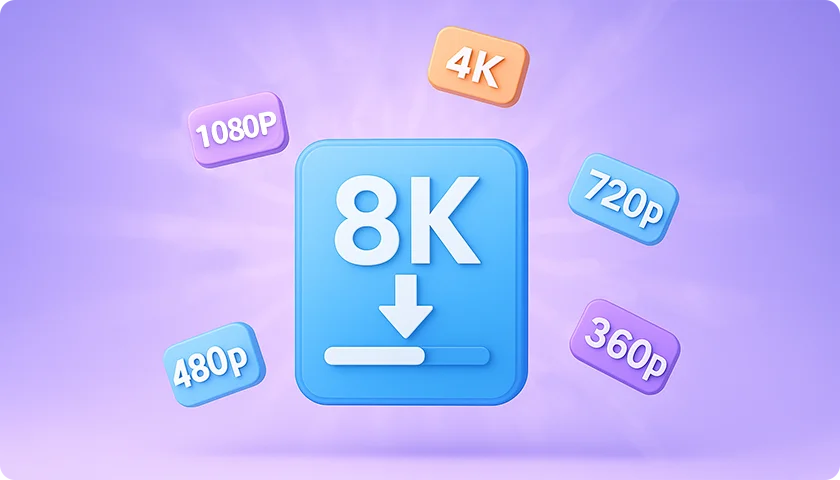
8K Ultra HD Download
Whether you need an HD, FHD, or 4K video downloader, SurFast Video Downloader has you covered. It supports downloading videos in any resolution from 128p up to stunning 8K quality.
8K (7680×4320)
4K (3840×2160)
2K (2560×1440)
1080p
720p (1280×720)
SD (480p, 360p)
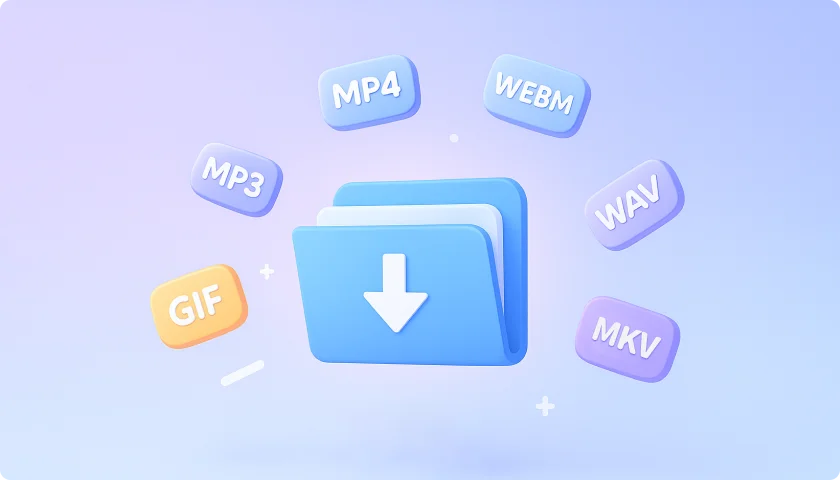
15 Output Formats
Our tool supports all mainstream formats for universal compatibility. You can seamlessly download MP4 videos, convert videos to MP3, or generate GIFs from any source.
MP4
WebM
MOV
AVI
FLV
MKV
GIF
MP3
WAV
M4A
FLAC
OGG
AAC
ALAC
OPUS
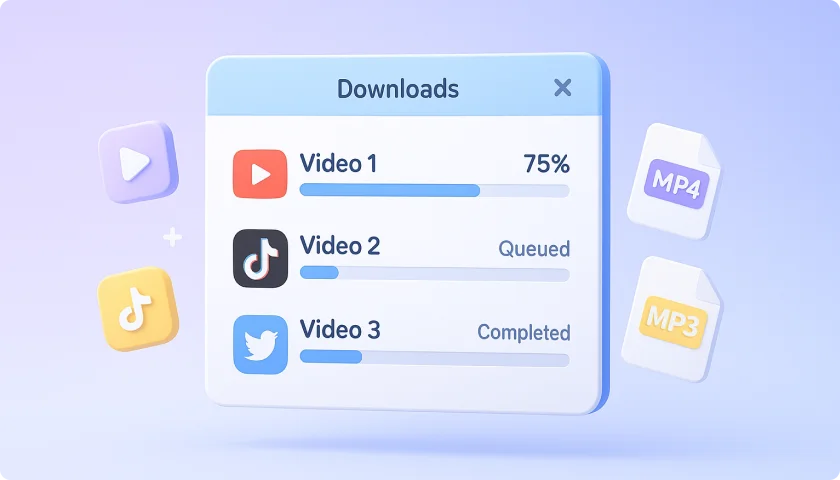
Efficient Bulk Downloads
You can effortlessly download entire YouTube playlists/channels or save all videos from a TikTok profile with just one link. For bulk tasks, simply paste multiple URLs to download everything at once.
Flexible Clipping
Private Video Download
Scheduled Download
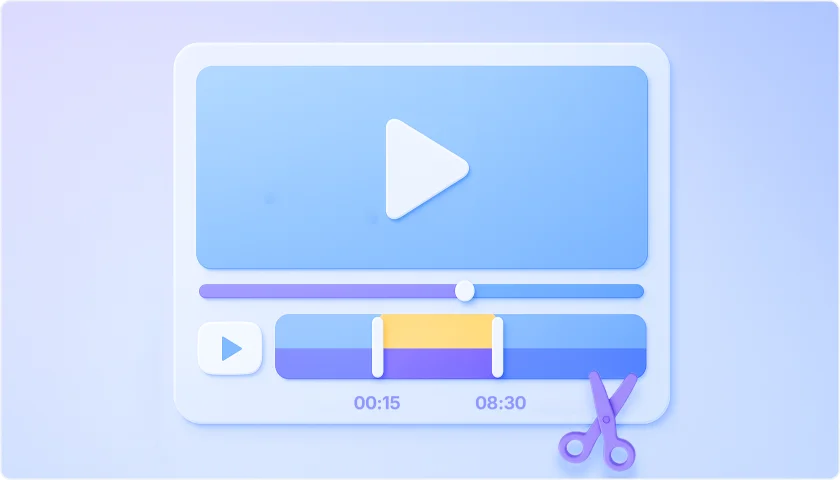
Flexible Clipping
You can download only the segments you need from any video. For example, you can download YouTube clips by simply setting start/end timestamps, no full downloads required.
Private Video Download
You can download any video content, whether public videos, live streams, or private videos. Feel free to save YouTube live streams or download private Facebook videos for offline viewing.
Scheduled Download
Keep up with your favorite content effortlessly. For playlists, channels, or YouTubers, the tool checks for updates at your preferred frequency and downloads new videos automatically. For upcoming live streams, it will automatically save the broadcast once it starts, no need to monitor manually.

Universal Audio Downloader
Our all-in-one music downloader lets you download audio from any website or platform with ease. Whether you want to save online audio files directly or extract audio from videos, this tool handles it all.
Multi-Platform Support
All Audio Types Supported
8 Audio Formats
High-Quality Output
2 Ways to Download
Multi-Platform Support
Download or extract audio from 1000+ platforms and convert any link to MP3, WAV, FLAC, or other formats in one click.
All Audio Types Supported
Easily download all audio content, including music tracks, podcast episodes, audiobooks, sound effects, and more.
8 Audio Formats
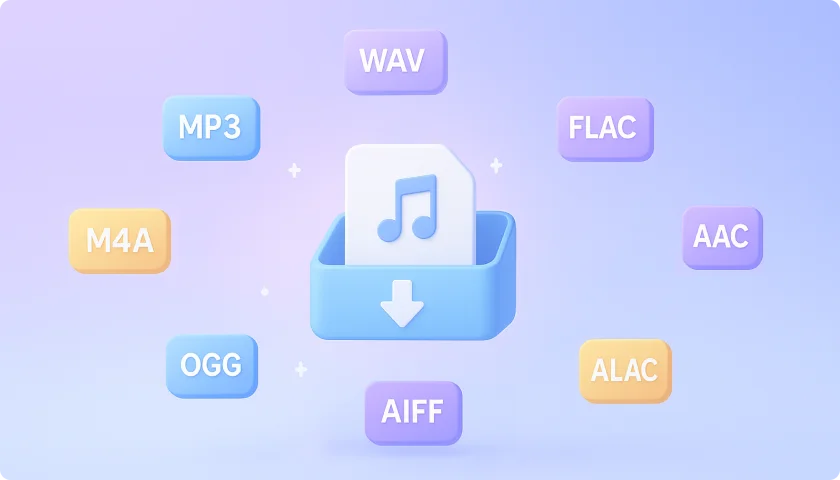
This music downloader provides 8 specialized audio output formats to meet all needs. Choose between lossless quality for perfect fidelity or compressed formats for smaller file sizes.
High-Quality Output
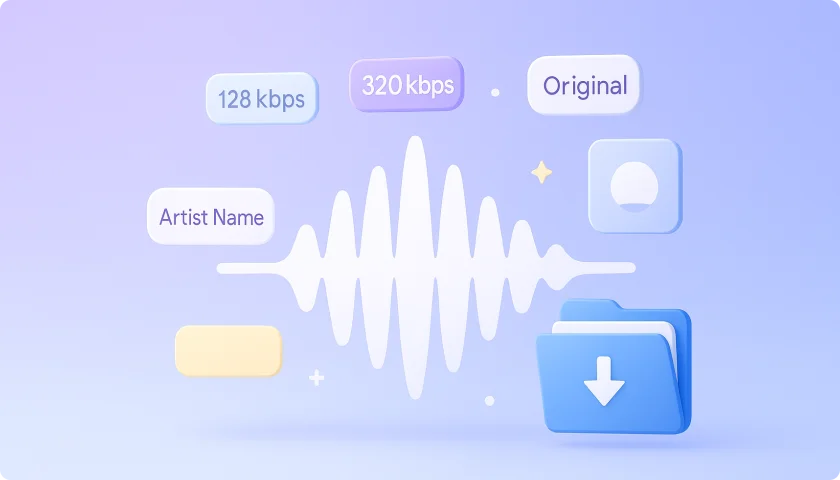
Supports variable bitrates (128kbps-320kbps) with optional original quality retention. All outputs preserve metadata (artist, album info).
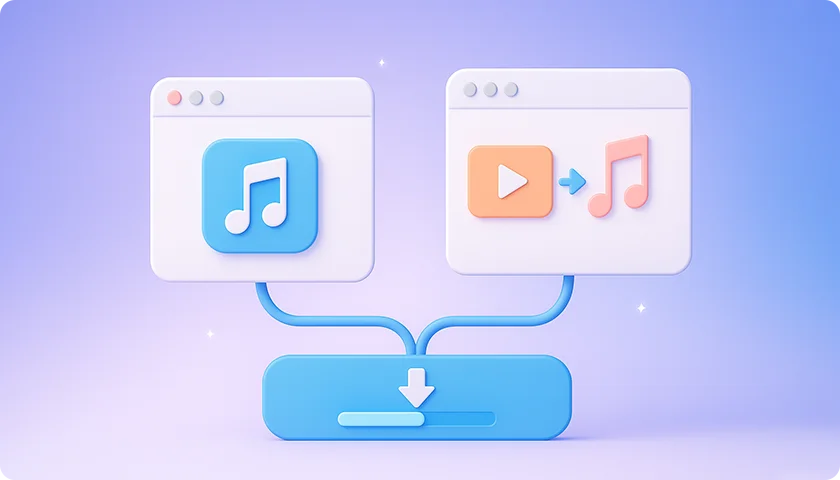
2 Ways to Download Online Audio
Save your favorite audio files by either downloading audio-only content directly or converting videos to audio.
Advanced Subtitle Downloader
This subtitle download feature lets you download YouTube subtitles however you like, whether as separate files or embedded directly into the video.

Supported Subtitle Types
You can download virtually any subtitles you need. Our downloader supports a wide range of subtitle types.
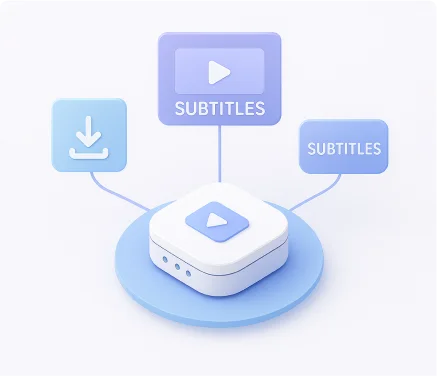
Customizable Output Settings
You can choose how your subtitles are saved, as separate files, embedded into the video as a selectable subtitle track, or permanently burned into the video itself.

Multi-Language Subtitle Download
Get subtitles in the language you need, automatically and effortlessly.
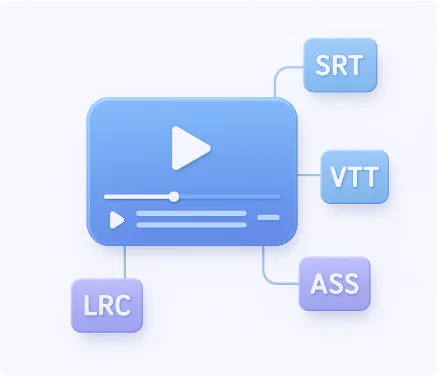
Subtitle Format Options
Save subtitles from your favorite videos in multiple formats, including SRT, VTT, LRC, and ASS.
High-Quality Thumbnail Grabber
Automatically download the highest available quality of video thumbnails with every download. By default, thumbnails are saved in either JPG or PNG format, ensuring crisp visuals and compatibility across all devices and platforms.
Video Downloader Extension Available
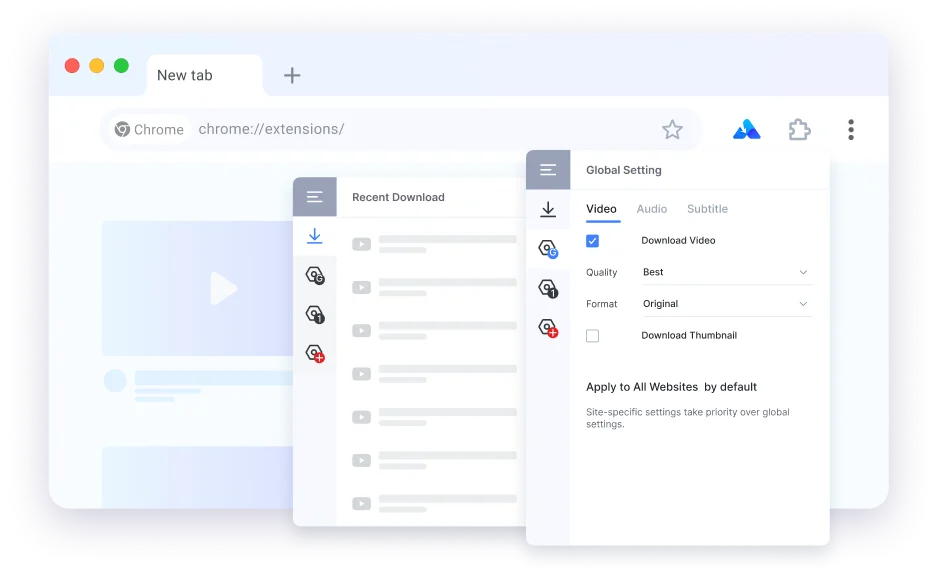
Our Chrome video downloader extension brings powerful downloading capabilities directly to your browser. Once installed, you can easily download videos, audio tracks, subtitles, and thumbnails, all with a simple right-click on the webpage.
Check the installation guide here.
Enhanced Video Download Features
Take full control of your downloading experience with a range of advanced tools designed for both convenience and performance.
Global Settings for Faster Downloads
A powerful feature that lets you define your preferred download options once and apply them automatically to every download task.
Smart Link Detection
With the Auto-Parse feature on, you don’t need to manually paste links anymore. Whenever the app gains focus, it automatically checks your clipboard and detects any URLs it finds.
Significant Speed Boost
You can experience significantly faster parsing and downloading performance on Mac.
Direct Search
In Private mode, simply type keywords in the search bar to find and download YouTube videos, no link pasting required.
How to Use SurFast Video Downloader
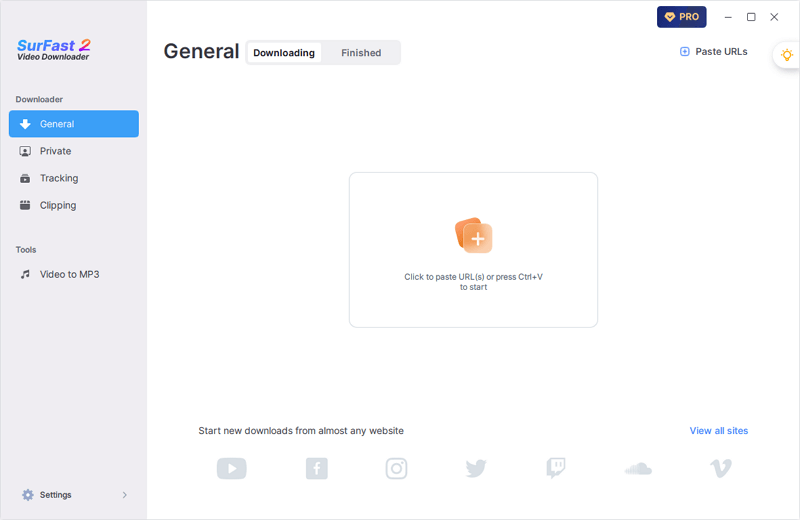
New to SurFast Video Downloader? Here’s how to start downloading online videos in seconds. You can also access the lightbulb icon to use the global settings for faster downloads.
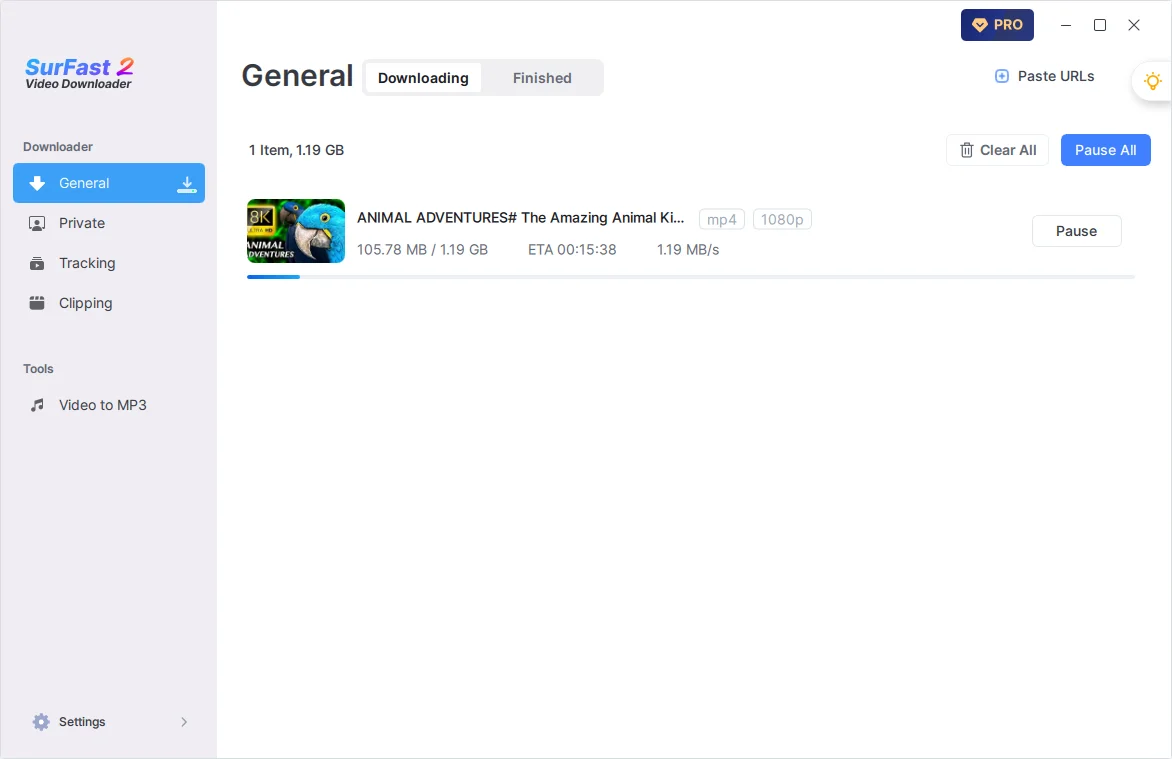
Paste the Link
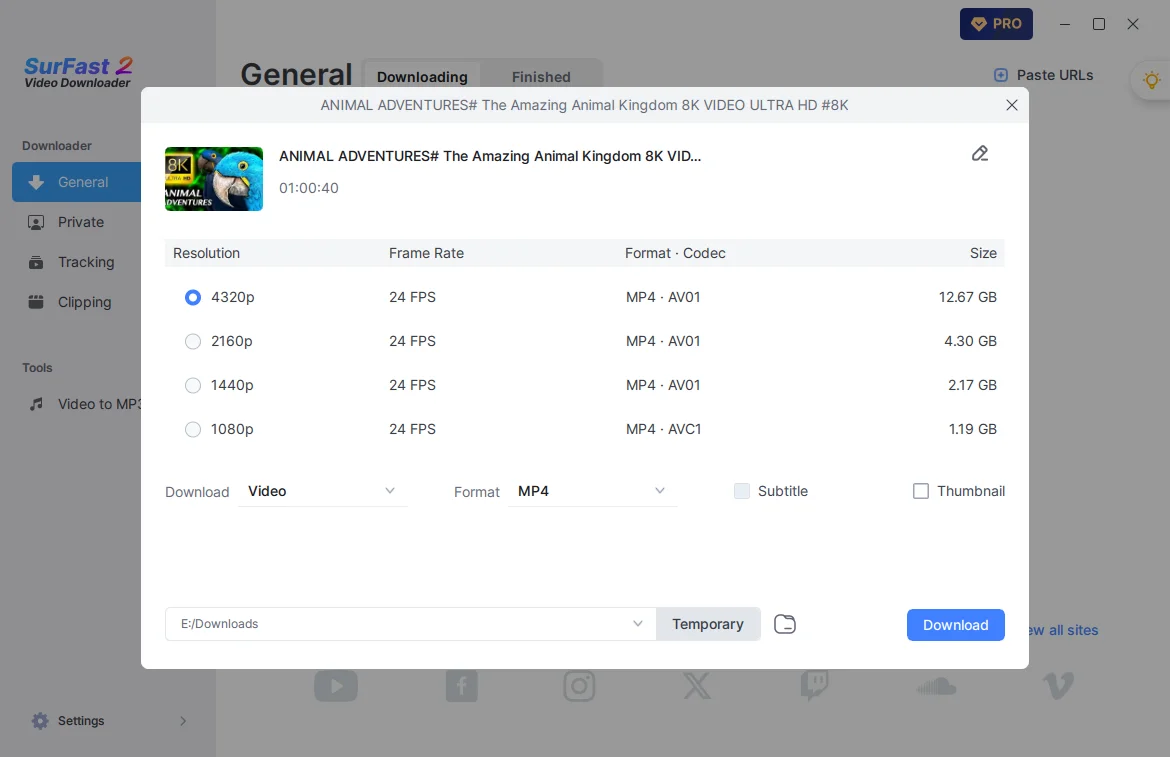
Copy the video link and paste it into SurFast Video Downloader. The app will automatically parse the link and prepare the content for download.
Set Output Settings
Choose your preferred video format, resolution, and other options, then click Download to start the process.
Check the Video
Once the download is complete, go to the Finished tab to locate and preview your video.
Upgrade When You’re Ready
Compare plans and choose the perfect fit for your video download needs.
Trial Version
Paid Version
Video/Audio Download
3 Items
Unlimited
Bulk Download
Up to 3 items
Unlimited
Highest Video Quality
720p
Up to 8K
Playlist/Channel Download
Subtitle Download
5 Items
Unlimited
Thumbnail Download
Tech Specs & Updates
Stay up to date with the latest features, improvements, and technical specifications of SurFast Video Downloader.
System Requirements
For v2.10.0 and later:
- Windows: Windows 10 (64-bit) or Windows 11 (64-bit)
- macOS: macOS 13 or newer
For v2.9.2 and earlier:
- Windows: Windows 10 (32-bit & 64-bit) or Windows 11 (64-bit)
- macOS: macOS 12 or newer
Latest Version
SurFast Video Downloader v2.10.0
What’s New
- Upgraded the core framework to Qt 6.11.1 for better overall performance.
- Expanded Private Mode to support a wider range of websites.
- Added native support for Apple Silicon (ARM) Macs for faster performance.
- Fixed various known bugs and improved overall stability.
What Our Users Are Saying
Our word doesn’t tell the whole story—hear directly from users who rely on SurFast Video Downloader every day.

Flávio Croffi
The application is extremely easy to use and makes life much easier. Both to use the tool professionally and personally. Video editors and social media users will love it!

Loporchio Massimiliano
The software is easy to use, clean and simple interface. It works well for downloading many videos from YouTube, you can choose from different video quality options. You can also download subtitles, embedded or separate files, a very useful option.

Mark Ohler
This is one of the best yet after using many downloaders over the years. I had some inquiries that the team worked to resolve quickly, with great and speedy communication.

Glen LIM
This product is highly effective and user-friendly. Its stability and ease of use are significant time-savers. The streamlined workflow, eliminating the need for multiple tab switching, reduces download times by at least 50% compared to a previous app I was using (which was already awesome already by the way).
450,000+
Loved by 450,000+ users worldwide
4.8
Rated 4.8 on Trustpilot
TOP
Recognized by top tech media
100%
100% Virus-free
Join the SurFast Video Downloader Community Now
Be part of a global network of users who choose speed, safety, and simplicity. Start downloading videos, audio, subtitles, and thumbnails smarter today.
Video Downloader FAQs
Have a question? Check out our FAQ section for answers to the most commonly asked questions about SurFast Video Downloader and media downloads.
Is SurFast Video Downloader safe?
Yes, SurFast Video Downloader is 100% safe and virus-free.
We take user security seriously. Our software is regularly tested and verified by leading antivirus platforms. SurFast Video Downloader does not bundle with third-party ads or malware, and we do not collect or share personal data without your consent. You can use SurFast Video Downloader with confidence, knowing that your downloads are secure and your privacy is protected.
Is SurFast Video Downloader online and free?
SurFast Video Downloader is a desktop video downloader app for PC and Mac, designed to offer powerful features, faster downloads, and more flexibility than most online tools.
While it’s not an online tool, this allows it to support advanced functions like batch downloading, GPU acceleration, subtitle extraction, and clipboard auto-parsing, all without relying on server-side processing or internet-based limitations.
If you prefer a lightweight, no-installation solution, we also offer GetVideos.net, an online video downloader developed by our team. It’s completely free to use, has no ads, and supports downloading videos from popular platforms directly in your browser.
Is this software available for Chrome?
Yes! Starting from v2.8.0, SurFast Video Downloader supports the SurFast Video Downloader Helper, a Chrome extension that enhances your downloading experience.
With both the desktop app and the extension installed, you can download online videos and other supported content directly from web pages. Simply right-click the video or audio player and choose the download option; no need to copy and paste URLs manually.
This seamless integration makes it faster and more convenient to save your favorite content, all within your browser.
Is this video downloader app available for Linux, Android, or iPhone?
Currently, SurFast Video Downloader is only available for PC and Mac, and we do not yet offer a dedicated version for Linux, Android, or iOS.
However, if you’d like to save videos for offline watching on your mobile device, we recommend using our online tool GetVideos.net.
It’s fully compatible with Android, iOS, Windows, and macOS, requires no installation, and allows you to download videos directly in your browser, completely free and without ads.
How to download any video from any website?
You can download videos from the internet by link. To save the video you like to your PC or Mac, follow the steps below:
1. Copy the correct video link from the source website.
2. Paste the URL into SurFast Video Downloader and wait for it to generate download options.
3. Select the output options according to your preferences and click Download.
How to download a link to MP4?
MP4 is the default output format of our video download software. You can directly convert a URL to MP4 without any effort.
1. Paste the link to the app and wait for it to parse the link.
2. Select the MP4 output option you need and set other output settings.
3. Click Download and wait for the video download process to finish.
How to convert a link to MP3?
Whether you are going to download an audio-only URL to MP3 or convert a video link to MP3, SurFast Video Downloader can do it for you. It offers various output formats for all your needs, making it easy to directly download a link to MP3 or other formats like WAV, M4A, OGG, FLAC, and more.
To convert any URL to MP3:
1. Copy and paste the link to SurFast Video Downloader.
2. After the app parses the URL, select Audio > MP3 and choose your preferred download option.
3. Click Download to start downloading the MP3 file.
How to download YouTube videos?
You can easily download videos from YouTube to computer for offline viewing by following the steps below:
1. Copy the YouTube link, open SurFast Video Downloader, and press Ctrl + V or Cmd + V.
2. Select the video output format and resolution you need.
3. Set other output settings and click Download.
4. When the video download completes, go to the Finished tab to preview the video.
You can follow the same steps to download YouTube playlists, save all videos from a YouTube channel, or download YouTube live streams.
How to convert YouTube to MP3?
You can directly download a YouTube video to MP3 by providing its link.
1. Paste the YouTube video URL into the app.
2. After the app parses the link, choose Audio and select MP3 as the output format.
3. Click Download to start converting the YouTube video to MP3.
How to use the video downloader extension?
After you install SurFast Video Downloader on your computer and SurFast Video Downloader Helper on your Chrome, you can download your desired content with a right-click.
1. Open your Chrome and visit the website you want to download a video from.
2. Find the the video you want to save.
3. Right-click the video and choose Download with SurFast Video Downloader.
4. Go to the download records to check the video.