
Free HD Twitch Clip Download
Save Twitch clips to your computer, tablet, or phone in 720p, 1080p, and more.

Downloading copyrighted material without permission is strictly prohibited. Please read our Terms and Conditions for details.

Download Twitch Videos in Bulk
While SurSnap gives you convenient online downloads, SurFast Video Downloader is our full-featured desktop application designed for serious users.
✓ Download videos up to 8K quality
✓ Batch download full playlists and channels
✓ Clip and download video or audio segments
✓ Export to 15+ formats (MP4, MP3, GIF, etc.)
✓ Optional Chrome Extension — Download instantly via right-click

SurFast Video Downloader
By Nabla Mind
How to Download Twitch Clips
Saving Twitch clips is quick and works on whatever device you’re using. Below you’ll find simple steps for both desktop and mobile, no extra apps or accounts required.
Convert Twitch to MP4 on PC or Mac
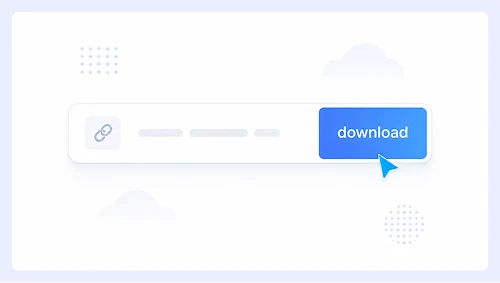
Step 1.
Paste the Twitch clip URL into SurSnap and hit Download.
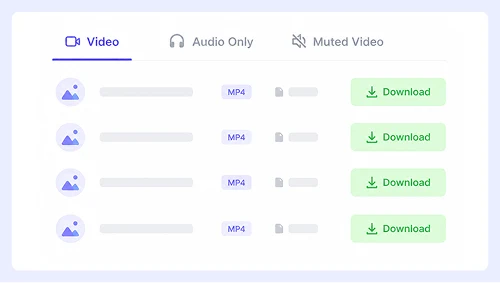
Step 2.
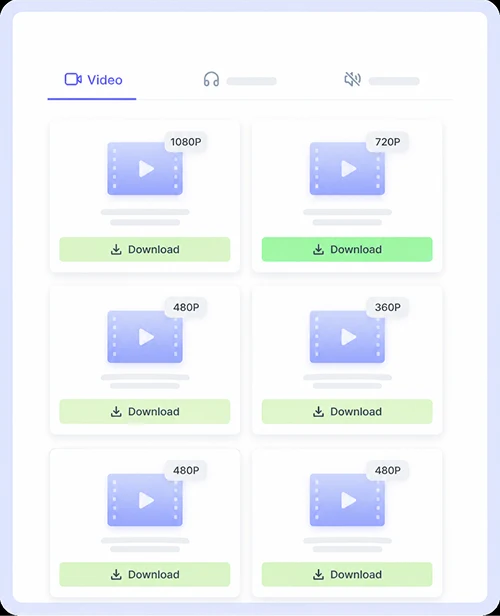
All available resolutions will appear instantly. Just click the download button next to your preferred quality to start saving.
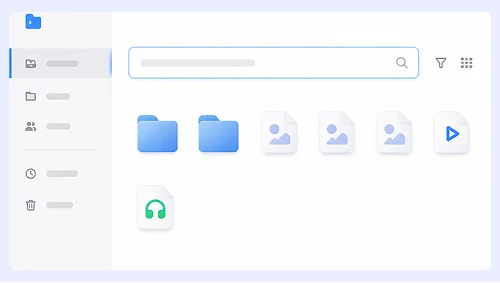
Step 3.
The MP4 file will show up in your browser’s default downloads folder.
Save Twitch Clips to Your Android or iPhone
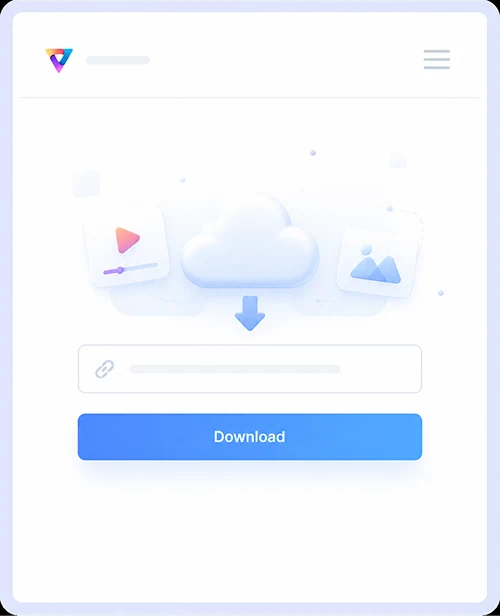
Step 1.
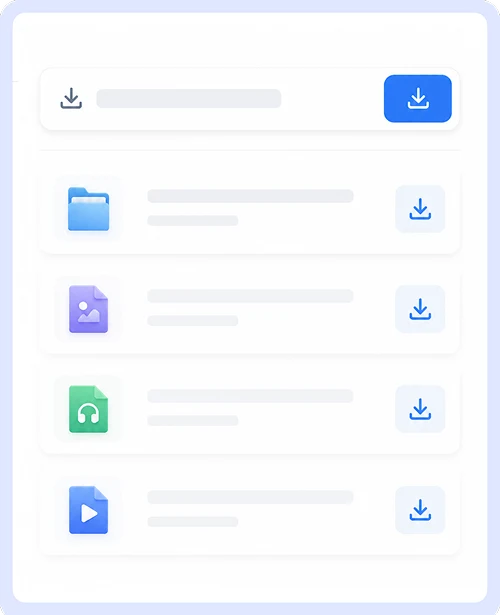
Copy the Twitch clip link from the Twitch app, then paste it into SurSnap and tap Download.
Step 2.
Pick your desired resolution from the list and tap the download icon to begin.
Step 3.
Once finished, you’ll find the saved MP4 in your phone’s gallery or files app.
Why Choose Our Twitch Clip Downloader
We built this tool to be simple, secure, and perfect for anyone who wants to download videos from Twitch.
Twitch Clip to MP4
Convert any Twitch clip to a standard MP4 file instantly. The format works everywhere so you can watch offline, share with friends, or add moments to your personal library without compatibility issues.

Offer All Available Resolutions
Get every resolution the streamer originally pushed, from 720p to 1080p and beyond. We pull all available quality options directly from Twitch so you can pick exactly what you need instead of being stuck with a single compressed version.

Free, Unlimited Downloads
Save as many clips as you like without signing up or hitting daily limits. There are no hidden fees, malicious ads, or sketchy redirects, just a clean and secure experience every time you use the tool.

Works on Both Desktop and Mobile
Save clips effortlessly whether you are on Windows, macOS, Android, or iOS. Everything runs right in your browser with no apps or extensions required, and the interface adapts smoothly to any screen size.
Twitch Clip Download FAQs
Got questions about saving clips? Here are quick answers to the things people ask us most.
Is it safe to use SurSnap?
Absolutely. We do not run ads, redirects, or malware, and we never collect your personal data. The tool processes everything in your browser so your information stays private and secure.
Can I convert a Twitch clip to MP4?
Yes. MP4 is the default download format for every clip. It plays natively on all modern devices and platforms, so you can save, share, or edit without worrying about compatibility.
Can I download Twitch videos in 1080p?
As long as the original clip was streamed in 1080p, you can download it in full HD. SurSnap lists every resolution available on Twitch and lets you grab the highest quality version with one click.
Do I need to sign up to use this site?
No. You can start downloading right away without creating an account or providing any personal details. Just paste the link and go.
What devices does this Twitch video downloader support?
We support computers, tablets, and phones running Windows, macOS, Android, or iOS. You can access the tool through Chrome, Firefox, Safari, Edge, or any other modern browser to download clips instantly.
Important Notice: This tool is intended for personal use only. Downloading copyrighted material is strictly forbidden. By using this tool, you agree to our Terms and Conditions and are solely responsible for any copyright violations or misuse.