
Free Twitter to MP3 Converter
Download Twitter audio online for free. No ads or redirections.

Downloading copyrighted material without permission is strictly prohibited. Please read our Terms and Conditions for details.

Convert Twitter to MP3, MP4, GIF, and More
While SurSnap gives you convenient online downloads, SurFast Video Downloader is our full-featured desktop application designed for serious users.
✓ Download videos up to 8K quality
✓ Batch download full playlists and channels
✓ Clip and download video or audio segments
✓ Export to 15+ formats (MP4, MP3, GIF, etc.)
✓ Optional Chrome Extension — Download instantly via right-click

SurFast Video Downloader
By Nabla Mind
How to Download Twitter Audio
Extracting sound from X posts is fast and works smoothly on any device. Follow the simple steps below to convert tweets to your preferred audio format in seconds, whether you are at your desk or scrolling on your phone.
Convert Twitter to MP3 on Windows & Mac
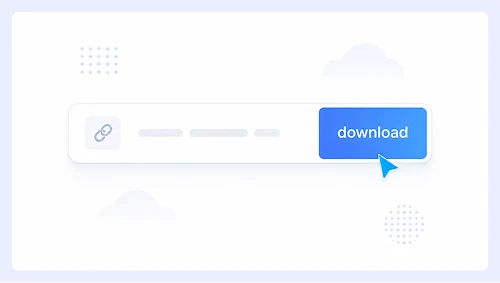
Step 1.
Paste the tweet link into the input box and click Download.
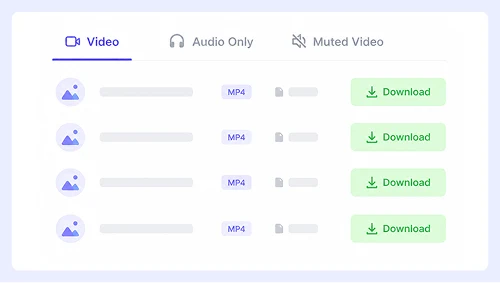
Step 2.
Switch to the Audio Only tab and select your desired format.
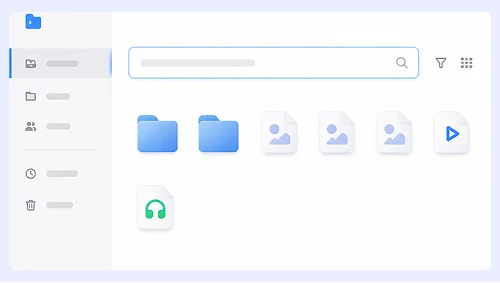
Step 3.
Click the three-dot menu next to the processed file and choose Download to save it to your computer.
Extract X Audio on iPhone & Android
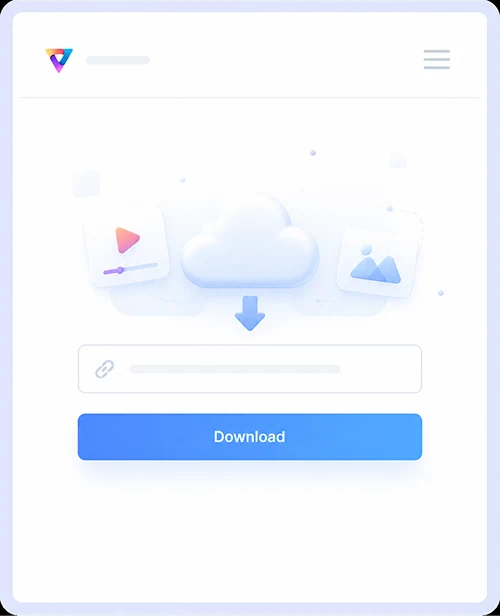
Step 1.
Copy the post URL, paste it into the tool, and tap Download.
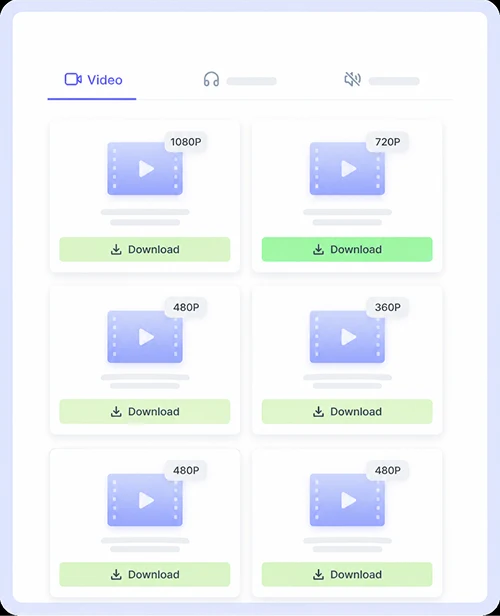
Step 2.
Tap the Audio Only tab, then pick your preferred output format.
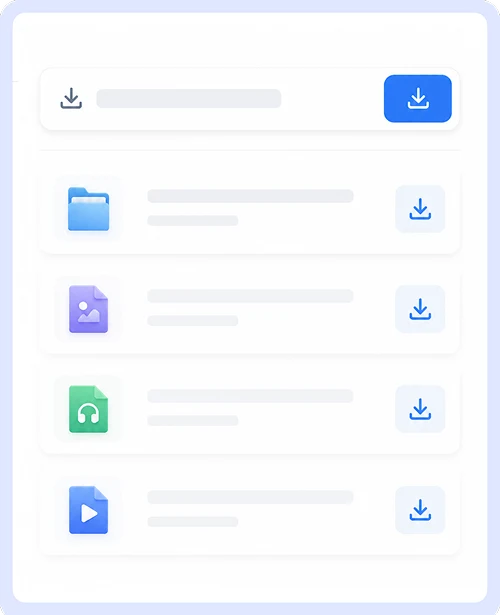
Step 3.
Tap the download icon to save the audio file directly to your mobile device.
Why Choose Our Twitter to MP3 Converter
Extract audio from X posts effortlessly with a tool designed for clean and fast conversions. No signups, no software installs, and no limits. Just paste the tweet link and get your MP3 file in seconds.

Free and Unlimited
Convert as many tweets to MP3 as you want without paying a cent or creating an account. There are no daily caps, no premium tiers, and no hidden fees.

No Ads or Redirections
Enjoy a smooth experience when you download Twitter audio without annoying pop-ups or unexpected page jumps. We keep the interface clean and focused so you can extract sound from Twitter posts safely and quickly.
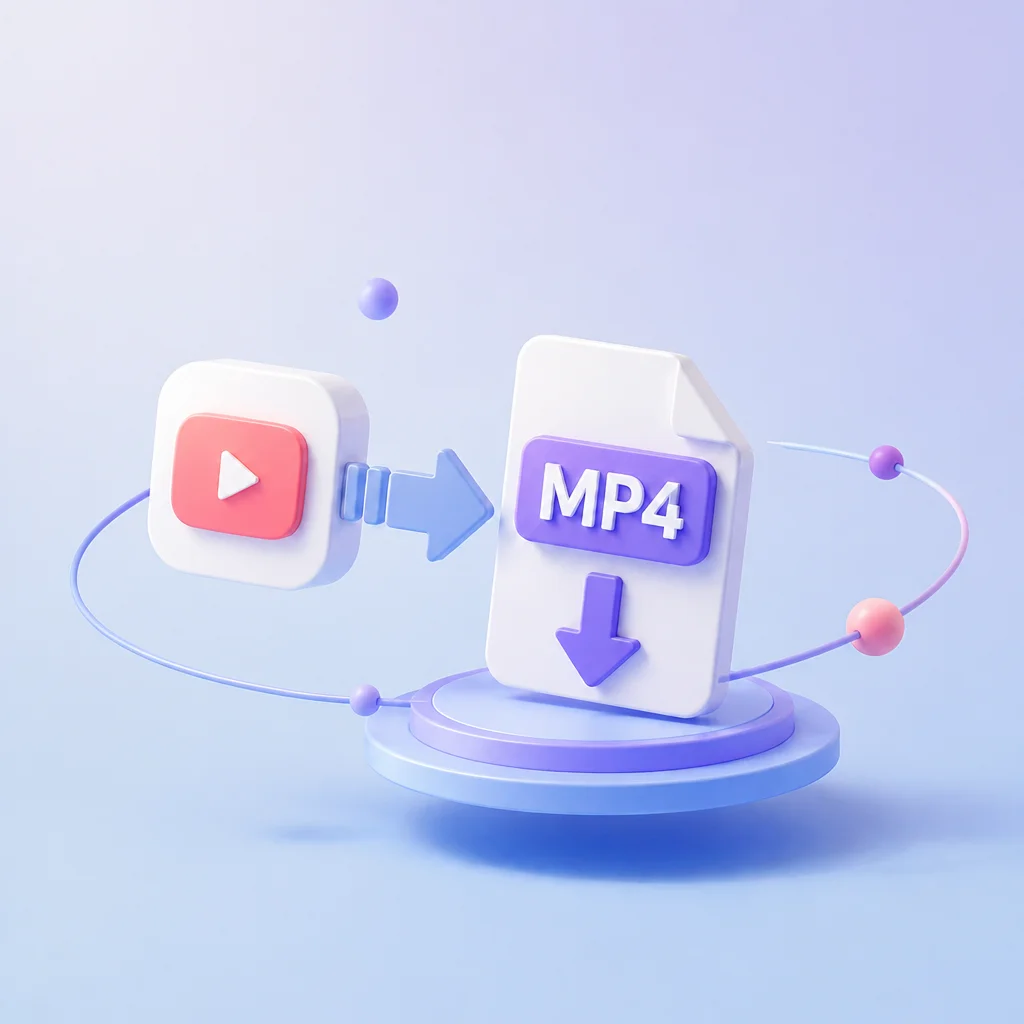
Also Support Video Download
Need the full clip instead of just the sound? This tool doubles as a Twitter to MP4 converter, so you can save both audio and video from the same platform. Switch between formats instantly without visiting a separate site or using multiple bookmarked tools.
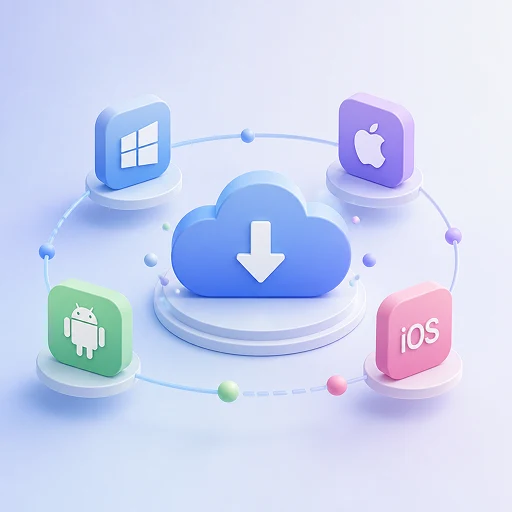
Works on Both Desktop and Mobile
Extract X audio just as easily on your phone as on your computer. The responsive design adapts perfectly to any screen size so you can convert tweets to MP3 while scrolling on mobile or batch process links at your desk.
Twitter Downloader FAQs
We have answered the most common queries to help you download Twitter content quickly and confidently.
Is this Twitter audio downloader free to use?
Yes, this tool is completely free to use with no hidden costs or premium tiers. You can extract audio from unlimited X posts without creating an account or entering payment details. We sustain the service through minimal, non-intrusive support, so it stays accessible for everyone forever.
Will I see ads or get redirected when downloading Twitter audio?
No, we do not display popups, banner ads, or redirect you to third-party sites. The conversion process is clean and focused so you can save MP3 files from tweets without interruptions or security concerns. Your experience remains smooth from the moment you paste the link until the download finishes.
Can I also download Twitter videos as MP4?
Absolutely. This tool works as both a Twitter to MP3 converter and a Twitter video downloader. Simply select the video option instead of audio only to save the full MP4 clip in its original quality. You never need to switch between separate tools for different formats.
Does this work on my phone and computer?
Yes, the interface is fully responsive and works seamlessly on Windows, Mac, iPhone, Android, and tablets. No app installation or software download is required. You can convert X audio while scrolling on mobile or batch process links at your desk with the same simple steps.
Important Notice: This tool is intended for personal use only. Downloading copyrighted material is strictly forbidden. By using this tool, you agree to our Terms and Conditions and are solely responsible for any copyright violations or misuse.