
Free Online Twitter GIF Downloader
Save Twitter GIFs to your computer, tablet, or phone for free.

Downloading copyrighted material without permission is strictly prohibited. Please read our Terms and Conditions for details.

Save Twitter GIFs or Convert Twitter to GIFs Easily
While SurSnap gives you convenient online downloads, SurFast Video Downloader is our full-featured desktop application designed for serious users.
✓ Download videos up to 8K quality
✓ Batch download full playlists and channels
✓ Clip and download video or audio segments
✓ Export to 15+ formats (MP4, MP3, GIF, etc.)
✓ Optional Chrome Extension — Download instantly via right-click

SurFast Video Downloader
By Nabla Mind
How to Download GIFs from Twitter
Whether you’re on a laptop or scrolling on your phone, we’ve got you covered.
Download GIFs from Twitter on PC or Mac
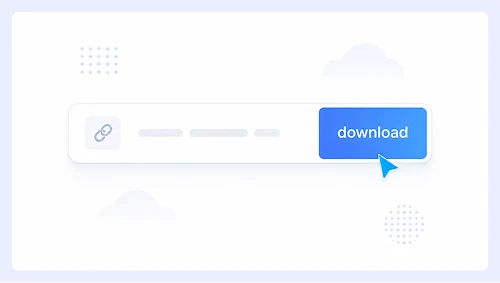
Step 1.
Paste the tweet link into the search bar and click Download.
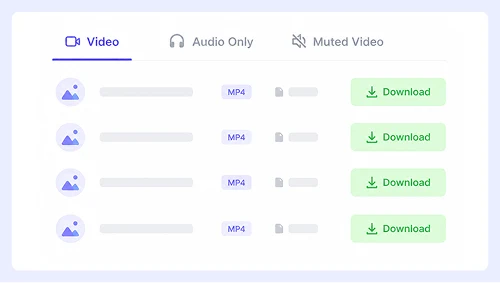
Step 2.
Pick your preferred option, then click the Download button.
Step 3.
When the GIF opens in a new tab, right-click it and select “Save Video As…” or click the ⋮ menu and choose Download.
Save GIFs from Twitter on iPhone or Android
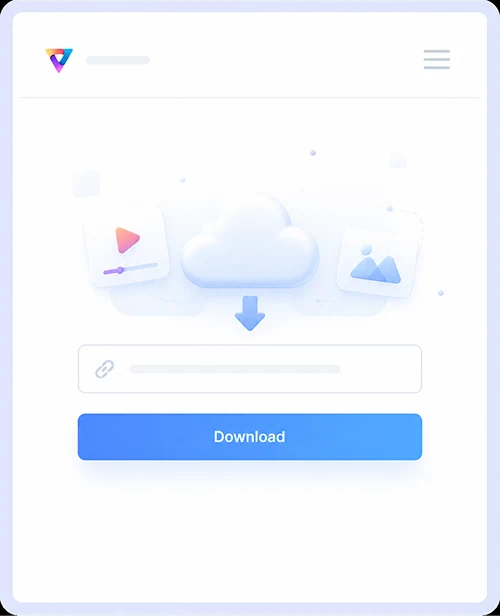
Step 1.
Paste the tweet link and tap Download.
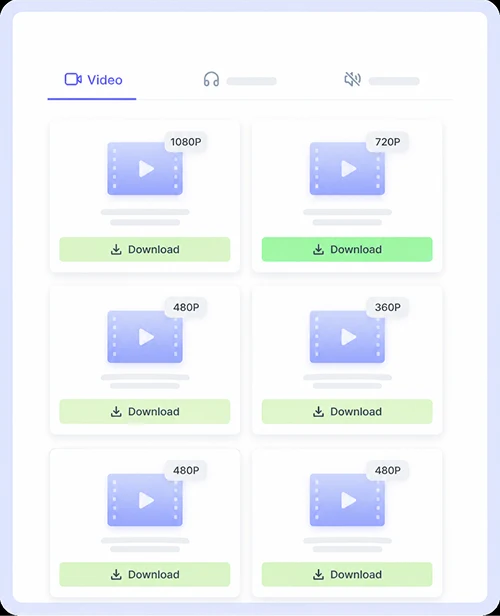
Step 2.
Tap the Download button.
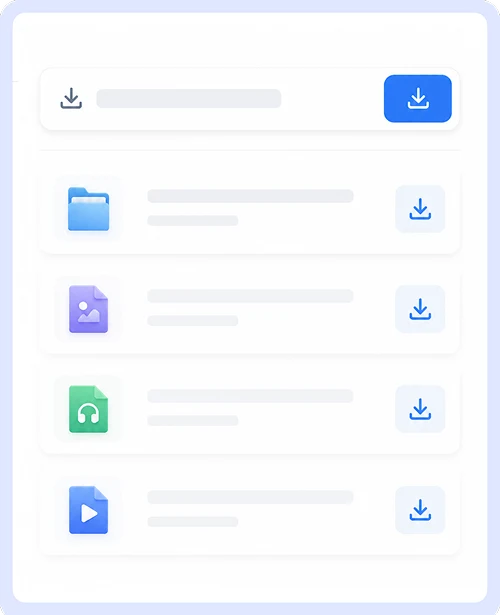
Step 3.
In the pop-up that appears, tap Download or long-press the GIF to save the GIF.
Why Choose Our Twitter GIF Saver
Save animated tweets instantly with a tool built specifically for X content. No signups, no software installs, and no limits. Just paste the link and get your file in seconds.
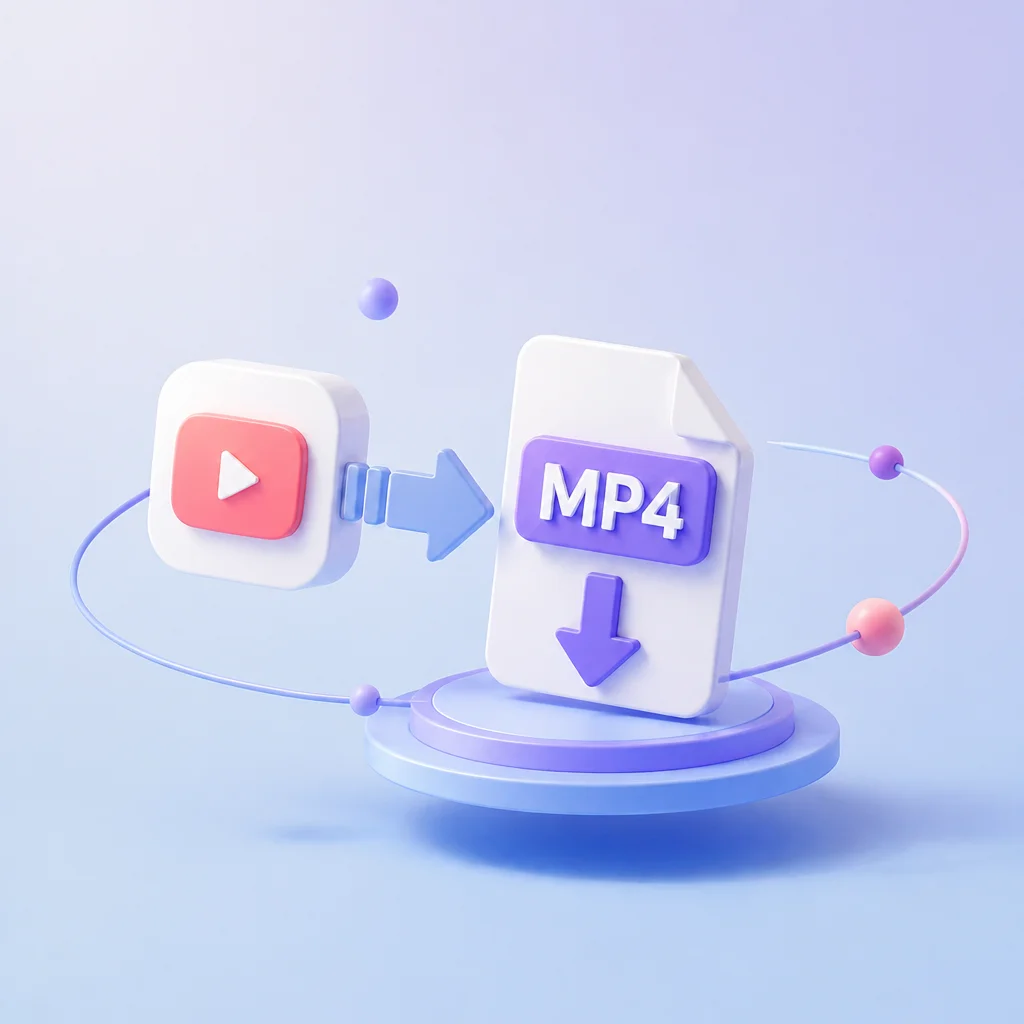
GIF to MP4
We automatically convert every Twitter GIF to MP4 format when you save. This means smaller file sizes, smoother playback, and full compatibility with all modern devices and messaging apps without losing any visual quality from the original animation.
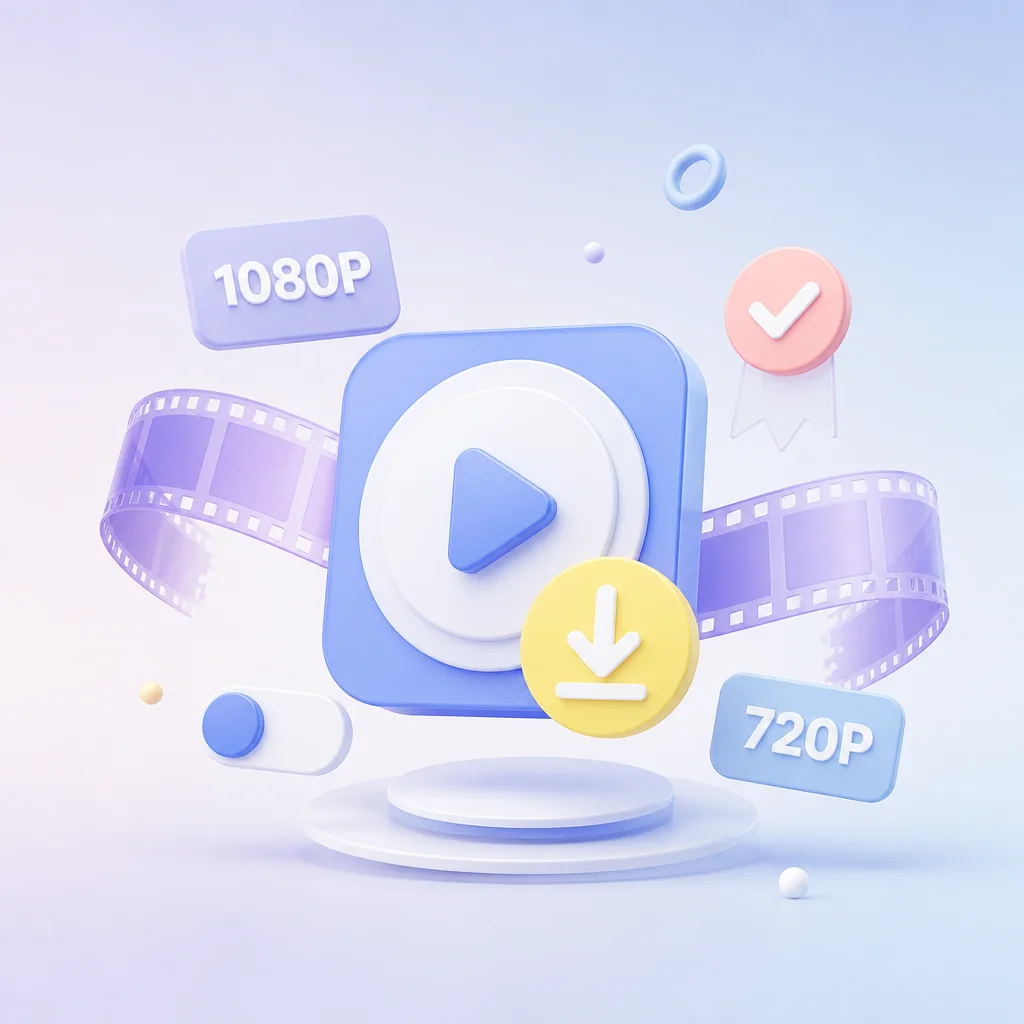
Twitter Video Download Support
This is not just a GIF saver. You can use the exact same interface to download full Twitter videos in high resolution. Whether it is a short clip or a long-form post, paste the tweet URL and grab the MP4 file without switching tools or opening a new tab.

Free, Unlimited, Safe
Download as many Twitter GIFs and videos as you want without paying a cent or creating an account. There are no daily caps, no premium tiers, and no hidden fees. We never store your data or track your downloads so you can save content safely and privately every single time.

Supports More Platforms
Grab content from YouTube, Instagram, Facebook, and dozens of other social platforms using this same simple downloader. You never need to bookmark multiple sites or install different extensions when saving media from different sources across the web.
Twitter GIF Download FAQs
Everything you need to know about saving animated tweets from X.
Can I download GIFs from any public tweet?
Yes. As long as the tweet is public and contains an animated GIF, you can save it. Simply copy the tweet URL, paste it into the search bar, and click Download. Protected or private account content cannot be accessed by any third-party downloader due to Twitter’s privacy restrictions.
Is there a limit to how many GIFs I can save?
There are no limits whatsoever. You can download as many Twitter GIFs as you want without creating an account, paying fees, or hitting daily caps. The service remains completely free and unlimited for every user.
Does this work on mobile devices?
Absolutely. The downloader works natively in Safari, Chrome, and all other mobile browsers on iPhone and Android. No app installation is required. Paste the link, tap Download, and save the file directly to your camera roll or downloads folder.
Is it safe to use this Twitter GIF downloader?
Yes. We do not collect personal data, store your download history, or require any permissions. The tool operates entirely client-side and only communicates with Twitter’s public media servers. There are no ads, popups, or redirects that could expose your device to security risks.
Important Notice: This tool is intended for personal use only. Downloading copyrighted material is strictly forbidden. By using this tool, you agree to our Terms and Conditions and are solely responsible for any copyright violations or misuse.