
Free HD LinkedIn Video Download
Download LinkedIn videos in full 720p HD to any device, no app or signup needed.

Downloading copyrighted material without permission is strictly prohibited. Please read our Terms and Conditions for details.

Download LinkedIn to MP4 in Bulk
While SurSnap gives you convenient online downloads, SurFast Video Downloader is our full-featured desktop application designed for serious users.
✓ Download videos up to 8K quality
✓ Batch download full playlists and channels
✓ Clip and download video or audio segments
✓ Export to 15+ formats (MP4, MP3, GIF, etc.)
✓ Optional Chrome Extension — Download instantly via right-click

SurFast Video Downloader
By Nabla Mind
How to Download Video from LinkedIn
Saving a video from LinkedIn is actually pretty simple. You do not need to install any software or create an account to get started. Just follow these quick steps to grab the video you want in seconds.
Download LinkedIn to MP4 on PC or Mac
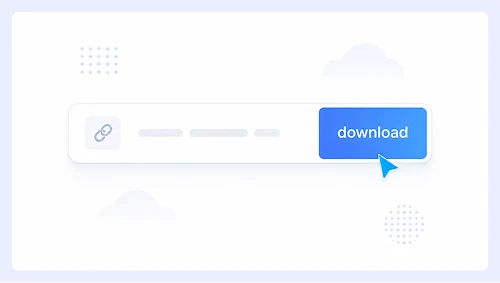
Step 1.
Copy the LinkedIn post or video link and paste it into the search box, then hit Download.
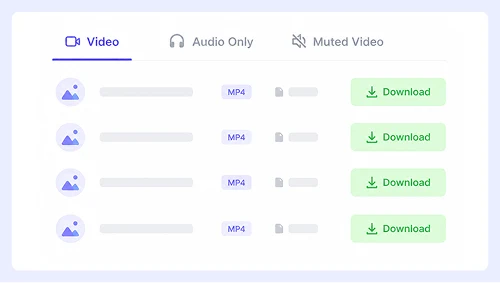
Step 2.
Pick your preferred quality from the options and click Download again.
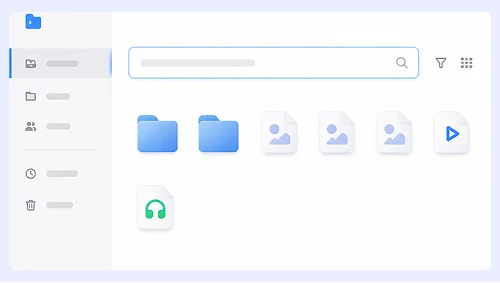
Step 3.
When the file opens in a new tab, right-click to save it or use the ⋮ menu to store it on your device.
Save LinkedIn Videos on iPhone or Android
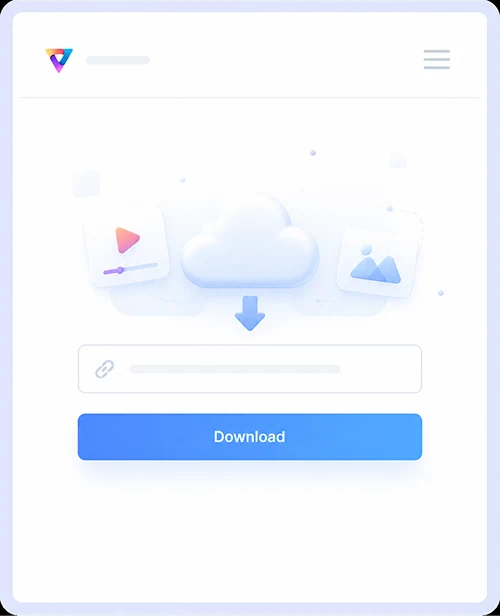
Step 1.
Paste the LinkedIn video link into the box and hit Download.
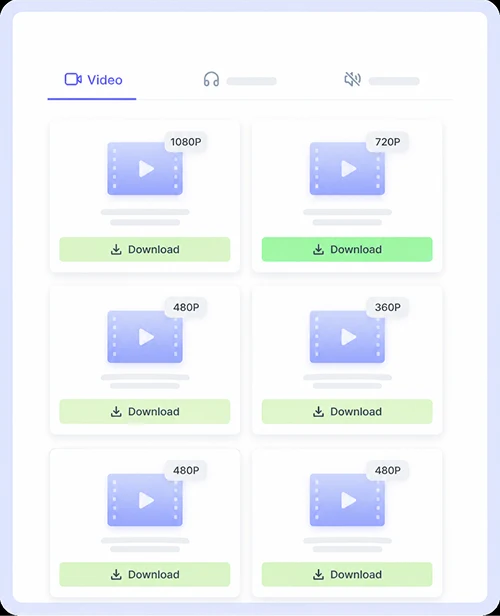
Step 2.
Choose your preferred resolution, then press the Download button beside it.
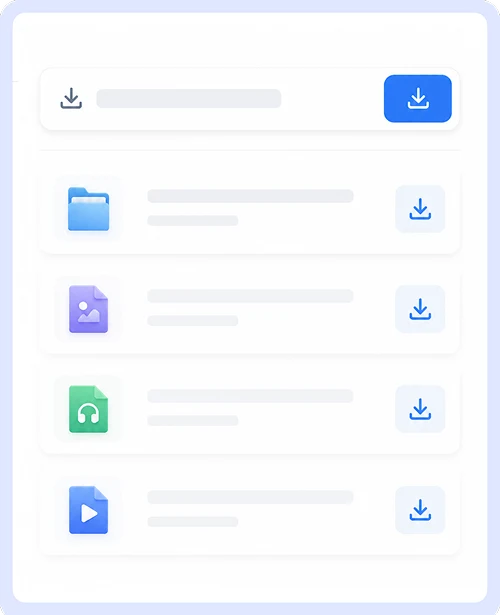
Step 3.
Once the preview appears, either tap Download or use the on-screen save icon to store the video.
Why Choose Our LinkedIn Video Downloader
We built this tool to be simple, secure, and perfect for anyone who wants to save LinkedIn videos without any hassle.
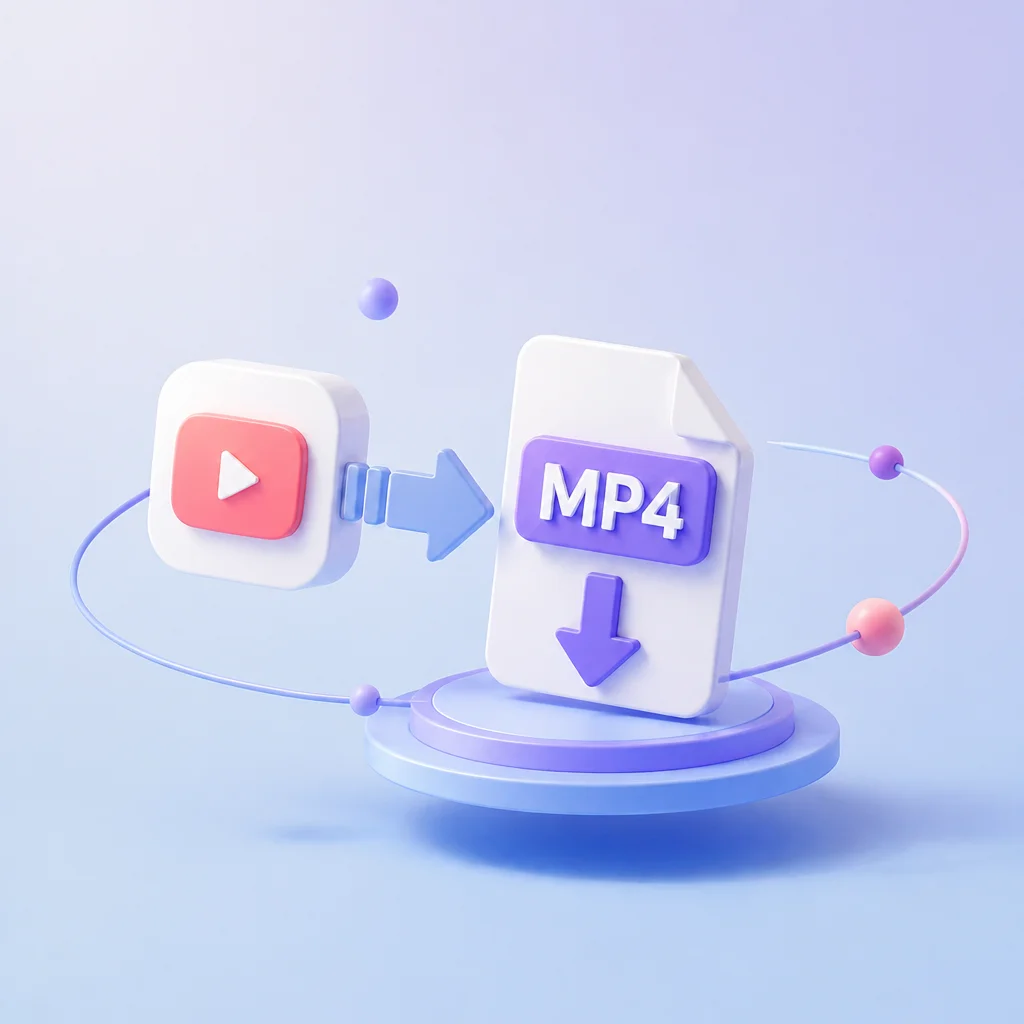
LinkedIn to MP4
Convert any public LinkedIn video to a standard MP4 file instantly. The format works everywhere so you can watch offline, share with colleagues, or add clips to your personal library without compatibility issues.
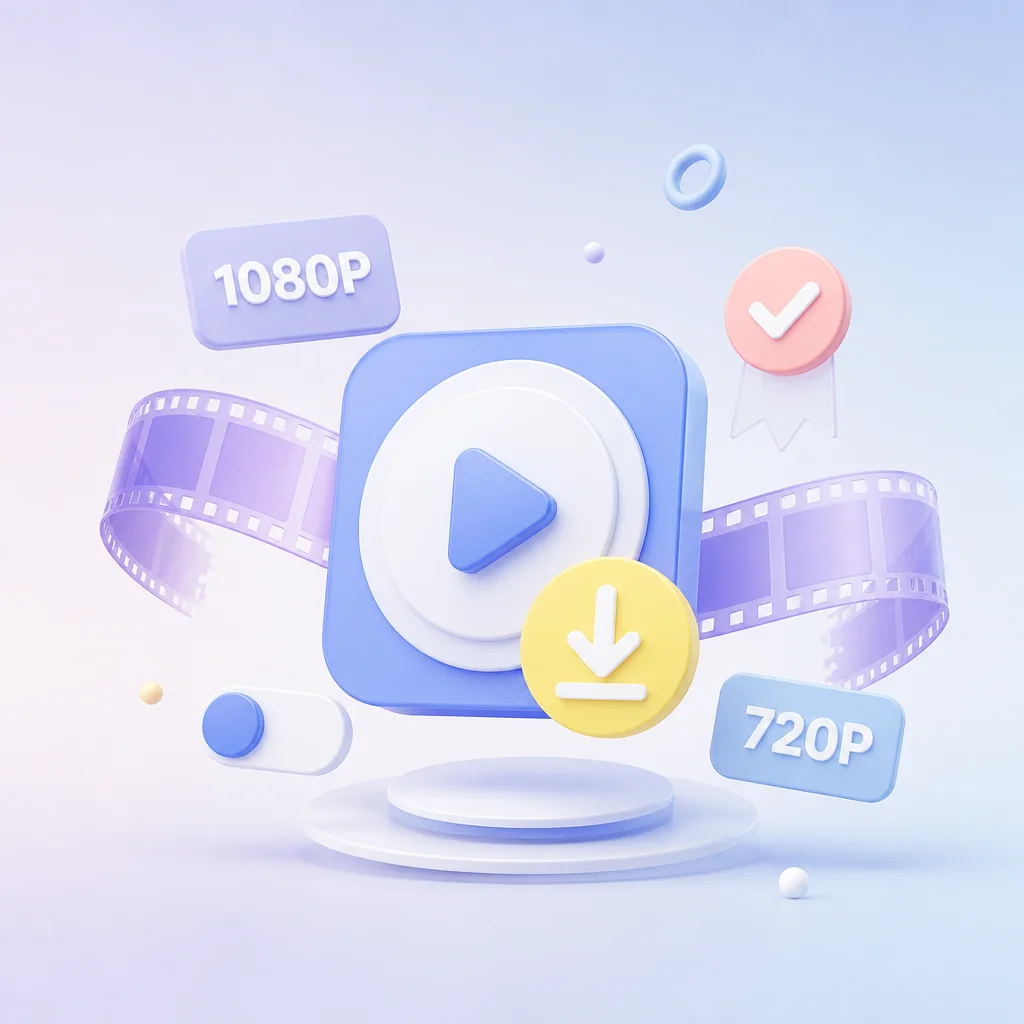
HD Video Download
Get your videos in the highest resolution available. We pull the original HD files directly from LinkedIn so you never have to settle for blurry or pixelated clips when saving professional content.

Unlimited, No Ads
Download as many videos as you like without signing up or hitting daily limits. There are no hidden fees, malicious ads, or sketchy redirects, just a clean and secure experience every time you use the tool.
Compatible with Desktop and Mobile
Save videos effortlessly whether you are on Windows, macOS, Android, or iOS. Everything runs right in your browser with no apps or extensions required, and the interface adapts smoothly to any screen size.
LinkedIn Video Download FAQs
Got questions about saving videos from LinkedIn? We have put together answers to the most common things users ask so you can download with confidence.
What video format will I get?
Every video is converted to MP4 automatically. This is the most widely supported format so it plays smoothly on all devices and operating systems without needing extra software.
What quality are the downloaded videos?
We always grab the highest resolution available from the source. LinkedIn typically hosts videos in 720p HD and our tool preserves that original quality so your saved clips stay sharp and clear.
Do I need a LinkedIn account to download?
No account or login is required. As long as the video is public you can paste the link and save it instantly without sharing any personal information.
Is there a limit on how many videos I can download?
Not at all. You can save as many LinkedIn videos as you want with no daily caps, signups, or hidden fees. The tool is completely free and unlimited.
Does this work on my phone?
Yes. The downloader works directly in your mobile browser on both iOS and Android. There is no app to install, and the interface adjusts perfectly to smaller screens.
Is it safe to use this tool?
Absolutely. We do not store your data or the videos you download. There are no malicious ads or sketchy redirects, just a clean and secure experience every time.
Important Notice: This tool is intended for personal use only. Downloading copyrighted material is strictly forbidden. By using this tool, you agree to our Terms and Conditions and are solely responsible for any copyright violations or misuse.