
Free Online Twitch VOD Downloader
Download Twitch VODs to your computer or phone by link. Free, no signup, and saves in full 1080p MP4.

Downloading copyrighted material without permission is strictly prohibited. Please read our Terms and Conditions for details.

Batch Download Twitch VODs in 1080p or Higher
While SurSnap gives you convenient online downloads, SurFast Video Downloader is our full-featured desktop application designed for serious users.
✓ Download videos up to 8K quality
✓ Batch download full playlists and channels
✓ Clip and download video or audio segments
✓ Export to 15+ formats (MP4, MP3, GIF, etc.)
✓ Optional Chrome Extension — Download instantly via right-click

SurFast Video Downloader
By Nabla Mind
How to Download Twitch VODs
Saving full Twitch streams is super simple. Just follow the steps below for your device to download any past broadcast in MP4 format.
Download Twitch Videos on PC or Mac
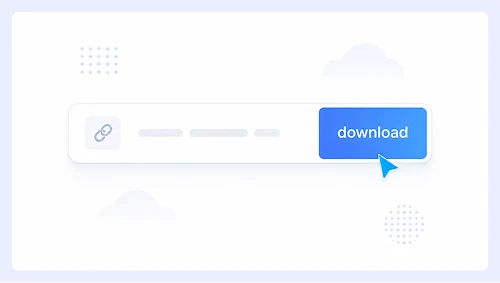
Step 1.
Copy the VOD URL from the streamer’s channel and paste it into SurSnap. Then click Download.
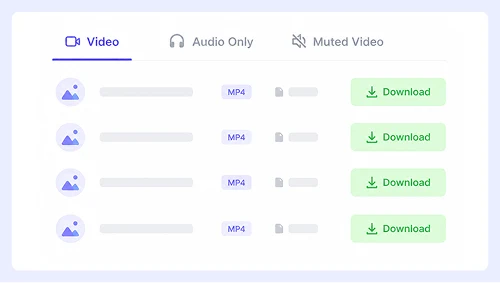
Step 2.
Wait for the list of available resolutions to appear and click Download next to your preferred resolution.
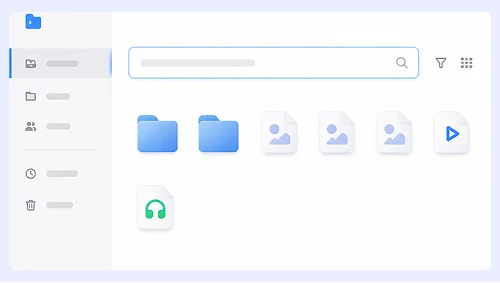
Step 3.
Go to the Downloads folder to check the MP4 file.
Save Twitch VODs to Your Android or iPhone
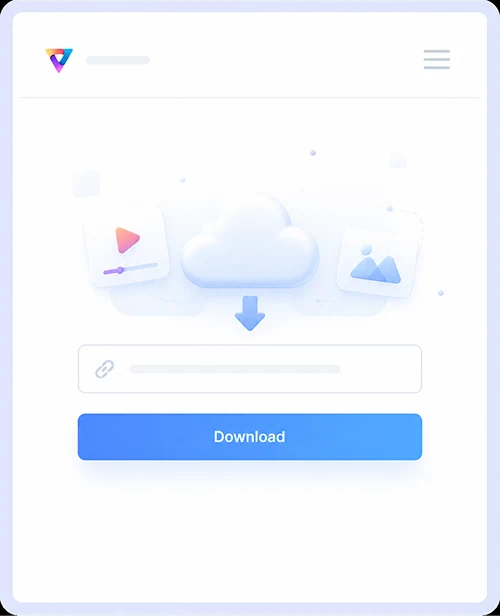
Step 1.
Copy the VOD link from the Twitch app, paste it into SurSnap, and tap Download.
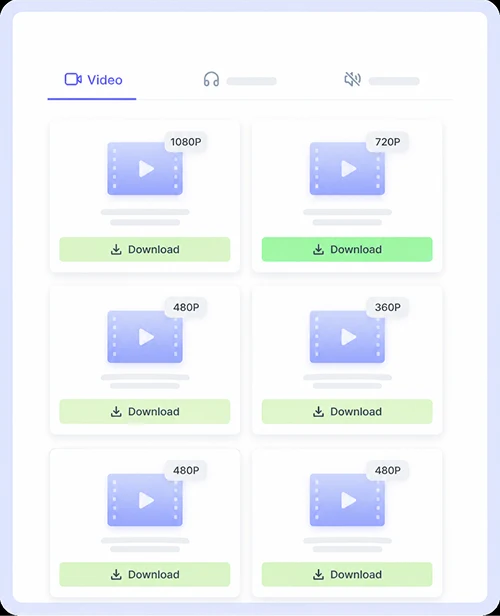
Step 2.
Pick your desired resolution from the list and tap the download icon.
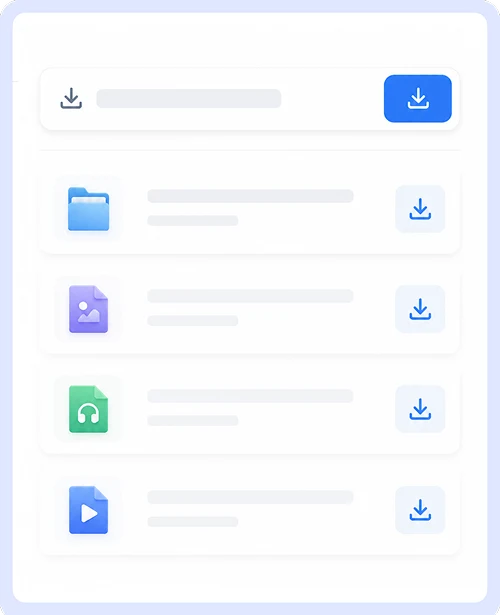
Step 3.
Open your phone’s gallery or Files app to find the saved video.
Why Choose Our Twitch VOD Downloader
We built this downloader to make saving full Twitch streams as easy as possible.
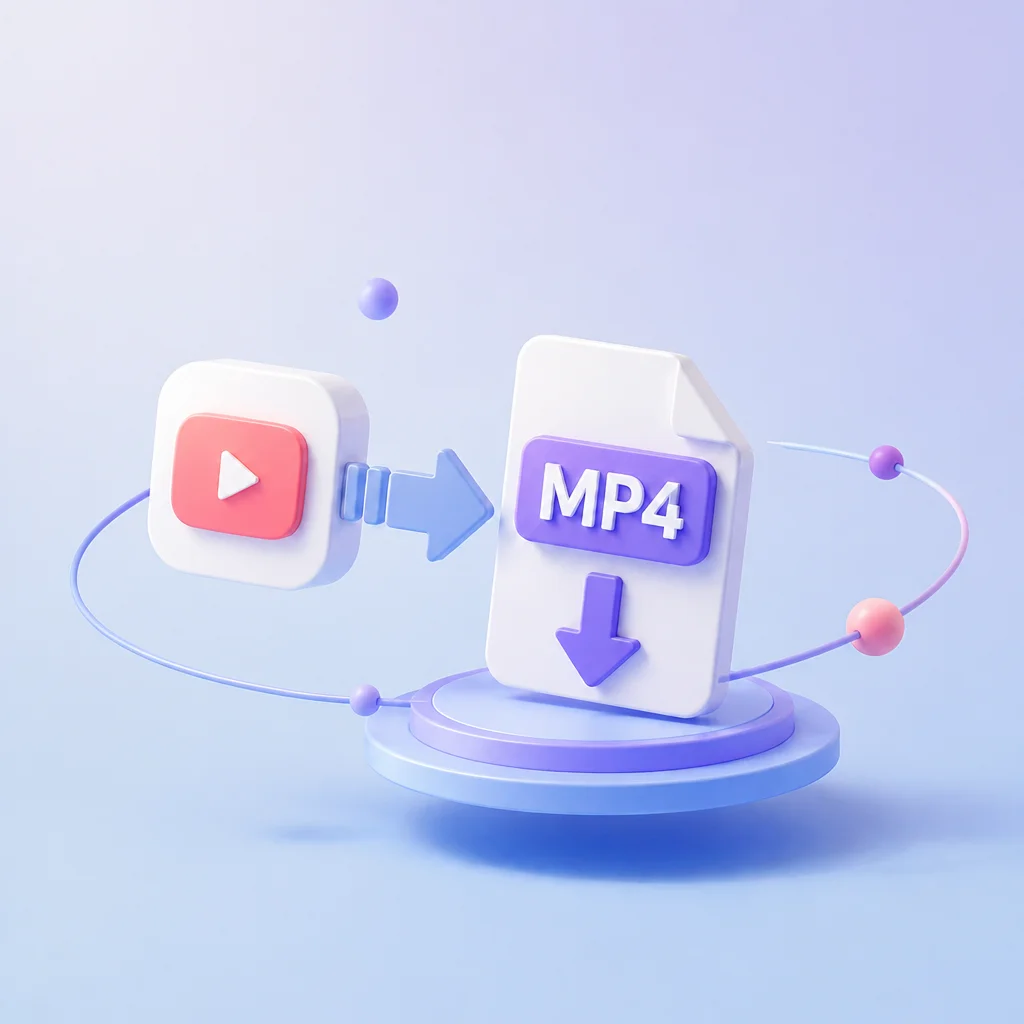
Twitch to MP4
Every VOD is saved as a standard MP4 file, which plays on pretty much any device or media player you own. No weird formats or conversion headaches, just the full stream ready to watch whenever you want.

1080p Download
We pull the original high quality files straight from Twitch so you can download your VODs in full 1080p. No more dealing with blurry streams or losing detail when you save past broadcasts.

Safe to Use
Your privacy and security come first. There is no signup required, no data collection, and no shady redirects. Just paste your link and download, with nothing extra getting in the way.

Works on Both Desktop and Mobile
It runs right in your browser whether you are on a Windows PC, Mac, iPhone, or Android phone. No apps or extensions needed, and the layout adjusts perfectly to whatever screen you are using.
Twitch Video Download FAQs
Got questions about saving Twitch VODs? Here are quick answers to the things people ask us most.
Is it safe to use this Twitch video downloader?
Absolutely. We don’t run ads, redirects, or malware, and we never collect your personal data. The tool processes everything in your browser so your information stays private and secure.
Can I convert Twitch VODs to MP4?
Yes. MP4 is the default download format for every VOD. It plays natively on all modern devices and platforms, so you can save, share, or edit without worrying about compatibility.
What resolution can I download?
We extract the highest quality available from Twitch, up to 1080p. The exact resolution depends on what the streamer originally broadcast. If the stream was recorded in 720p, that’s the max you’ll get.
How do I find the VOD link?
Go to the streamer’s channel page on Twitch, click the Videos tab, and select Past Broadcasts. Copy the URL from your browser’s address bar and paste it into SurSnap.
Can I download clips instead of full VODs?
Yes. SurSnap supports both full VODs and Twitch clips. Just paste the clip URL into the tool and download it as an MP4 file the same way you would with a full broadcast.
Important Notice: This tool is intended for personal use only. Downloading copyrighted material is strictly forbidden. By using this tool, you agree to our Terms and Conditions and are solely responsible for any copyright violations or misuse.