Let AI summerize this article for you:
 ChatGPT
 Claude
 Gemini
 Grok
Grok Perplexity
Updated on
If you’re tired of dealing with unreliable tools for grabbing audio or videos from YouTube, you’re not alone. TubeRipper used to be a go-to for quick audio rips, but it’s fallen short lately. In this guide, we’ll break down why it’s time to switch and spotlight eight solid alternatives, including SurFast Video Downloader. We’ll cover what each one brings to the table, plus a head-to-head comparison to make your choice easier.
Why You Might Need a TubeRipper Alternative
TubeRipper has been around for ripping audio from YouTube videos without much fuss, but it’s got some real drawbacks these days. For starters, a lot of users say it just stops working out of the blue—maybe due to YouTube updates or site glitches. Then there’s the sketchy side: pop-up ads that feel invasive, potential security risks like malware from dodgy redirects, and no real options for choosing audio quality. It’s free and online-based, which is convenient, but that also means it’s at the mercy of browser changes or server issues.
If you’re looking for something more stable, with better features like higher quality downloads or support for more sites, it’s worth exploring alternatives. These options can handle audio extraction just as well, often with extras like video downloads or batch processing, all while being safer and more user-friendly.
Top 8 TubeRipper Alternatives
Here are eight strong picks that can replace TubeRipper for your YouTube audio needs. I’ve included a mix of free and paid tools, desktop apps, and online options. Each one gets an overview, key features, and a balanced look at the upsides and downsides.
1. SurFast Video Downloader
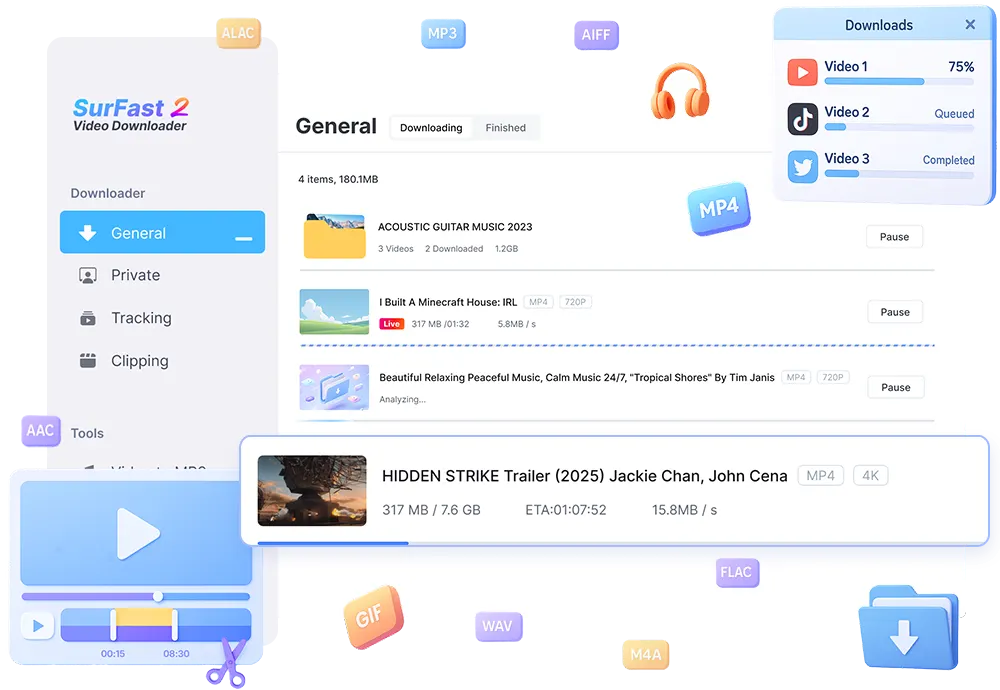
SurFast Video Downloader stands out as a versatile desktop app that’s great for folks who want more than just basic audio rips from YouTube. It’s built for grabbing content from a huge range of sites, making it easy to save videos, music, or even thumbnails without hassle. Whether you’re archiving playlists or converting clips for offline listening, it feels straightforward and reliable, especially if you’re on Windows or Mac.
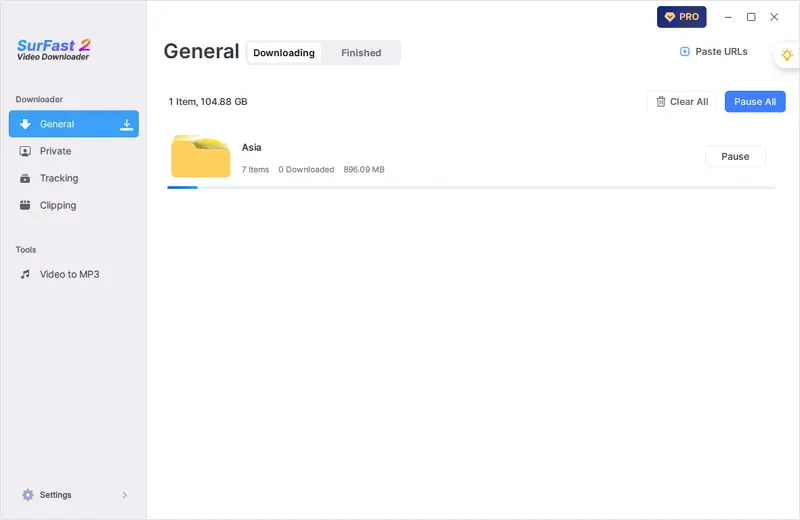
Main Features:
- Supports downloads from over 1,000 sites like YouTube, TikTok, Instagram, Facebook, and Twitter.
- Handles resolutions up to 8K for videos and high-bitrate audio (up to 320kbps).
- Bulk downloads for playlists or channels, plus clipping tools to trim videos.
- Audio extraction in formats like MP3, WAV, and FLAC.
- Subtitle and thumbnail downloads, with a browser extension for quick grabs.
Pros:
- Super easy interface that’s beginner-friendly.
- Fast downloads and high-quality options.
- Great for batch jobs, saving time on big collections.
Cons:
- Free trial has limits like only three downloads and max 720p.
- Full features require a paid upgrade.
2. 4K Video Downloader
4K Video Downloader is a solid desktop choice if you need something that punches above its weight for YouTube content. It’s been around for years, helping people save videos and audio in high quality without needing tech know-how. Perfect for anyone building an offline library, it works across platforms and handles everything from single clips to full channels.
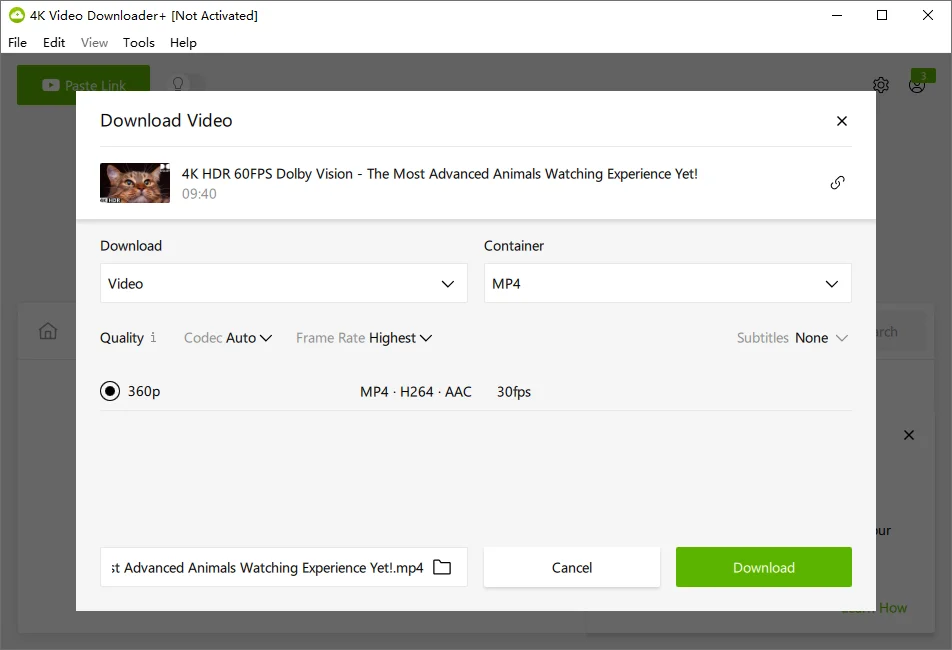
Main Features:
- Downloads from YouTube, Vimeo, TikTok, Facebook, and more.
- Supports up to 8K video and audio in MP3, M4A, or OGG.
- Batch downloads for playlists, channels, and subtitles in over 50 languages.
- Smart mode for auto-applying settings, plus private content access.
- In-app browser and proxy for bypassing restrictions.
Pros:
- Free version covers basics with no ads.
- Handles high-res stuff like 360° videos well.
- Reliable for large batches without crashing.
Cons:
- Free limits on batch sizes and private downloads.
- Only supports specific newer OS versions.
3. yt-dlp
yt-dlp is a command-line powerhouse that’s ideal for tech-savvy users who want total control over their downloads. It’s a fork of the classic youtube-dl, updated to work with modern sites, and it’s all about flexibility—whether you’re scripting downloads or just need something that supports obscure platforms.
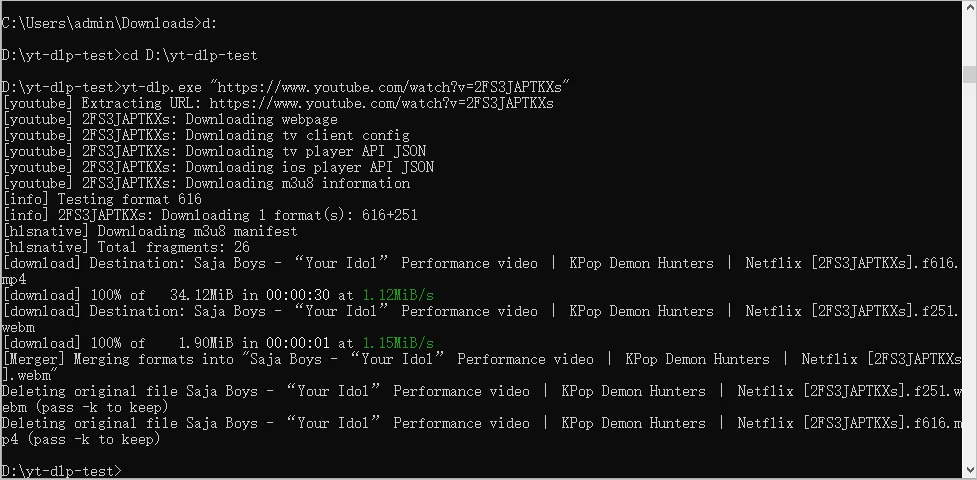
Main Features:
- Works with thousands of sites beyond YouTube, like streaming services.
- Advanced format selection, including best audio/video merges.
- Post-processing for metadata, subtitles, and thumbnails.
- Plugin support and output templates for custom filenames.
- SponsorBlock integration to skip ads or sponsors in videos.
Pros:
- Completely free and open-source.
- Incredibly customizable for power users.
- Frequent updates keep it working smoothly.
Cons:
- No graphical interface, so it’s steep for beginners.
- Needs extra tools like ffmpeg for full features.
4. YTD Video Downloader
YTD Video Downloader is a straightforward app that’s been popular for quick YouTube grabs, especially if you want to convert videos to audio on the fly. It’s user-friendly for everyday folks, supporting a bunch of sites and making offline access simple on Windows or Mac.
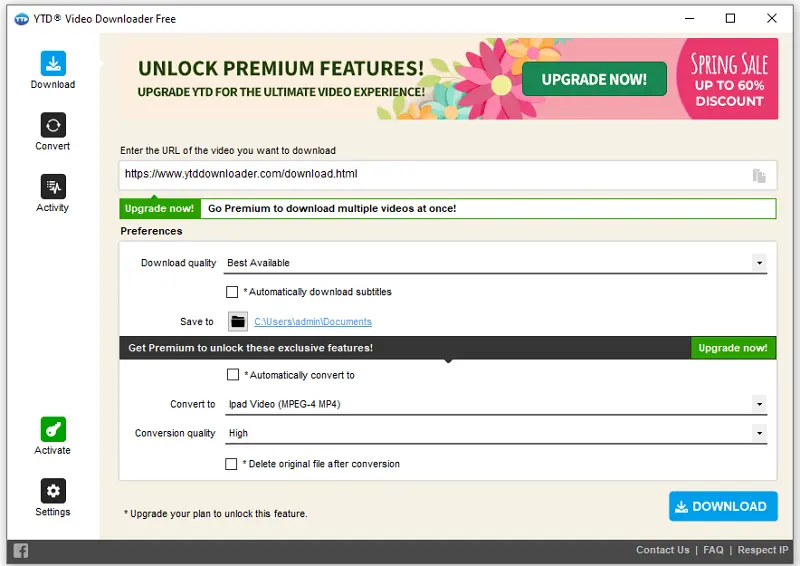
Main Features:
- Downloads from over 50 sites, including YouTube, TikTok, and Instagram.
- Converts to MP4, MP3, AVI, and more, up to 8K in pro version.
- Batch downloads for playlists and channels.
- Audio extraction and caption support.
- Auto-resume for interrupted downloads.
Pros:
- Free version allows unlimited HD singles.
- Fast and stable for long videos.
- Good privacy with no history tracking.
Cons:
- Ads in the free version.
- Pro needed for batches and higher quality.
5. ClipGrab
ClipGrab is a no-frills free desktop downloader that’s great for casual users who just want to rip YouTube audio or videos without extras. It’s lightweight and focuses on simplicity, converting downloads in one step, which makes it a quick pick for basic needs on Windows, Mac, or Linux.
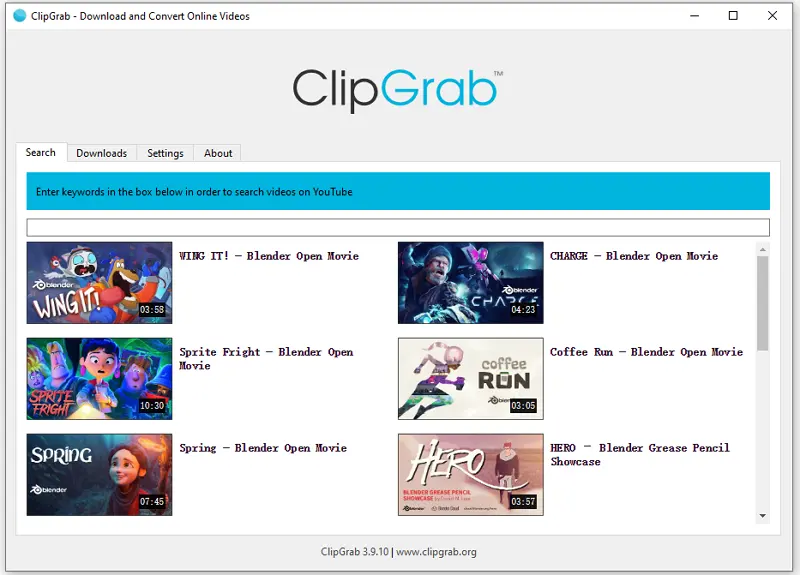
Main Features:
- Supports YouTube, Vimeo, Facebook, and other video sites.
- Downloads and converts to MP4, MP3, or other formats.
- Clipboard monitoring for auto-detecting URLs.
- Search function within the app.
- Quality selection up to HD.
Pros:
- Totally free with no limits.
- Simple one-step process.
- Lightweight and easy to install.
Cons:
- Limited site support compared to others.
- Occasional update issues with YouTube changes.
6. SaveFrom.net
SaveFrom.net is an online tool that’s super convenient if you don’t want to install anything— just paste a URL and go. It’s handy for quick audio rips from YouTube or other sites, working right in your browser on any device.
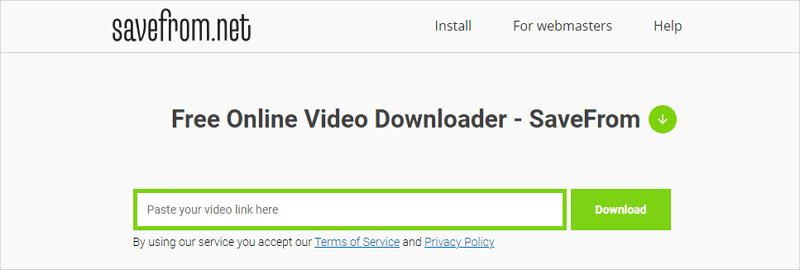
Main Features:
- Supports YouTube, Instagram, Facebook, and many others.
- Downloads in MP4 or MP3 formats.
- Options for different qualities up to HD.
- Browser extension for faster access.
- No software needed.
Pros:
- Free and instant, no downloads required.
- Works on mobile or desktop.
- Simple for one-off grabs.
Cons:
- Ads and pop-ups can be annoying.
- Slower for large files; depends on internet.
7. Freemake Video Downloader
Freemake Video Downloader is a free Windows/Mac app that’s awesome for grabbing content from a massive list of sites, including YouTube audio. It’s been a favorite for years thanks to its ease and quality preservation, making it great for building collections.
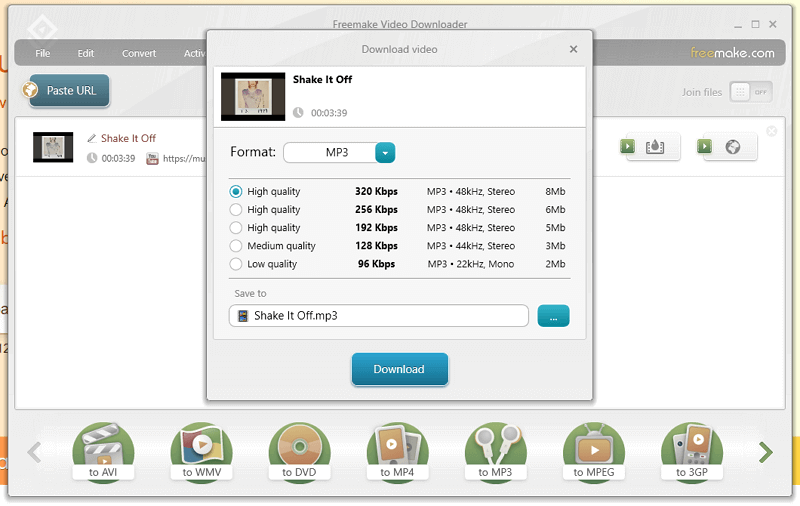
Main Features:
- Supports over 10,000 sites like YouTube, Facebook, and Vimeo.
- Downloads in MP4, AVI, FLV, up to 4K.
- Batch downloads up to 500 files.
- Proxy and speed limits for control.
- Cloud upload integration.
Pros:
- Free with no ads or downtime.
- Handles huge batches well.
- Preserves original quality.
Cons:
- Windows-focused; Mac version is older.
- Adult site controls might be overkill for some.
8. aTube Catcher
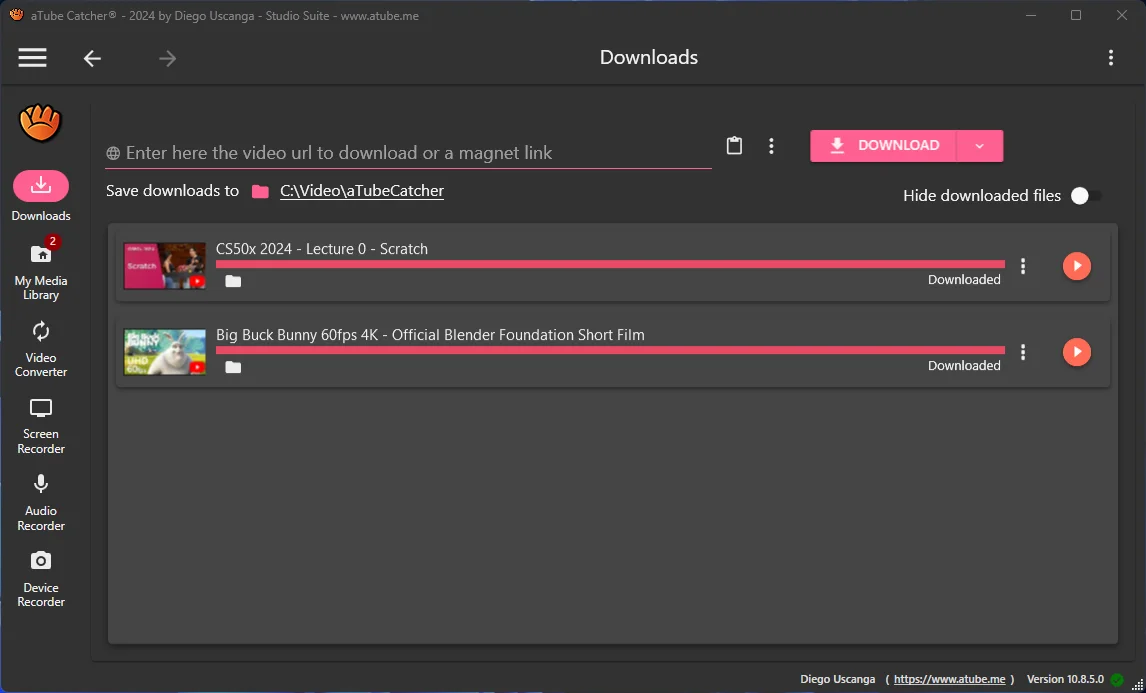
aTube Catcher is a multifunctional free tool that’s more than just a downloader— it also records screens and burns DVDs. It’s solid for YouTube audio if you want extras like exporting to devices, and it’s been around forever on Windows.
Main Features:
- Downloads from thousands of sites including YouTube and Vimeo.
- Converts to MP4, MP3, AVI, and device formats.
- Screen recorder and stream catcher.
- DVD/VCD burning built-in.
- Multilanguage support.
Pros:
- Free with tons of extra tools.
- Great for device compatibility.
- Long-term updates.
Cons:
- Ad-supported interface.
- Windows-only.
Comparing the 8 TubeRipper Alternatives
To make it easier to pick the right one, let’s stack them up. This comparison looks at key factors like what devices they work on, cost, how many sites they support, and quality options. Keep in mind, your choice might depend on whether you prefer desktop apps or online tools.
| Tool | Platforms | Free/Paid | Supported Sites | Max Quality/Formats | Other Notes |
|---|---|---|---|---|---|
| SurFast Video Downloader | Windows, Mac | Trial/Free, Paid for full | 1,000+ | 8K / 15+ (MP4, MP3, etc.) | Bulk focus |
| 4K Video Downloader | Windows, Mac, Linux | Free with limits, Paid | 10+ major | 8K / MP4, MP3, SRT | Subtitles strong |
| yt-dlp | Any (command-line) | Free | Thousands | Custom / All via ffmpeg | Advanced users |
| YTD Video Downloader | Windows, Mac | Free with ads, Pro | 50+ | 8K (Pro) / MP4, MP3 | Batch in Pro |
| ClipGrab | Windows, Mac, Linux | Free | Several major | HD / MP4, MP3 | Lightweight |
| SaveFrom.net | Web-based | Free | Many | HD / MP4, MP3 | No install |
| Freemake Video Downloader | Windows, Mac | Free | 10,000+ | 4K / MP4, AVI | Batch heavy |
| aTube Catcher | Windows | Free (ads) | Thousands | HD / MP4, MP3, AVI | Screen record |
Wrapping It Up
Switching from TubeRipper doesn’t have to be a headache—with these alternatives, you can find something that fits your style, whether it’s a free online option like SaveFrom.net for quick jobs or a robust app like SurFast Video Downloader for serious downloading. If you’re after high quality and ease, I’d lean toward 4K Video Downloader or yt-dlp for the tech crowd. Just remember to respect copyrights and use these for personal stuff. Give a couple a try and see what sticks—your offline playlist will thank you!


You May Also Like
-
Top 10 KeepVid Alternative Tools to Download YouTube to MP3, MP4, and More
With any of the KeepVid alternative tools introduced in this guide, you can download YouTube video, convert YouTube to MP3, or download YouTube to MP4 with ease.
Myra Xian Updated on -
Best 16 GoMovies Alternative Sites for Free Streaming
Here are 16 popular free movie streaming sites like GoMovies. Pick your favorite GoMovies alternative and enjoy unlimited movie watching.
Myra Xian Updated on -
Free Alternatives to YTMP3 for YouTube to MP3 Conversion
Say goodbye to YTMP3 and hello to a new collection of YouTube to MP3 converters. Get the best YTMP3 alternatives and rip MP3 from YouTube.
Myra Xian Updated on