

Download Tube8 Videos in High Quality – HD Tube8 Downloader for Windows and Mac
SurFast Video Downloader lets you download videos from Tube8 and many other websites. Save any Tube8 video to your computer in the highest quality available, with your choice of format including MP4, WebM, MOV, and more.
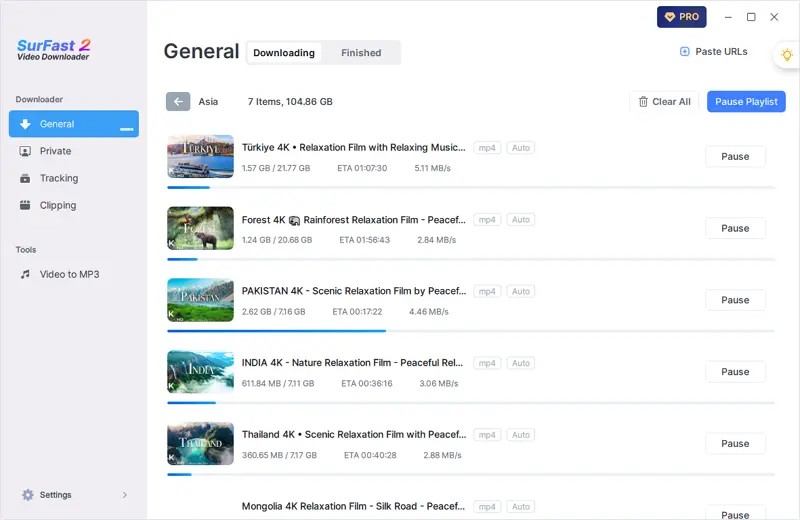
Stable Desktop Tube8 Downloader
SurFast Video Downloader is a desktop-based app that delivers fast and stable downloads from Tube8 and dozens of other video sites. It runs locally on your computer with no ads, no malware, and no third-party tracking
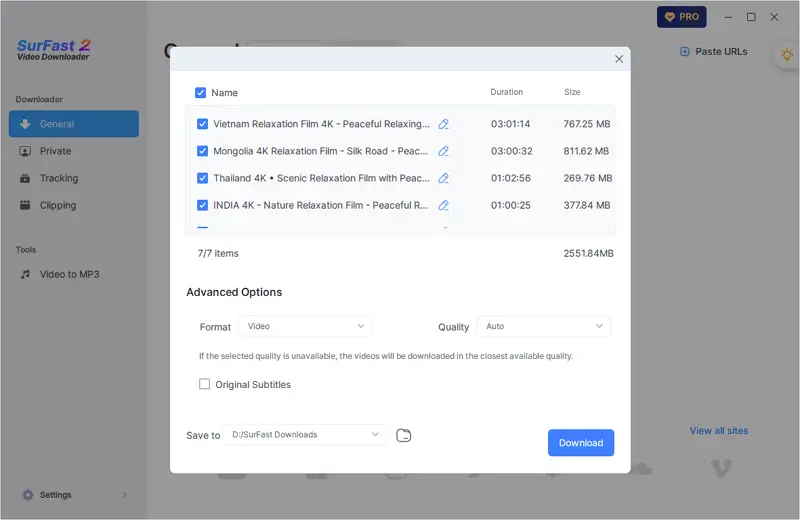
Bulk Tube8 Downloads
SurFast Video Downloader supports all kinds of bulk downloads. Whether you want to download an entire playlist or save multiple videos from separate URLs, the app handles it smoothly and efficiently. Just add your links, choose your settings, and start the download.
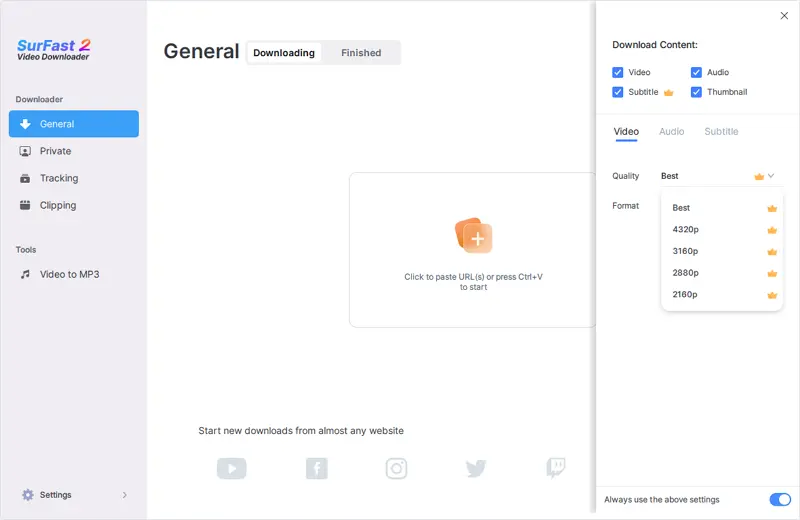
Full Resolution Support Up to 8K
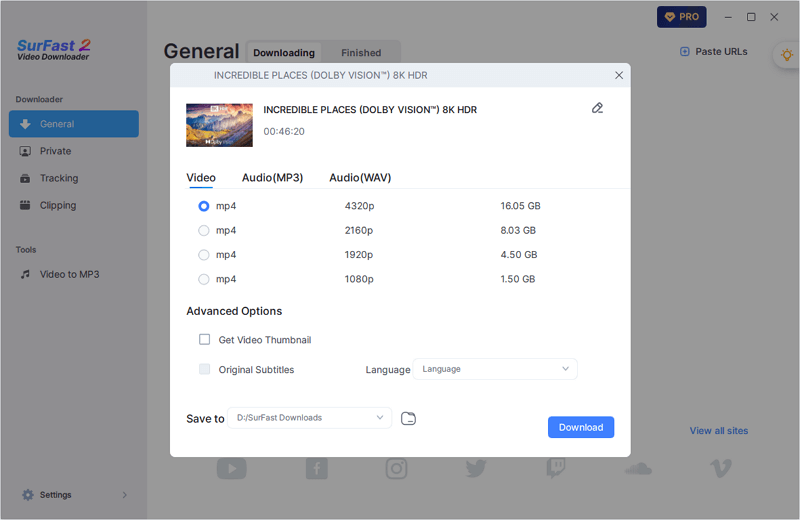
SurFast Video Downloader shows every resolution option that the source website provides. If the original Tube8 video is available in HD, 4K, or even 8K, you will see those choices in the app and can download the version you want. The tool does not limit quality or hide higher resolutions. What the site offers is what you get.
Support for All Video Types
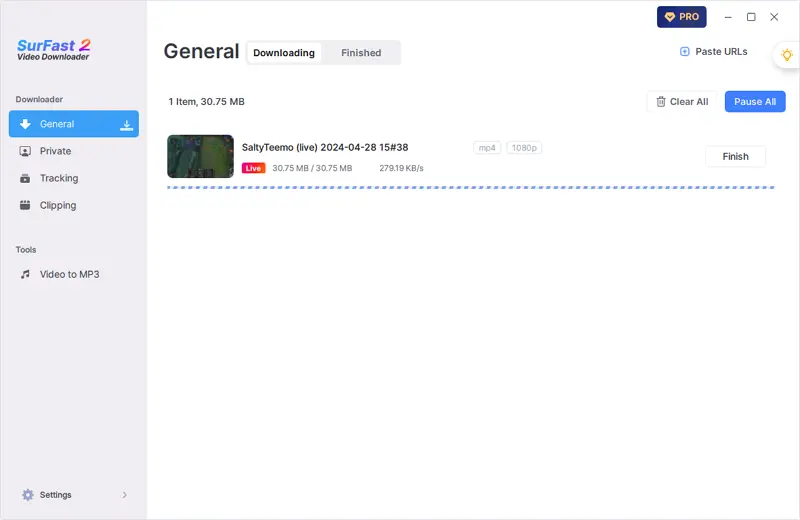
SurFast Video Downloader handles more than just public videos. It also supports live streams and certain private or member-only content on platforms that allow local access.
Multiple Video Format Options
SurFast Video Downloader lets you save Tube8 videos in a range of formats, including MP4, WebM, MOV, FLV, AVI, and MKV. You can keep the original format or pick one that works best with your operating system or media player. The app downloads the video and converts it to your chosen format in a single step, so there is no need for extra software.
Tube8 to GIF
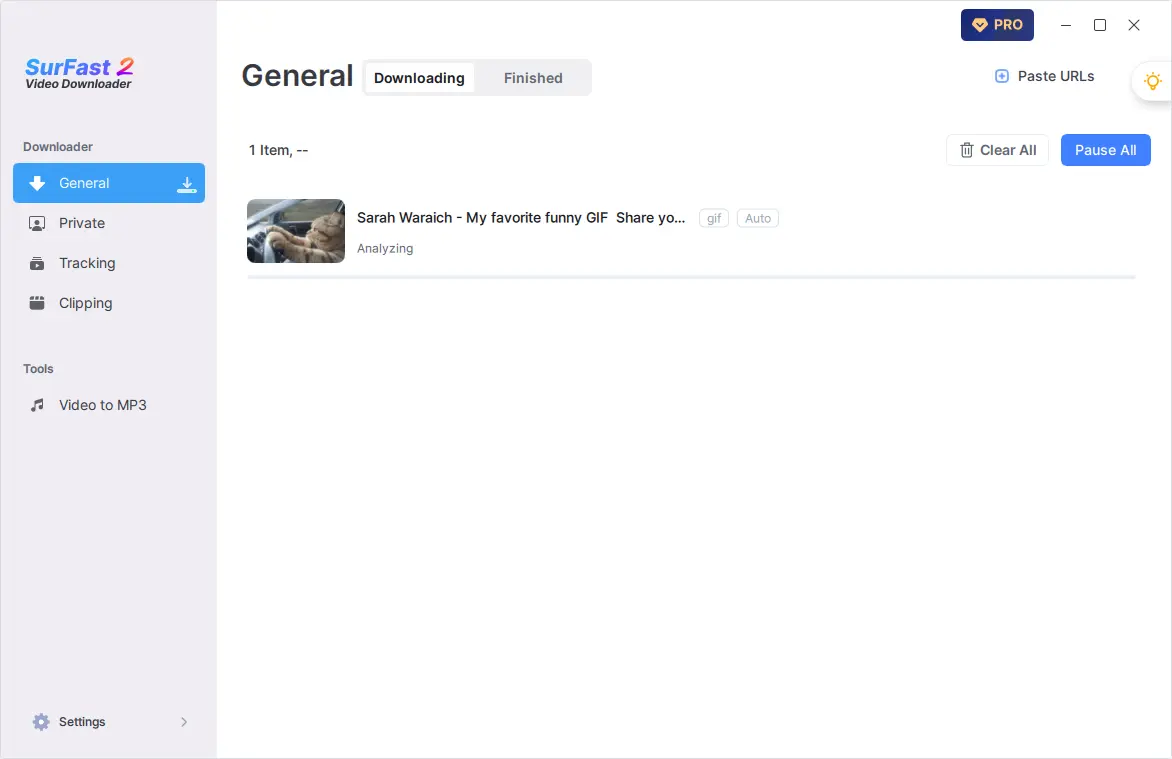
SurFast Video Downloader can turn any Tube8 video into a GIF. You do not need to download the full video first. Just pick the part you want using the built-in clipping tool and export it directly as an animated image. The result is a clean GIF file ready to share or use anywhere.
Download Tube8 Audio Only
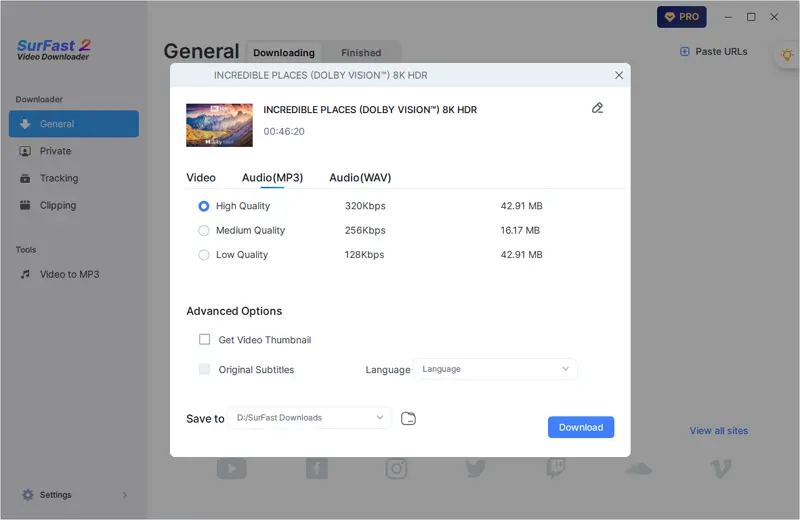
SurFast Video Downloader can pull the audio track from any Tube8 video and save it as a standalone file. You do not need to download the full video first. Choose your preferred format, such as MP3 or M4A, and get a clean audio file ready for playback or editing.
Download Tube8 Clips
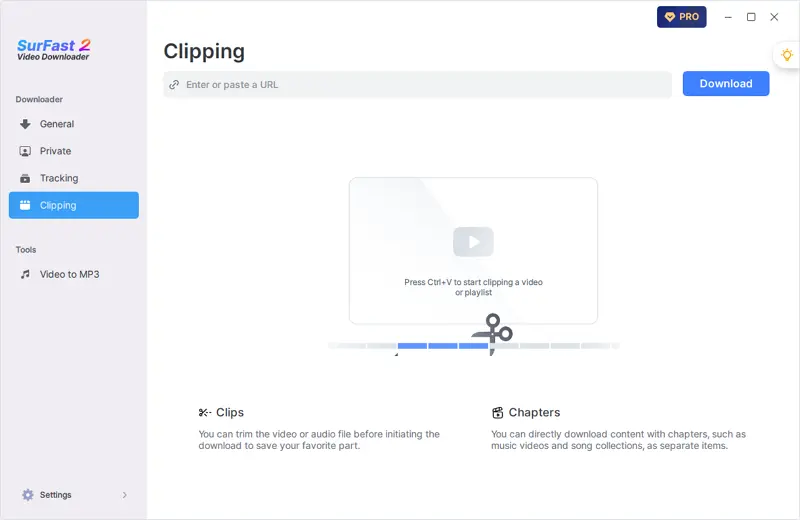
With SurFast, you can download just a portion of any Tube8 video. Use the built-in clipping tool to set your start and end points, then save only that segment as a complete video file. There is no need to download the full video or use separate editing software.
Beyond Video Downloads
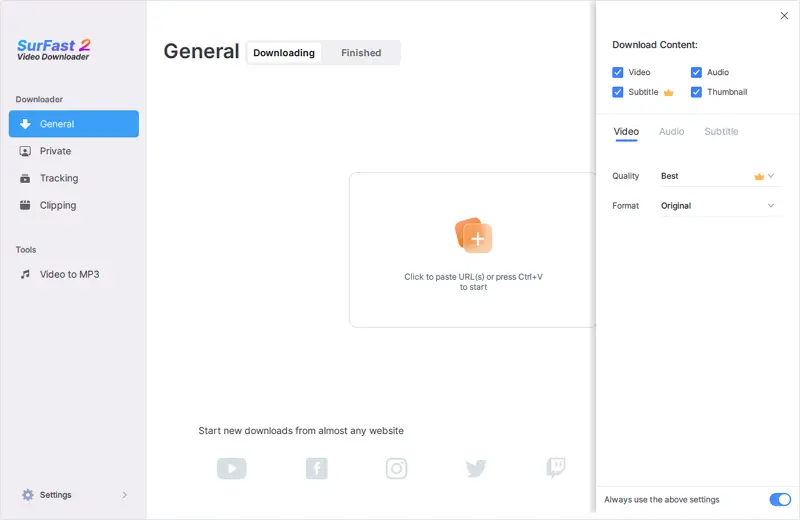
SurFast Video Downloader does more than download videos. It can also save the audio track, subtitles, and video thumbnails when they are available from the source site. You can choose which parts to keep so you get exactly what you need without extra files.
More Than Just Tube8
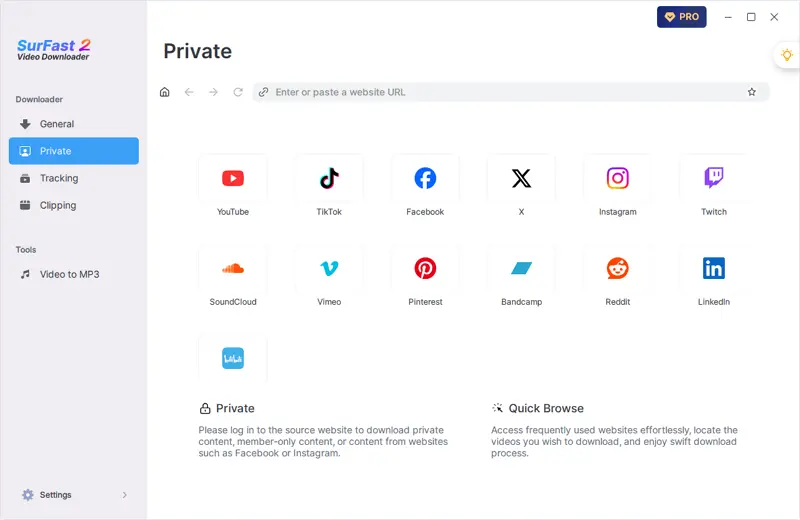
SurFast Video Downloader works with more than just Tube8. It supports videos from YouTube, TikTok, Facebook, X, Twitch, Kick, and many other sites. Whether the content is a short clip, a full-length video, or a live stream, you can download it using the same simple steps.
How to Download Tube8 Videos to Your Computer
Downloading videos from Tube8 is straightforward with SurFast Video Downloader. Follow the steps below to easily save your favorite videos to your PC or Mac.
- Open the Tube8 video you want to download and copy its URL from the browser address bar.
- Launch SurFast Video Downloader and paste the URL by pressing Ctrl + V or Cmd + V.
- Choose your preferred resolution and format. Then select the storage folder.
- Click Download.
Ready to Download? Get This Tube8 Downloader Now
SurFast Video Downloader is free to download and ready-to-use right away. Install it on your computer and start saving Tube8 videos along with content from YouTube, TikTok, Twitch, and more.
More Video Downloaders You May Like
You might also like these tools for downloading videos from websites.
Frequently Asked Questions
Check the FAQ section for more useful tips.
What video quality can I download from Tube8?
The app shows all resolution options that Tube8 provides for a given video. This may include 480p, 720p, or 1080p, depending on the source. SurFast Video Downloader does not enhance quality. It downloads exactly what is available.
How to convert Tube8 to MP4?
SurFast Video Downloader saves Tube8 videos as MP4 by default, so you don’t need to convert them manually. Just download, and the file is ready to use.
How to download multiple Tube8 videos at once?
If the videos are from the same Tube8 playlist, just paste the playlist link into SurFast Video Downloader, and it will download all of them. If they’re separate videos, copy all their URLs and paste them together into the app, and SurFast Video Downloader will download them all at once.