
HD Twitter to MP4 Converter
Download and convert Twitter videos to MP4 online for free.

Downloading copyrighted material without permission is strictly prohibited. Please read our Terms and Conditions for details.

Convert Twitter to MP4, MP3, GIF, and More
While SurSnap gives you convenient online downloads, SurFast Video Downloader is our full-featured desktop application designed for serious users.
✓ Download videos up to 8K quality
✓ Batch download full playlists and channels
✓ Clip and download video or audio segments
✓ Export to 15+ formats (MP4, MP3, GIF, etc.)
✓ Optional Chrome Extension — Download instantly via right-click

SurFast Video Downloader
By Nabla Mind
How to Download Twitter Videos to MP4
Whether you are saving a viral clip or an animated GIF from X, the process is quick and works on any device. Just follow the steps for your platform below.
Download Twitter Videos on PC or Mac

Step 1.
Copy the tweet URL and paste it into the input field, then click Download.
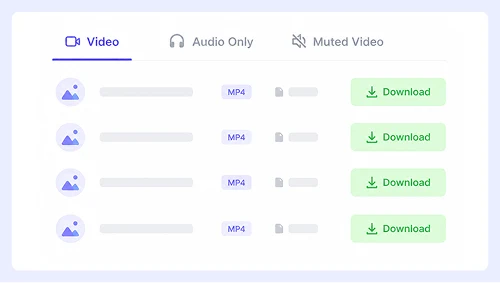
Step 2.
Pick your desired resolution and file type, then click the Download button.
Step 3.
Once the media opens in a new tab, right-click and select “Save Video As…” or use the ⋮ menu to choose Download.
Save Twitter to MP4 on iPhone or Android

Step 1.
Paste the X or Twitter link into the box and tap Download.
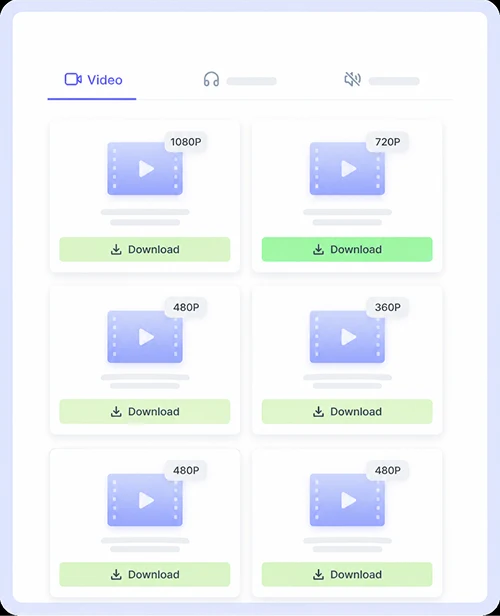
Step 2.
Select your preferred quality and tap the Download button beside it.
Step 3.
When the prompt appears, tap Download or hit the Save icon to store the file on your device.
Why Choose Our Twitter to MP4 Converter
Save videos and animated posts from X instantly with a tool built for modern social media. No signups, no software installs, and no limits. Just paste the tweet link and get your MP4 file in seconds.

HD MP4 Download
Convert any Twitter video to high-quality MP4 with one click. The converter automatically detects the best available resolution and preserves the original clarity so your saved clips look exactly as they do on X. Whether you are saving a 1080p highlight or a 720p meme, the output stays sharp and true to the source.

Support Videos and GIFs
Grab both standard videos and animated GIFs from the same simple interface. Since X converts all GIF animations to MP4 on their servers, our tool handles this seamlessly so you get a perfectly looping file every time. You never need to guess whether a post is a video or a GIF because the downloader detects and processes both formats automatically.

Free and Unlimited Use
Download as many Twitter videos as you want without paying a cent or creating an account. There are no daily caps, no premium tiers, and no hidden fees. This Twitter to MP4 service remains completely free for every user forever, whether you are saving one clip or batching dozens of tweets.

Supports More Websites
Save content from Instagram, Facebook, YouTube, and dozens of other platforms using the exact same tool. You never need to switch downloaders or bookmark multiple sites when grabbing videos from different sources. One universal interface handles all major social networks so your workflow stays fast and simple.
Twitter MP4 Download FAQs
Got questions about saving videos from X? We have put together answers to the most common things users ask about our Twitter to MP4 converter.
Is this Twitter downloader really free?
Yes, this tool is completely free to use with no hidden costs or premium plans. You can convert and save as many Twitter videos or GIFs as you like without ever creating an account or entering payment details. We believe everyone should have easy access to their favorite content from Twitter.
Can I download GIFs from Twitter as MP4 files?
Absolutely. Our converter automatically detects animated GIFs on Twitter and turns them into high-quality MP4 files that loop perfectly. Since Twitter already serves GIFs as video under the hood, you get a smooth playback experience that works on all devices without any extra steps.
What video quality can I expect when downloading?
The downloader always grabs the highest resolution available from the original tweet. Most videos come through in full HD 1080p while shorter clips and memes typically save at 720p. The output matches exactly what you see on Twitter so your saved files stay crisp and clear.
Does this tool work on mobile phones and tablets?
Yes, the interface is fully responsive and works just as well on iOS and Android devices as it does on desktop computers. You can paste a tweet link directly from the X app and save the MP4 to your phone gallery in seconds without installing any additional software or browser extensions.
Is it legal to download MP4 from Twitter?
Downloading publicly shared videos for personal offline viewing is generally fine and widely accepted. However, you should always respect copyright and never repost someone else’s content as your own without permission. This tool is designed for private archiving and fair use only.
Important Notice: This tool is intended for personal use only. Downloading copyrighted material is strictly forbidden. By using this tool, you agree to our Terms and Conditions and are solely responsible for any copyright violations or misuse.