
Free YouTube MP3 Downloader
Turn any YouTube video into a high-quality MP3 file for free.

Downloading copyrighted material without permission is strictly prohibited. Please read our Terms and Conditions for details.

Batch Convert YouTube Playlist to MP3 with SurFast Video Downloader
While SurSnap gives you convenient online downloads, SurFast Video Downloader is our full-featured desktop application designed for serious users.
✓ Download videos up to 8K quality
✓ Batch download full playlists and channels
✓ Clip and download video or audio segments
✓ Export to 15+ formats (MP4, MP3, GIF, etc.)
✓ Optional Chrome Extension — Download instantly via right-click

SurFast Video Downloader
By Nabla Mind
How to Extract MP3 from YouTube Videos
Converting YouTube to MP3 is easy on any device. Just follow the simple steps below for desktop or mobile to get your audio in seconds.
Convert YouTube to MP3 on Windows & Mac
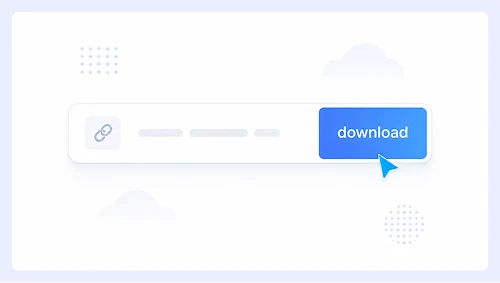
Step 1.
Paste the YouTube link and click Download.
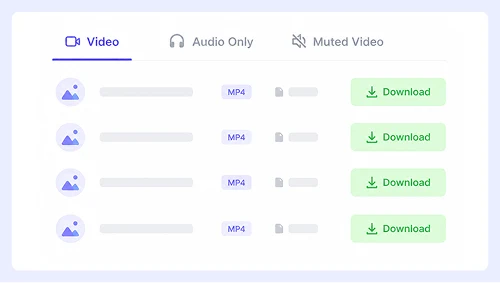
Step 2.
Go to the Audio Only tab and select MP3.
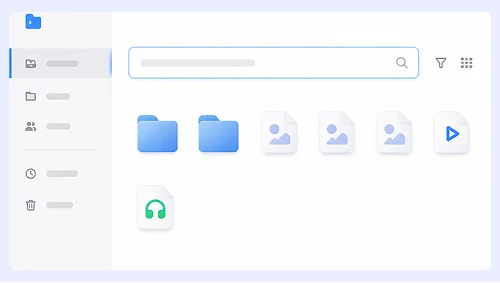
Step 3.
Click the three-dot menu next to the file and choose Download.
Download MP3 from YouTube on iPhone or Android
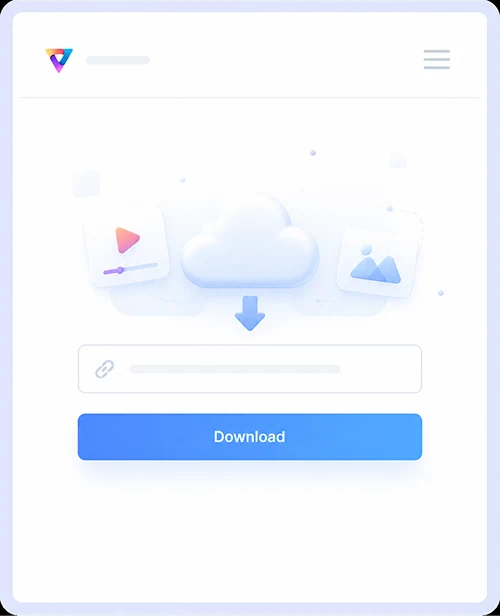
Step 1.
Paste the YouTube URL and tap Download.
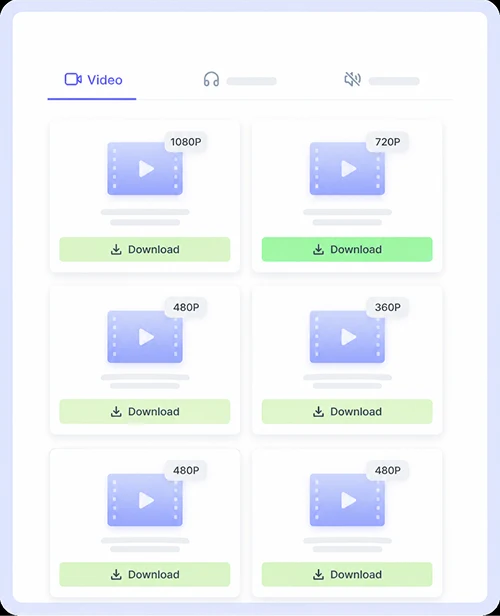
Step 2.
Tap Audio Only, then select MP3.
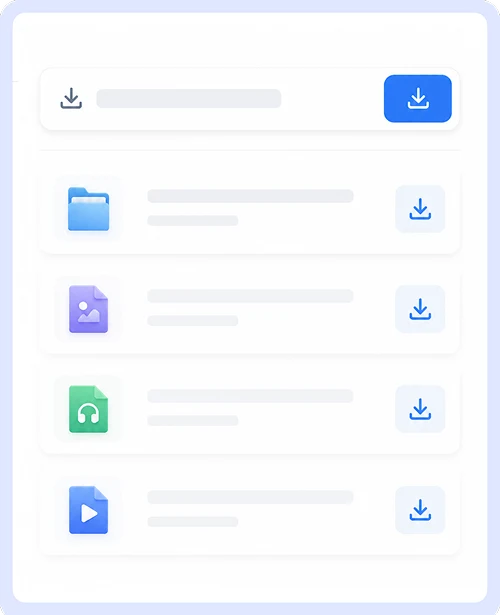
Step 3.
Save the audio file directly to your device.
Why Choose Our YouTube Audio Downloader
Get high-quality audio from YouTube without the usual frustrations of free tools. We built this converter to be simple, safe, and accessible for everyone who wants to save music or podcasts offline.
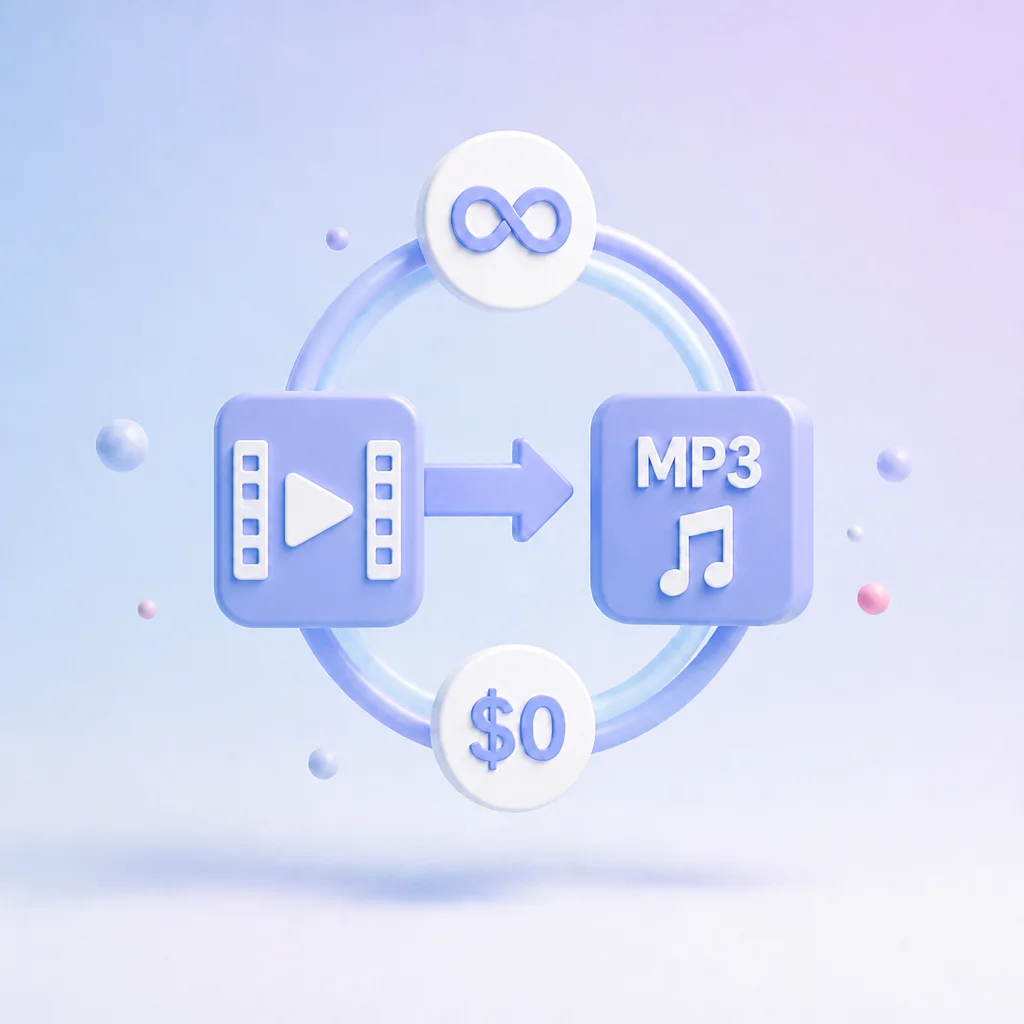
Free & Unlimited Conversions
Convert as many YouTube videos to MP3 as you need without paying a cent or creating an account. There are no daily limits, hidden fees, or premium upsells blocking your downloads at any time.

No Ads or Redirects
Enjoy a clean interface without pop-ups, fake download buttons, or malicious redirects. Every click takes you exactly where you expect so you can focus on getting your audio file safely and quickly.

Wide Platform Support
Works seamlessly across all major browsers, including Chrome, Safari, Firefox, and Edge. You never need to install extensions, plugins, or third-party software since everything runs directly in your browser.
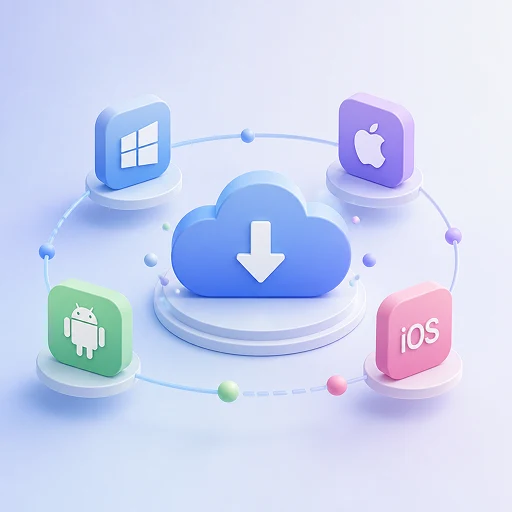
Desktop & Mobile Friendly
Save MP3 files effortlessly whether you are on a Windows PC, Mac, iPhone, or Android device. The responsive design adapts to any screen size and delivers the same fast experience on every platform.
YouTube MP3 Download FAQs
Got questions about converting YouTube videos to MP3? We have answered the most common ones below to help you get started quickly and safely.
Is this YouTube to MP3 converter really free?
Yes, our tool is completely free to use with no hidden costs or premium plans. You can convert unlimited videos without creating an account or providing any payment information.
Can I download MP3s on my phone or tablet?
Absolutely. The converter works directly in your mobile browser on both iOS and Android devices. There is no need to install any apps since the entire process happens online.
Are there any limits on how many videos I can convert?
There are no daily caps or restrictions on the number of conversions. You can download as many MP3 files as you need whenever you want without waiting or upgrading.
Is it safe to use this YouTube audio downloader?
Yes, we prioritize your security by keeping the site free of ads, pop-ups, and malicious redirects. Your device stays protected while you convert and download audio files.
What audio quality can I expect from the MP3 files?
We extract audio at the highest available bitrate from the original video to ensure clear sound. Most downloads come through at 128kbps or higher for a great listening experience.
Important Notice: This tool is intended for personal use only. Downloading copyrighted material is strictly forbidden. By using this tool, you agree to our Terms and Conditions and are solely responsible for any copyright violations or misuse.