
Download YouTube Shorts Videos Online
Save your favorite YouTube Shorts directly to your phone, tablet, or computer in seconds.

Downloading copyrighted material without permission is strictly prohibited. Please read our Terms and Conditions for details.

Download YouTube Shorts in 1080p with SurFast Video Downloader
While SurSnap gives you convenient online downloads, SurFast Video Downloader is our full-featured desktop application designed for serious users.
✓ Download videos up to 8K quality
✓ Batch download full playlists and channels
✓ Clip and download video or audio segments
✓ Export to 15+ formats (MP4, MP3, GIF, etc.)
✓ Optional Chrome Extension — Download instantly via right-click

SurFast Video Downloader
By Nabla Mind
How to Download YouTube Shorts
Whether you’re on a laptop or scrolling on your phone, we’ve got you covered. Choose your platform below for a step-by-step walkthrough.
Download YouTube Shorts on PC or Mac
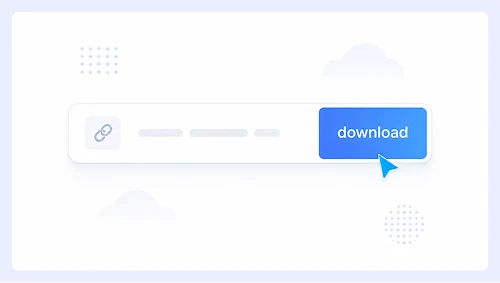
Step 1.
Paste the Shorts link into the search bar and click Download.
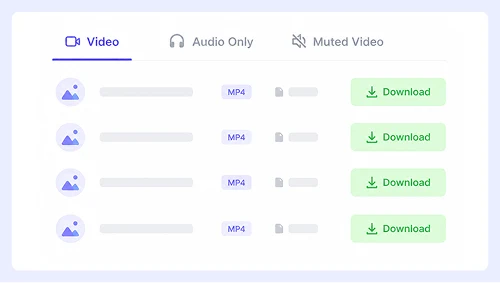
Step 2.
Choose your preferred format and quality, then click the Download button.
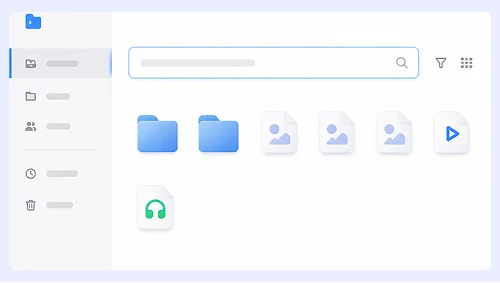
Step 3.
When the video opens in a new tab, right-click it and select “Save Video As…” or click the ⋮ menu and choose Download.
Save YouTube Shorts on iPhone or Android
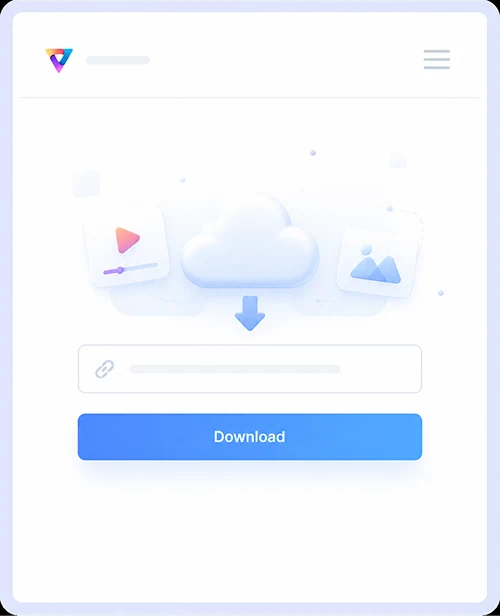
Step 1.
Paste the Shorts link and tap Download.
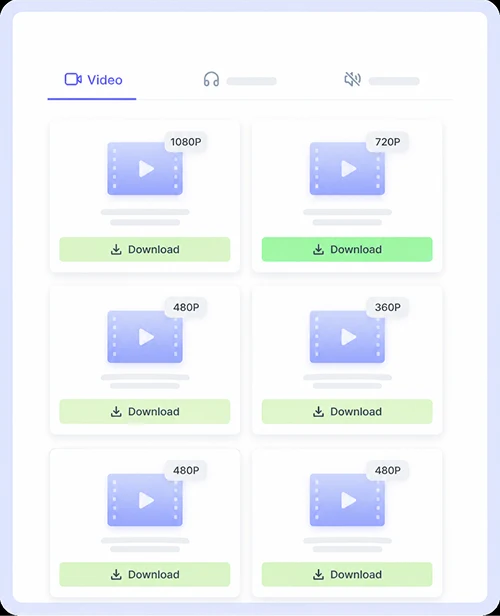
Step 2.
Tap the Download button next to your preferred format.
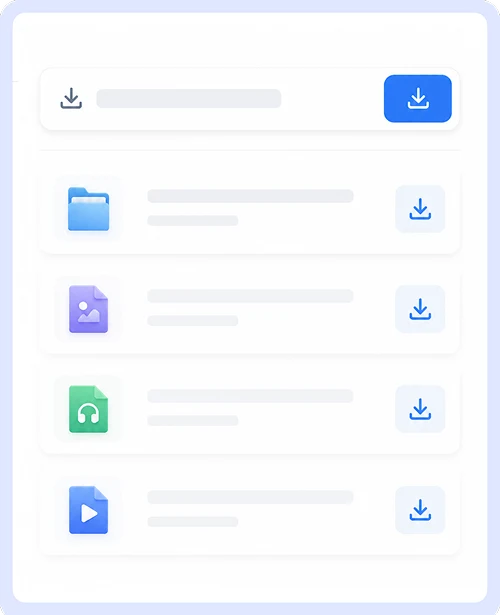
Step 3.
In the pop-up that appears, tap Download or tap the Save icon on screen.
Why Choose Our YouTube Shorts Downloader
Save trending Shorts instantly with a tool built specifically for vertical video. No signups, no software installs, and no limits. Just paste the link and get your MP4 file in seconds.
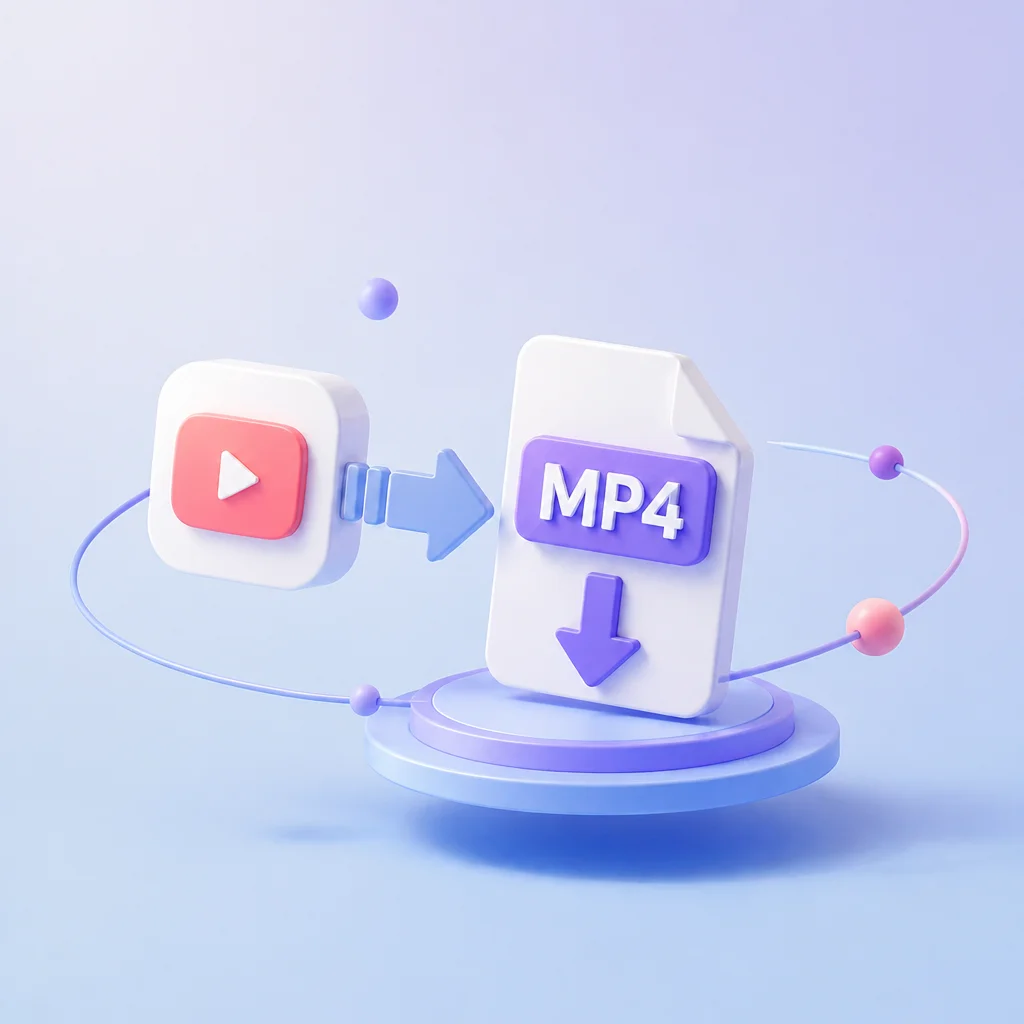
YouTube Shorts to MP4
Convert any YouTube Short to high-quality MP4 with one click. The tool automatically detects vertical video formats and preserves the original resolution so your saved clips look exactly as they do on the platform.

Free & Unlimited YouTube Shorts Download
Download as many Shorts as you want without paying a cent or creating an account. There are no daily caps, no premium tiers, and no hidden fees. This service remains completely free for every user forever.
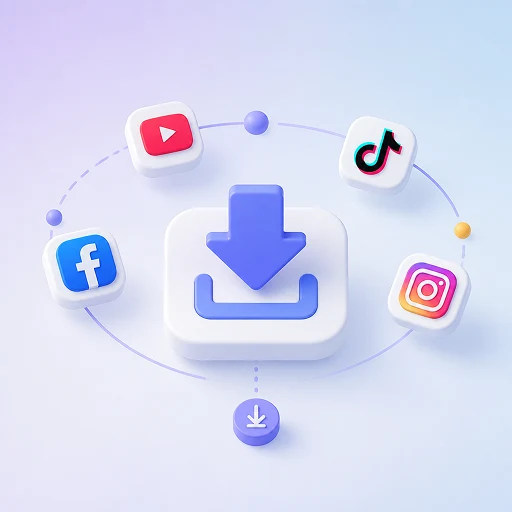
Wide Platform Support
Download videos from Instagram, Facebook, X, and dozens of other social platforms using the same simple interface. You never need to switch tools or bookmark multiple sites when saving content from different sources.
Mobile & Desktop Ready
Paste links and save videos just as easily on your phone as on your computer. The interface adapts perfectly to any screen size so you can grab trending Shorts while scrolling on mobile or batch save clips at your desk.
YouTube Shorts Download FAQs
Got questions about saving your favorite Shorts? We have put together answers to the most common questions so you can start downloading with confidence.
Is it really free to download YouTube Shorts?
Yes, our tool is completely free to use with no hidden costs or premium plans. You can download as many Shorts as you like without ever needing to create an account or enter payment details.
What video quality options are available?
Our tool currently supports 360p MP4 downloads for all YouTube Shorts. This resolution provides a great balance between clear visuals and small file size, making it perfect for mobile viewing, quick sharing, and saving storage space on your device.
Can I save Shorts directly on my iPhone or Android?
Absolutely. The site works natively in mobile browsers like Safari and Chrome without requiring any app installation. Just paste the link, tap download, and the file will save straight to your device gallery or files folder.
Does this tool work for other platforms too?
Yes, you can use the same interface to download videos from Instagram, Facebook, X, and many other social media sites. There is no need to switch between different tools when grabbing content from multiple sources.
Are there any daily download limits?
There are no caps on how many Shorts you can save per day or per session. Our service is designed to be unlimited so you can build your personal collection at your own pace without interruptions.
Important Notice: This tool is intended for personal use only. Downloading copyrighted material is strictly forbidden. By using this tool, you agree to our Terms and Conditions and are solely responsible for any copyright violations or misuse.