
Free Online YouTube Downloader
Save YouTube videos as MP4 for free. Works on any device, no signup needed.

Downloading copyrighted material without permission is strictly prohibited. Please read our Terms and Conditions for details.

Download Playlists, 8K & More with SurFast Video Downloader
While SurSnap gives you convenient online downloads, SurFast Video Downloader is our full-featured desktop application designed for serious users.
✓ Download videos up to 8K quality
✓ Batch download full playlists and channels
✓ Clip and download video or audio segments
✓ Export to 15+ formats (MP4, MP3, GIF, etc.)
✓ Optional Chrome Extension — Download instantly via right-click

SurFast Video Downloader
By Nabla Mind
How to Download Videos from YouTube
Whether you’re on a laptop or scrolling on your phone, we’ve got you covered. Choose your platform below for a step-by-step walkthrough.
Download YouTube Videos on PC or Mac
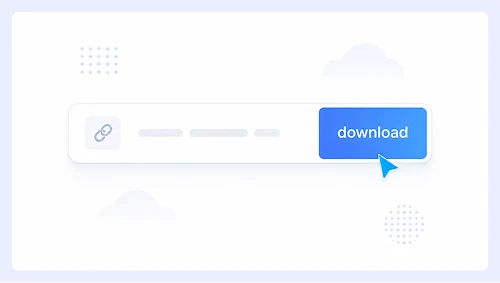
Step 1.
Paste the video link into the search bar and click Download.
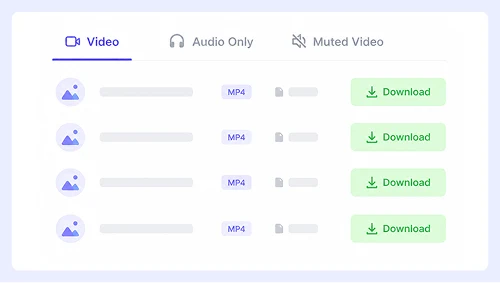
Step 2.
Choose your preferred format and quality, then click the Download button.
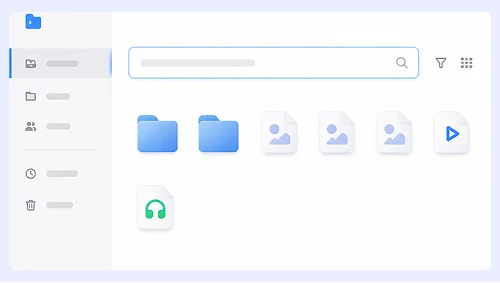
Step 3.
When the video opens in a new tab, right-click it and select “Save Video As…” — or click the ⋮ menu and choose Download.
Save YouTube Videos on iPhone or Android
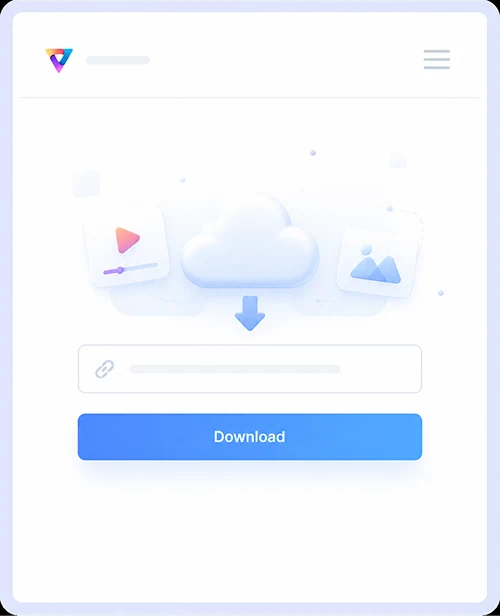
Step 1.
Paste the link and tap Download.
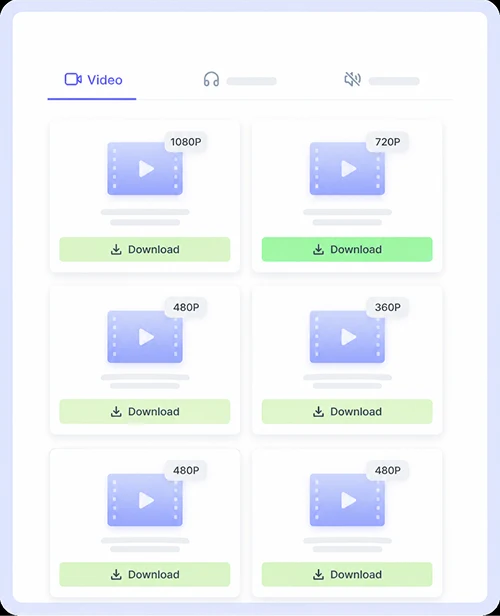
Step 2.
Tap the Download button next to your preferred format.
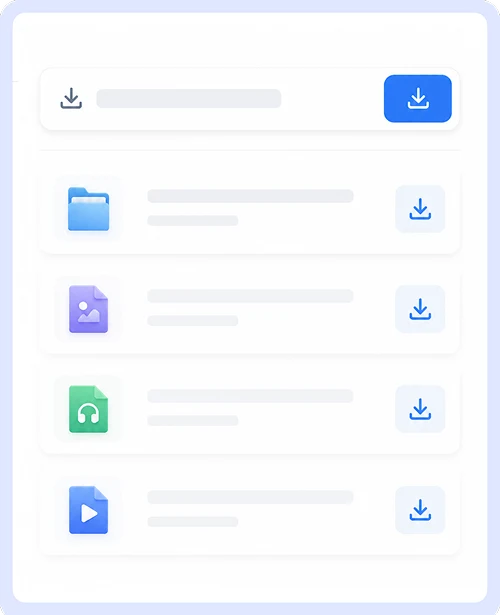
Step 3.
In the popup that appears, tap Download or tap the Save icon on screen.
Free & Unlimited YouTube Video Downloads
Everything you need to save videos online. No sign-ups, no hidden limits, and no annoying surprises. Just paste, download, and go.

Wide Platform Support
Not just YouTube. Grab videos from Instagram, Facebook, X (Twitter), TikTok, Vimeo, and dozens of other sites all from the same place.

Works on Any Device
Windows, Mac, iPhone, and Android are all supported. It works right in your browser with no app installs and no compatibility headaches.

No Ads or Redirects
Zero intrusive ads, no misleading buttons, and no sketchy redirects. Enjoy a clean and safe downloading experience without any annoying pop-ups.

Free & Unlimited
Download as many videos as you want, anytime. No daily caps, no premium plans, and no account required. It is genuinely free forever.
YouTube Download FAQs
Everything you need to know about saving YouTube videos and audio. Quick answers to the most common questions.
How to convert YouTube to MP4?
MP4 is the default output format, so there is no extra conversion step needed. Simply paste the link and download YouTube videos as MP4 directly.
Does it support high-quality downloads?
YouTube downloads are currently limited to 360p. Videos from other platforms like Instagram, Facebook, and X (Twitter) support up to 720p or 1080p resolution.
Can you convert YouTube to MP3?
Audio extraction is supported, but the output format is M4A instead of MP3. You can download YouTube audio as an M4A file, which offers better sound quality than standard MP3.
How to download a YouTube playlist?
Paste the full playlist URL into the input box, and all videos will load automatically. Click the download button next to each item to save them one by one.
Important Notice: This tool is intended for personal use only. Downloading copyrighted material is strictly forbidden. By using this tool, you agree to our Terms and Conditions and are solely responsible for any copyright violations or misuse.