
Let AI summerize this article for you:
 ChatGPT
 Claude
 Gemini
 Grok
Grok Perplexity
Updated on
YouTube-DL and its more actively maintained fork, yt-dlp, are legendary in the open-source community. They support over 1,000 websites, offer granular control over formats, and integrate well into scripts or automated workflows.
But here’s the catch: they run in the terminal. You need to install Python, manage dependencies, and type commands like yt-dlp -f bestvideo+bestaudio URL. For many students, teachers, content curators, or casual users, this is a barrier.
What if you just want to click a button and save a video? That’s where graphical alternatives shine. These tools wrap powerful downloading engines in clean interfaces, add one-click actions, format previews, and often include built-in converters, all while keeping things simple.
Top 8 YouTube-DL / yt-dlp Alternatives
1. SurFast Video Downloader
Supported Platforms: Windows, macOS
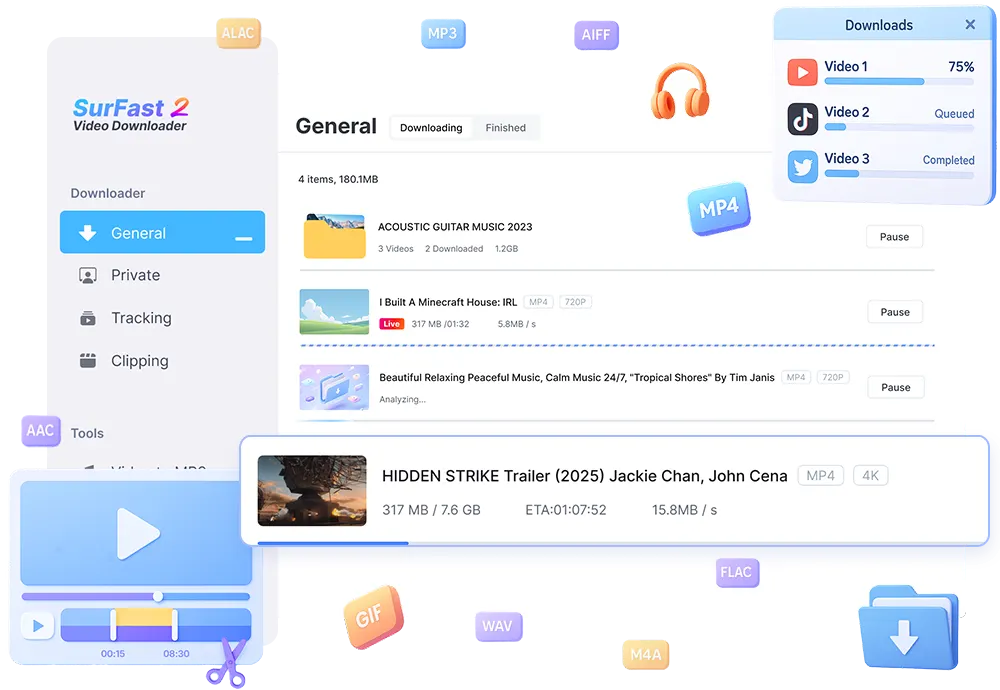
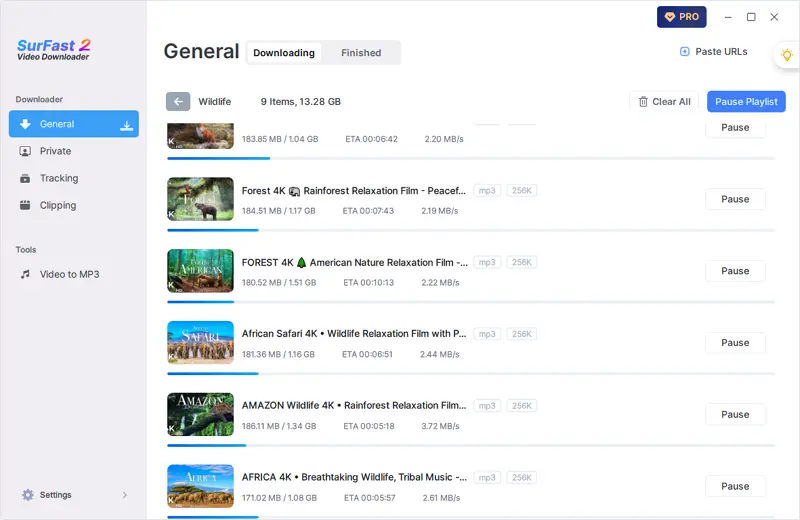
SurFast Video Downloader is designed for users who value speed, simplicity, and reliability. With a sleek desktop interface, it lets you paste a video URL and instantly see all available resolutions—from 144p up to 8K. It supports major platforms, including YouTube, Vimeo, Facebook, Dailymotion, and Twitter. Unlike browser-based tools, SurFast Video Downloader runs natively on your machine, ensuring faster downloads and better privacy.
Key Features:
- Clean, modern desktop GUI for Windows and Mac
- Supports 4K UHD video downloads
- Batch download for playlists and multiple URLs
- Built-in format preview before download
- MP4 output with optional audio-only extraction
- No ads or bundled software
Pros & Cons:
✅ Extremely easy to use—no technical knowledge required
✅ Fast download speeds with local processing
❌ Currently limited to desktop (no mobile app)
❌ Free version may have feature limitations (e.g., daily download cap)
2. GetVideos.Net
Supported Platforms: Web-based (works on any OS with a browser)
GetVideos.Net is a no-install, browser-accessible service that lets you download videos by simply pasting a URL. It supports over 1,000 sites, including niche platforms like Rumble, Odysee, and Bilibili. While it doesn’t offer advanced features like scheduling or metadata editing, its zero-setup approach makes it ideal for quick downloads on shared or restricted devices.

Key Features:
- No software installation
- Works on phones, tablets, and computers via browser
- Multiple quality options (including audio-only)
- Direct MP4 download links
- Frequent updates to site compatibility
Pros & Cons:
✅ Accessible anywhere, anytime
✅ Great for occasional users
❌ Dependent on website uptime
❌ Slower for large files due to server-side processing
3. 4K Video Downloader
Supported Platforms: Windows, macOS, Linux
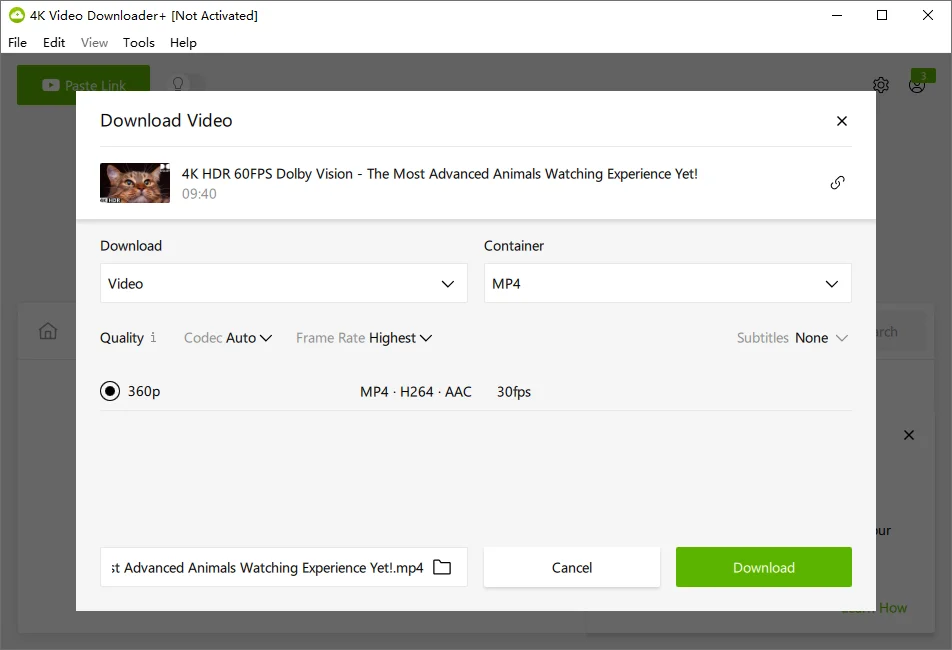
A veteran in the space, 4K Video Downloader offers robust support for YouTube channels, subtitles, and 360° videos. It allows login to your YouTube account to access private or age-restricted content (with your credentials). The interface is straightforward, and it includes proxy settings for users in restricted regions.
Key Features:
- Download full YouTube playlists/channels
- Subtitle (SRT) and metadata support
- Proxy configuration for geo-unblocking
- Smart mode for auto-quality selection
Pros & Cons:
✅ Reliable and mature software
✅ Cross-platform, including Linux
❌ Free version limited to 30 downloads/day
❌ Occasional false antivirus alerts
4. JDownloader 2
Supported Platforms: Windows, macOS, Linux
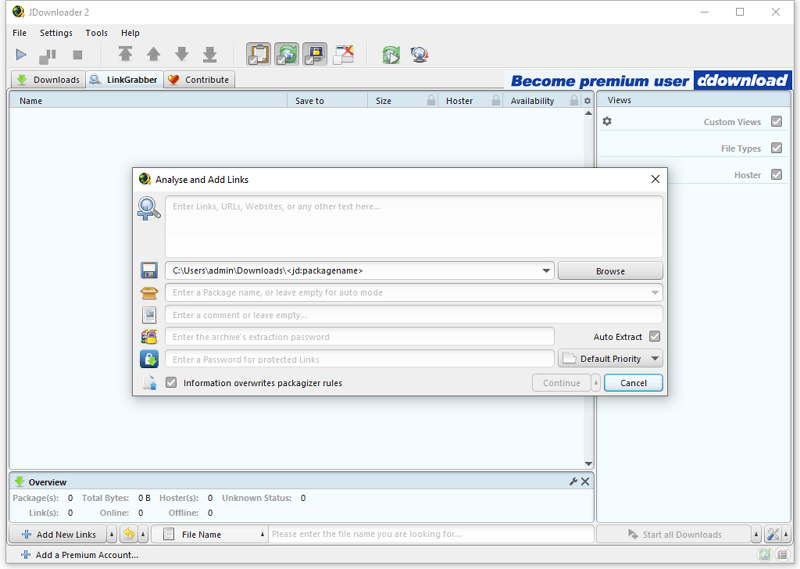
An open-source download manager, JDownloader 2 uses community plugins to handle hundreds of file hosts and video sites. It’s highly customizable but requires some setup. Ideal for users who want automation, CAPTCHA solving, and integration with cloud storage.
Key Features:
- Plugin system for 500+ sites
- Automatic CAPTCHA recognition (optional)
- Bandwidth control and scheduling
- EventScripter for custom logic
Pros & Cons:
✅ Free, open-source, and extensible
✅ Excellent for power users
❌ Steep learning curve
❌ Requires Java
5. youtube-dl-gui (yt-dlg)
Supported Platforms: Windows, Linux
A graphical front-end for yt-dlp, this tool gives you all the power of the command-line engine with checkboxes, dropdowns, and progress bars. Perfect for users who trust yt-dlp but prefer not to use the terminal.

Key Features:
- Full yt-dlp backend
- Format selector with preview
- Audio extraction (MP3, M4A)
- Custom output naming
Pros & Cons:
✅ Best of both worlds: CLI power + GUI ease
✅ Actively synced with yt-dlp updates
❌ No macOS version
❌ Still requires initial setup
6. ClipGrab
Supported Platforms: Windows, macOS, Linux
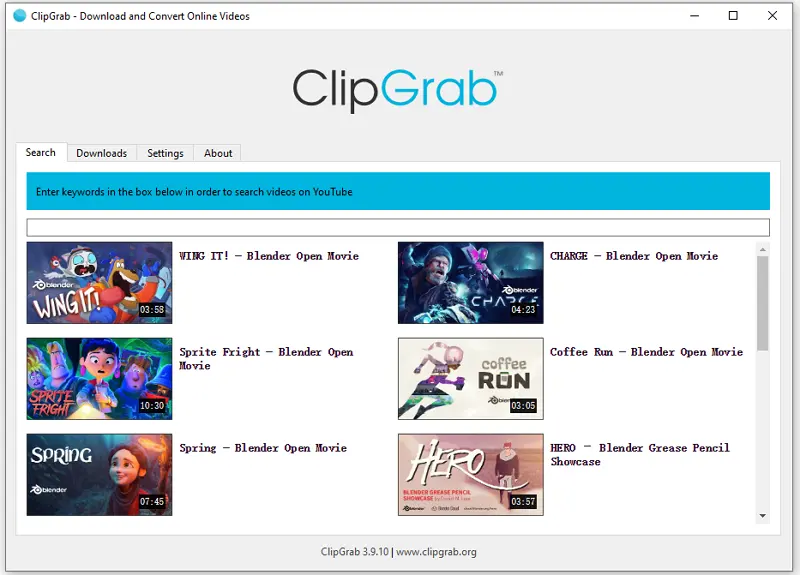
A lightweight, open-source downloader with a simple interface. It includes a built-in YouTube search and supports basic conversion to MP3. While development has slowed, it remains stable for everyday use.
Key Features:
- Built-in video search
- MP3 conversion
- Portable mode
Pros & Cons:
✅ Truly beginner-friendly
✅ No ads or tracking
❌ Limited site support (~30 sites)
❌ Infrequent updates
7. ByClick Downloader
Supported Platforms: Windows, macOS
Focused on social media, ByClick supports TikTok, Instagram, Twitter, and YouTube. It offers both a desktop app and browser extension for seamless capture as you browse.

Key Features:
Browser extension + desktop app
Social media video support
Background monitoring
MP3/MP4 export
Pros & Cons:
✅ Great for Reels, Shorts, and TikToks
✅ Smooth browser integration
❌ Full features require purchase
❌ No Linux support
8. VideoProc Converter AI
Supported Platforms: Windows, macOS
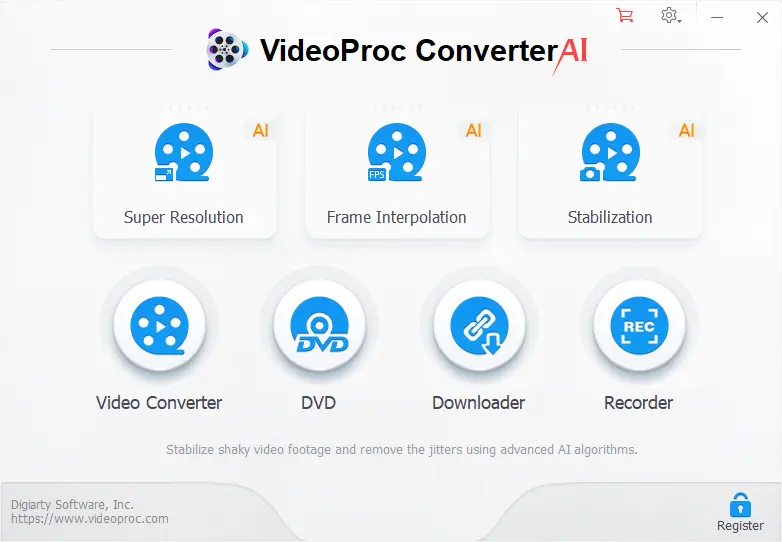
More than just a downloader, VideoProc combines downloading with GPU-accelerated conversion. Ideal for creators who need to download and immediately convert videos for editing or device playback.
Key Features:
- Hardware-accelerated processing
- 370+ format support
- Device-specific output profiles
- Screen recording included
Pros & Cons:
✅ Blazing-fast with compatible GPUs
✅ All-in-one media suite
❌ Paid software (free trial available)
❌ Overkill for simple downloads
Part 4. Comparison Table
To help you decide, here’s how these tools compare on key criteria:
| Tool | OS Support | Sites Supported | GUI | Max Quality | Free Option | Best For |
|---|---|---|---|---|---|---|
| SurFast Video Downloader | Win, macOS | 800+ | Yes | 4K | Yes (limited) | Ease + speed on desktop |
| GetVideos.Net | Any (web) | 1,200+ | Web | 4K | Yes | Quick, no-install downloads |
| 4K Video Downloader | Win, macOS, Linux | 900+ | Yes | 8K* | Yes (30/day) | YouTube bulk downloads |
| JDownloader 2 | Win, macOS, Linux | 500+ (plugins) | Yes | Varies | Yes | Advanced users |
| yt-dlg | Win, Linux | 1,000+ (yt-dlp) | Yes | 8K | Yes | yt-dlp fans wanting GUI |
| ClipGrab | Win, macOS, Linux | ~30 | Yes | 1080p | Yes | Basic, offline use |
| ByClick Downloader | Win, macOS | 500+ | Yes | 4K | Yes (basic) | Social media content |
| VideoProc Converter AI | Win, macOS | 700+ | Yes | 8K | Trial | Creators needing conversion |
FAQs
What’s a good GUI alternative to yt-dlp for Windows or Mac users?
If you’re looking for a desktop application that doesn’t require command-line use, SurFast Video Downloader offers a straightforward interface for downloading videos from platforms like YouTube, Vimeo, and Facebook. It supports common formats up to 4K and lets you preview available resolutions before downloading, making it a practical option for users who prefer point-and-click workflows over terminal commands.
Is there a free alternative to YouTube-DL that works without installing software?
Yes. Web-based services like GetVideos.Net allow you to paste a video URL directly into your browser and download the file without installing anything. These tools work across operating systems but may be slower for large files since processing happens on remote servers.
Can I download full YouTube playlists without using yt-dlp?
Several GUI tools support playlist downloads. SurFast Video Downloader, for example, allows batch processing of multiple URLs, including entire playlists when you provide the playlist link. Similarly, 4K Video Downloader can fetch full YouTube playlists and even sync subtitles.
Are video downloader tools safe to install?
Safety depends on the source. Tools downloaded from official websites are generally safe and adware-free. Avoid third-party download aggregators, which sometimes bundle unwanted software. Always verify the publisher and check recent user reviews.
Conclusion
YouTube-DL and yt-dlp remain powerful choices for developers and advanced users, but their command-line nature limits accessibility for many. For those who simply want to save online videos without dealing with terminals or scripts, modern GUI-based alternatives offer a more approachable path.
SurFast Video Downloader is one such option designed specifically for desktop users on Windows and macOS. It focuses on core functionality: clean UI, direct MP4 output, 4K support, and batch downloading—all without requiring technical setup. While it doesn’t replace yt-dlp’s depth, it fulfills a different need: simplicity without sacrificing essential features.
Depending on your priorities, other tools may suit you better—web-based convenience (GetVideos.Net), open-source flexibility (JDownloader 2), or YouTube-specific power (4K Video Downloader). Just pick one that works best for your case.


You May Also Like
-
10 Best Instagram Downloader for Reels, Stories, and More
Check the top Instagram video downloader tools, including apps, browser extensions, and websites. Save Instagram reels, stories, and videos effortlessly on any device with secure, high-quality options.
Myra Xian Updated on -
Top 15 Free YesMovies Alternative Sites
Explore the top 15 free websites like YesMovies, including FMovies and 123Movies, for unlimited streaming of movies and TV shows without any restrictions.
Myra Xian Updated on -
Top 15 Putlocker Alternatives That Work in 2025
You can find different types of sites like Putlocker here. Choose your favorite Putlocker alternative for free movie streaming.
Myra Xian Updated on