

1080p PlayVids Downloader – Download MP4, MP3, GIF & More
You can easily download PlayVids videos to your PC or Mac in the highest available resolution using SurFast Video Downloader. It also supports video downloads from other sites like Pornhub, RedGIFs, Erome, and more.
Secure, Ad-Free PlayVids Downloads for Desktop
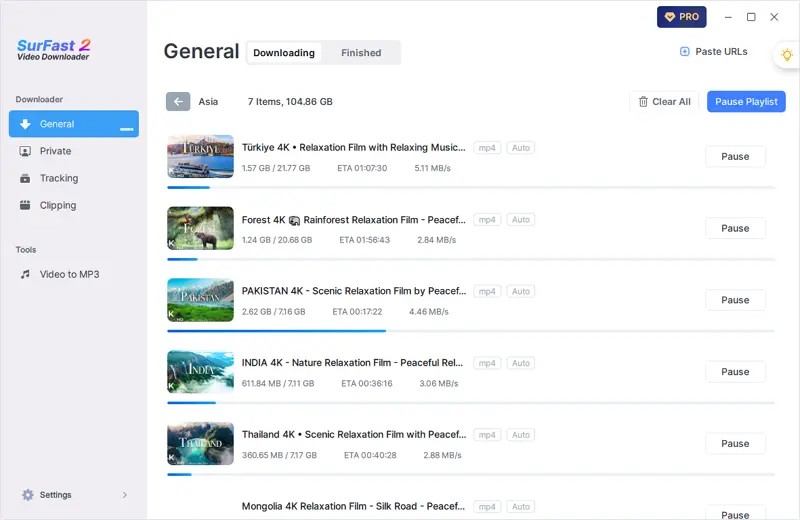
Tired of unreliable downloaders that flood you with pop-ups, redirects, or hidden malware? SurFast Video Downloader is designed for privacy and performance. It lets you download PlayVids videos in full quality directly to your desktop without ads or security risks.
Download PlayVids Videos in Bulk
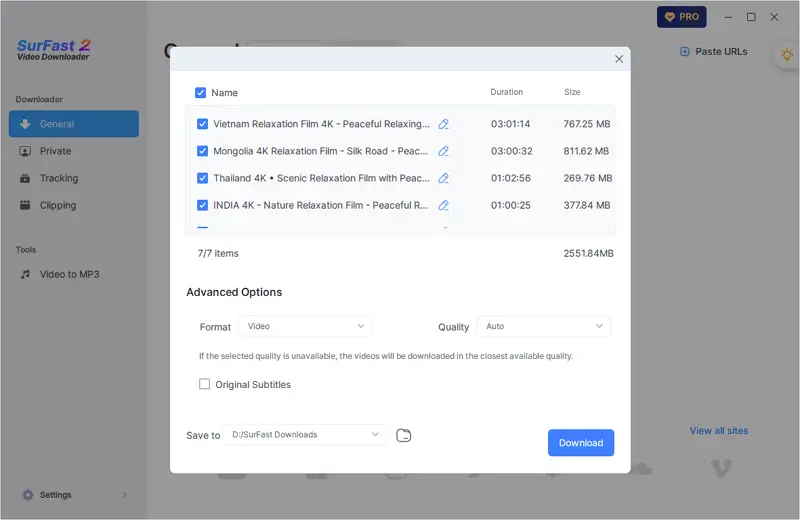
SurFast Video Downloader lets you download multiple PlayVids videos at once. Just paste several URLs or a playlist or channel link and the app will handle the rest. It’s fast simple and perfect when you have a lot to save.
High-Quality PlayVids Downloads
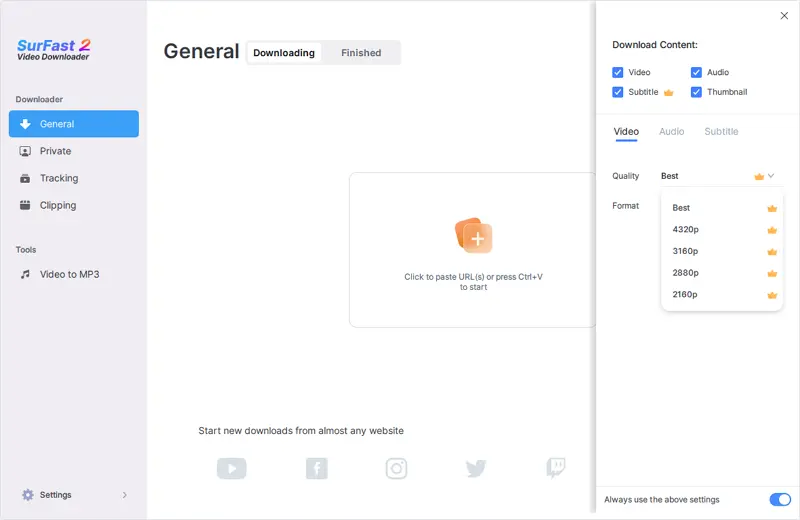
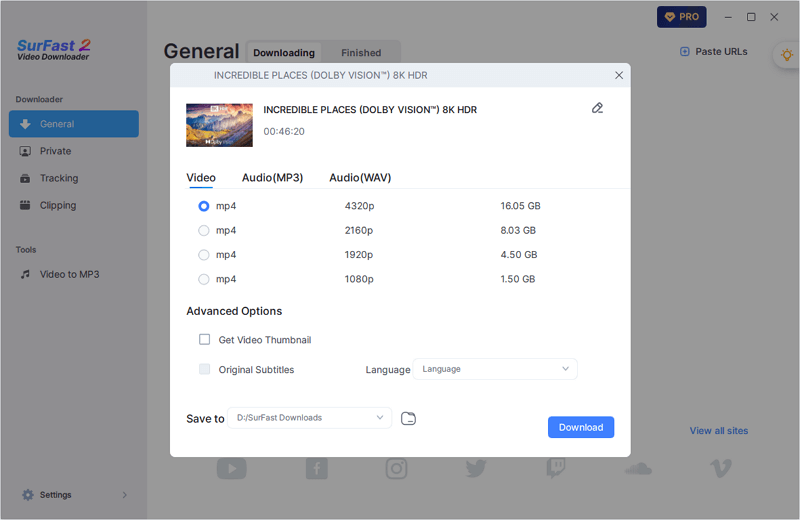
Download any PlayVids video in the best quality available, from 144p all the way up to 8K. SurFast Video Downloader automatically detects every resolution offered by the source and gives you full control to choose your preferred quality, including HD options like 720p, 1080p, and beyond.
Download Any PlayVids Video
SurFast Video Downloader works with all types of videos on PlayVids—from quick clips to full-length HD uploads. Download only the content you love, in the format you want, without cluttering your device with extra files.
PlayVids to MP4 and More
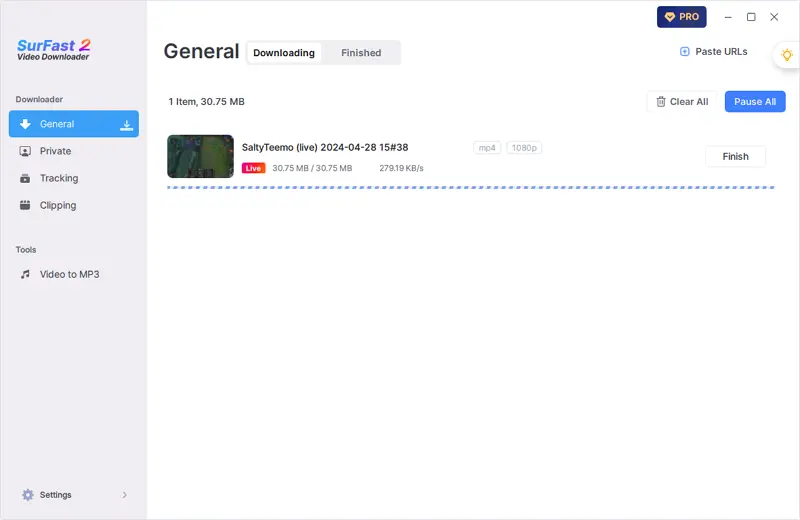
Save PlayVids videos as MP4, the most widely compatible format, or choose from WebM, MOV, MKV, FLV, AVI, and more. SurFast Video Downloader gives you a full range of output options so you can pick the best format for your device or software.
Make GIFs from PlayVids Videos
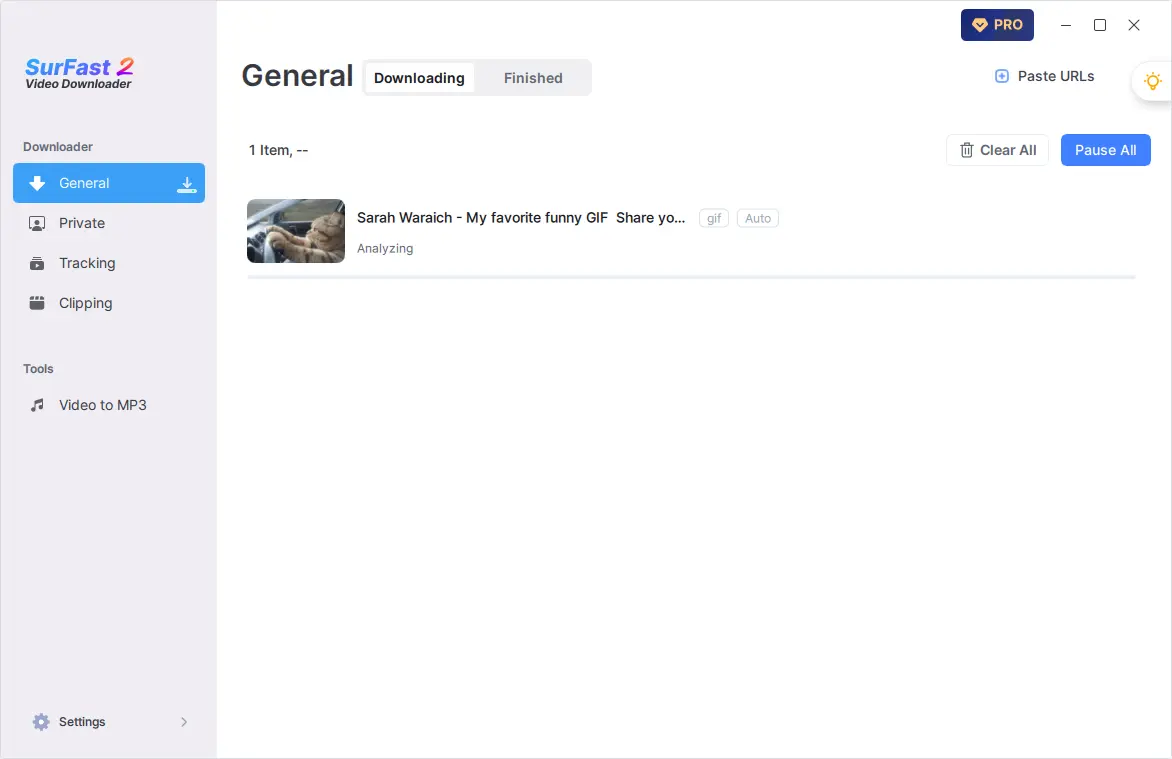
With support for video clipping and GIF export, SurFast Video Downloader lets you easily create GIFs from PlayVids videos for quick sharing.
Convert PlayVids to Audio
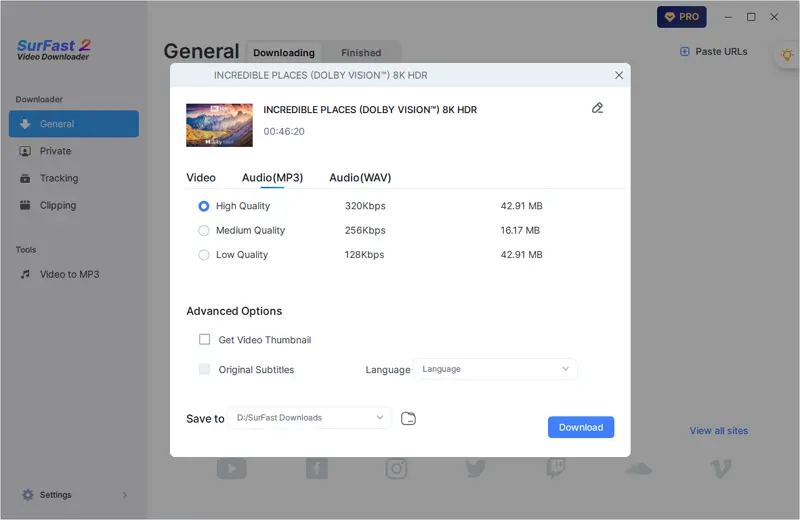
Want to save just the audio from PlayVids videos? SurFast Video Downloader lets you extract high-quality audio and save it as MP3, WAV, M4A, or other supported formats without downloading the full video.
Download PlayVids Clips
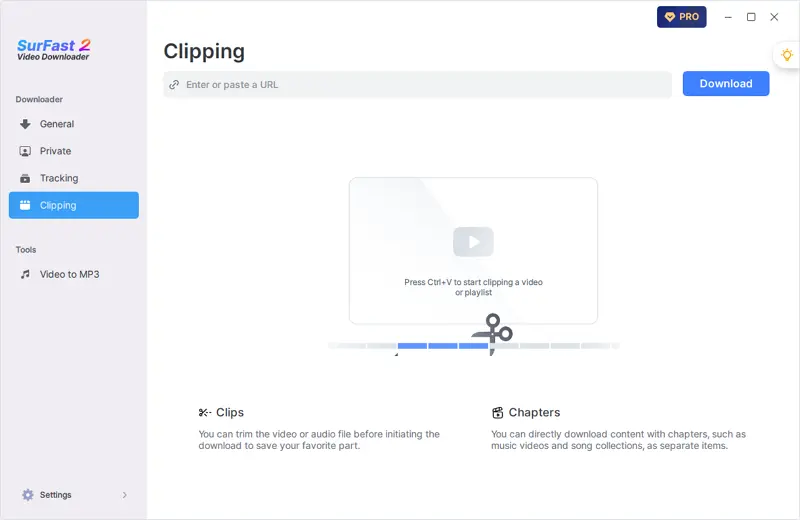
Why download an entire video when you only need a few seconds? Use SurFast Video Downloader to trim any PlayVids video before downloading. Choose your desired segment, skip the rest, and get exactly the clip you want fast and hassle-free.
Beyond Video Download
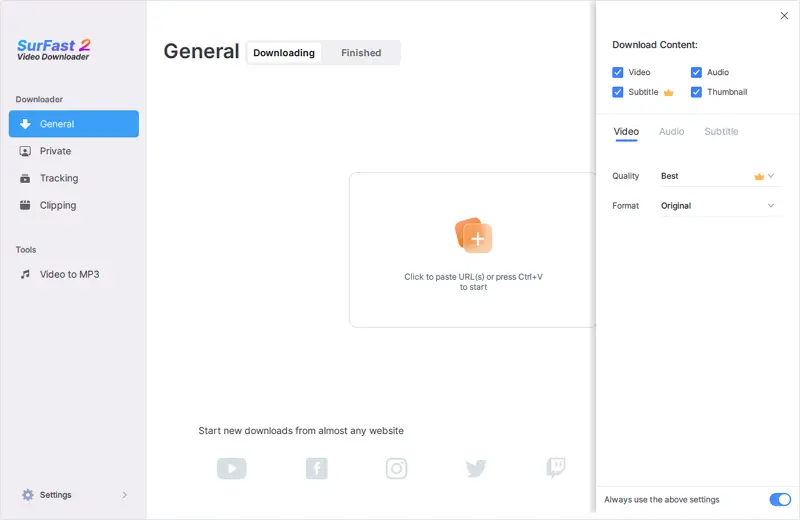
With SurFast, you’re not limited to video files. Download the audio separately, grab subtitles for offline use, or save the thumbnail for reference—all in one go.
More Than PlayVids
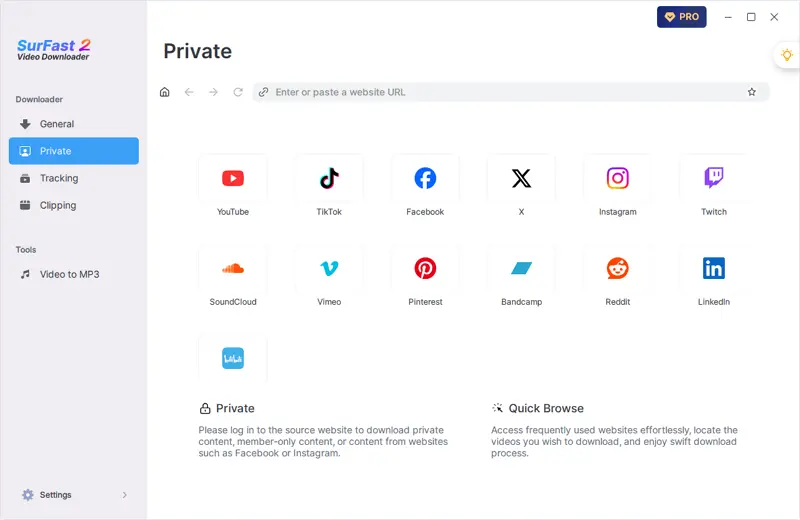
SurFast Video Downloader supports over 1,000 sites, including various video platforms, social networking sites, and cloud storage services. In addition to PlayVids, you can also download videos from YouTube, Facebook, X, Google Drive, and more.
How to Download PlayVids Videos
Like most video downloaders, SurFast Video Downloader lets you save PlayVids videos by simply pasting the link.
- Copy the PlayVids URL.
- Open SurFast Video Downloader, paste the link, and wait for the app to load the video.
- Adjust the download settings to your preference and click Download.
- Go to the Finished tab to find your video.
Download Videos from Any Site Right Away
Get SurFast Video Downloader now and save videos from PlayVids, YouTube, Facebook, and over 1,000 other sites. Watch them anytime, anywhere with no internet needed.
More Video Downloaders You May Like
You might also like these tools for downloading videos from the internet.
Frequently Asked Questions
Check the FAQ section for more useful tips.
How to convert PlayVids to MP4?
SurFast Video Downloader provides multiple video output options, including MP4. You can easily convert a PlayVids link to MP4 by following the steps below:
- Paste the PlayVids URL into the app and wait for it to load the video.
- Select MP4, choose your preferred resolution, and click Download.
- When the download finishes, click Finished to view or open your saved video.
How to turn PlayVids videos into audio files?
After pasting a PlayVids link, go to the output settings and select your preferred audio format to download just the audio track. If no audio options appear, click the lightbulb icon to turn on audio downloads in Global Settings and use this fast mode to extract audio.
How to download PlayVids videos in high quality?
SurFast Video Downloader lets you download PlayVids videos in the highest quality available from the source. As long as the original video includes a high-quality version, the app will save it in that quality.