
Online Instagram Audio Downloader
Convert Instagram videos as high-quality audio files.

Downloading copyrighted material without permission is strictly prohibited. Please read our Terms and Conditions for details.

Convert Instagram to MP3, WAV, M4A in Bulk
While SurSnap gives you convenient online downloads, SurFast Video Downloader is our full-featured desktop application designed for serious users.
✓ Download videos up to 8K quality
✓ Batch download full playlists and channels
✓ Clip and download video or audio segments
✓ Export to 15+ formats (MP4, MP3, GIF, etc.)
✓ Optional Chrome Extension — Download instantly via right-click

SurFast Video Downloader
By Nabla Mind
How to Download Audio from Instagram
The process for saving audio from Instagram is quick and works the same way across all devices.
Convert Instagram to Audio on Desktop
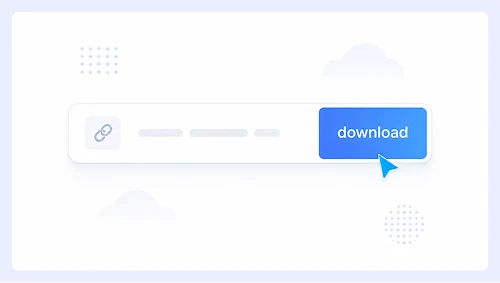
Step 1.
Paste the Instagram post or Reel link into the input box and click Download.
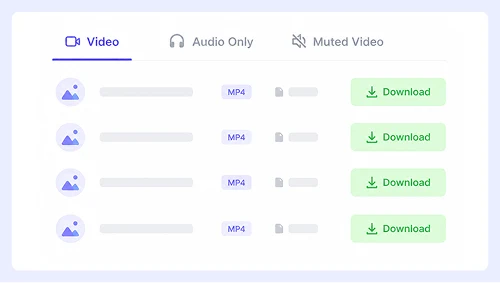
Step 2.
Select Audio Only, then click the download button next to your preferred format.
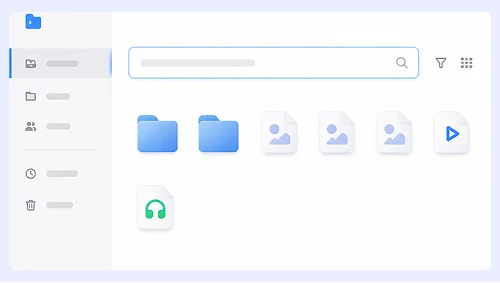
Step 3.
If the file does not start saving automatically, click the three-dot menu (⋮) and select Download to save it manually.
Extract Instagram Audio on Mobile
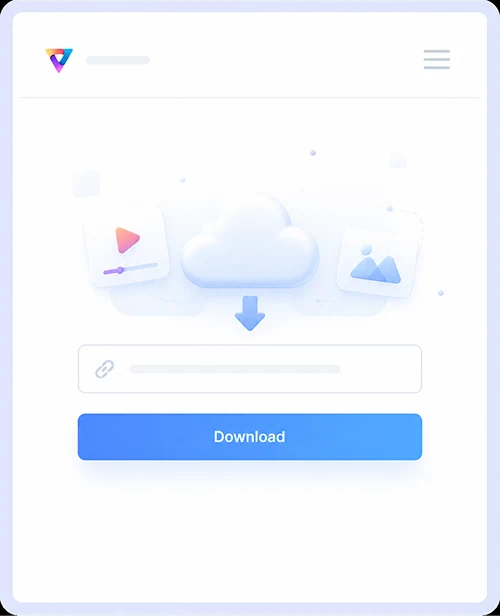
Step 1.
Paste the Instagram link into the box and tap Download.
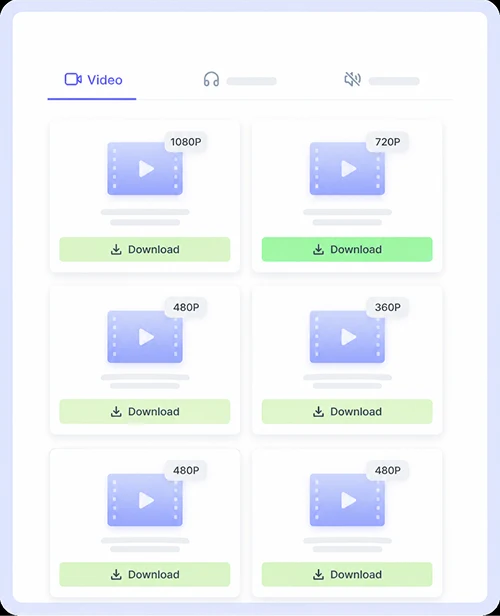
Step 2.
Tap Audio Only and choose the format you want.
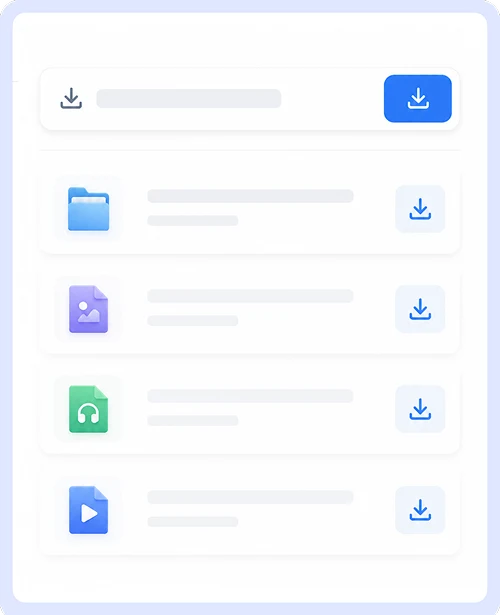
Step 3.
Tap or long-press the download icon to save the audio file directly to your phone.
Why Choose Our Instagram Audio Downloader
We made this tool to give you a simple and reliable way to save audio from Instagram. It is built to be easy, safe, and open for everyone without any unnecessary friction.
Free & Unlimited Downloads
Save as many audio files as you want without ever hitting a limit or paying anything. There are no daily caps, premium plans, or sign-up requirements. The service is completely free and unrestricted for every user.
Audio & Video Download Support
Grab high-quality audio tracks or save full videos in their original resolution from the same page. Whether you need a Reel soundtrack or the video file itself, our tool handles both formats effortlessly without making you switch between different converters.
Works on All Devices
Use the downloader on any computer, phone, or tablet through your web browser. The interface adjusts perfectly to every screen size and operating system, so you get the same smooth experience whether you are on iOS, Android, Windows, or Mac.
Supports Multiple Platforms
This tool does more than just Instagram. It also works with YouTube, Facebook, Twitter, and dozens of other popular sites, so you can build your offline media library from almost any source with a single tool.
Instagram Audio Download FAQs
Got questions about saving audio from Instagram? We have put together answers to the things people ask us most often.
Is it free to download audio from Instagram?
Yes, it is completely free. You can convert and download as many audio files as you want without paying anything or creating an account. There are no hidden charges, subscription plans, or usage limits.
What audio formats can I download?
Our tool detects all available audio options from the original Instagram post or Reel. You can typically choose from MP3 and M4A formats, which work on virtually every device and media player out there.
Do I need to install an app?
No installation needed at all. Everything works right in your web browser on any device. Just paste the link, pick your format, and start downloading without adding anything to your phone or computer.
Can I download audio from Instagram Reels?
Absolutely. Reels are actually one of the most popular things people use our tool for. Copy the Reel link, paste it into the input box, and you will have the audio track saved to your device in seconds.
Is it safe to use this downloader?
Yes, we keep the site clean and secure. You will not see pop-ups, sketchy redirects, or bundled software. Your downloads are processed safely, and we never ask for your Instagram login or any personal information.
Can I save Instagram audio on my phone?
Yes, the site works perfectly on both iOS and Android. The layout adjusts to fit your screen, and the audio file saves straight to your music folder or file manager just like any other download.
Important Notice: This tool is intended for personal use only. Downloading copyrighted material is strictly forbidden. By using this tool, you agree to our Terms and Conditions and are solely responsible for any copyright violations or misuse.