
Free Online YouTube Playlist Downloader
Convert a YouTube playlist to MP4 or MP3 online by link.

Downloading copyrighted material without permission is strictly prohibited. Please read our Terms and Conditions for details.

Download YouTube Playlist in Bulk with SurFast Video Downloader
While SurSnap gives you convenient online downloads, SurFast Video Downloader is our full-featured desktop application designed for serious users.
✓ Download videos up to 8K quality
✓ Batch download full playlists and channels
✓ Clip and download video or audio segments
✓ Export to 15+ formats (MP4, MP3, GIF, etc.)
✓ Optional Chrome Extension — Download instantly via right-click

SurFast Video Downloader
By Nabla Mind
How to Download YouTube Playlists
Grabbing an entire playlist takes just a few taps or clicks, no matter which device you are using. Follow the quick guide below for your platform.
Download YouTube Playlists on PC or Mac
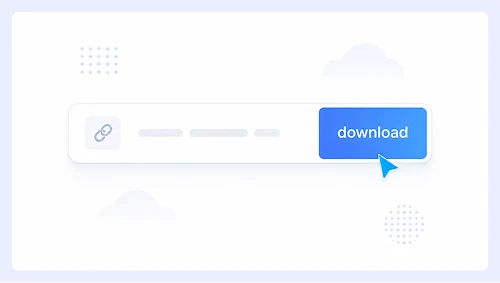
Step 1.
Paste the playlist URL into the search bar and click Download.
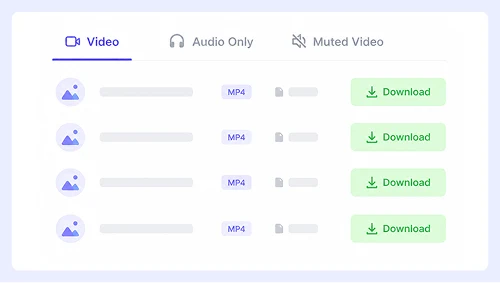
Step 2.
Select your preferred format, then click the Download button next to each video.
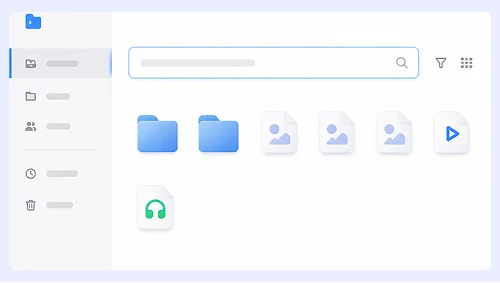
Step 3.
When the file opens in a new tab, right-click it and select “Save Video As…” or click the ⋮ menu and choose Download.
Save YouTube Playlists on iPhone or Android
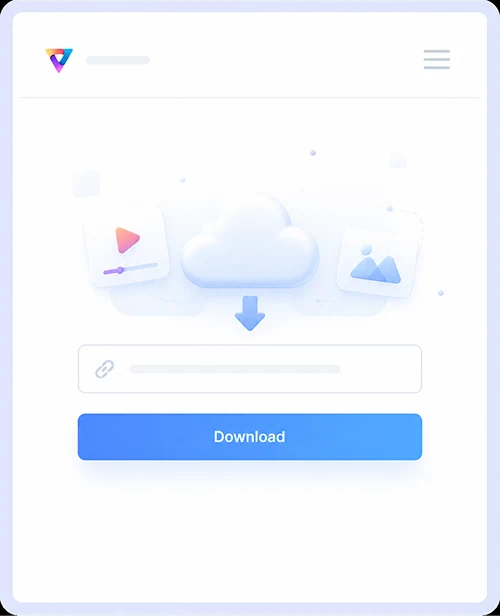
Step 1.
Paste the playlist link and tap Download.
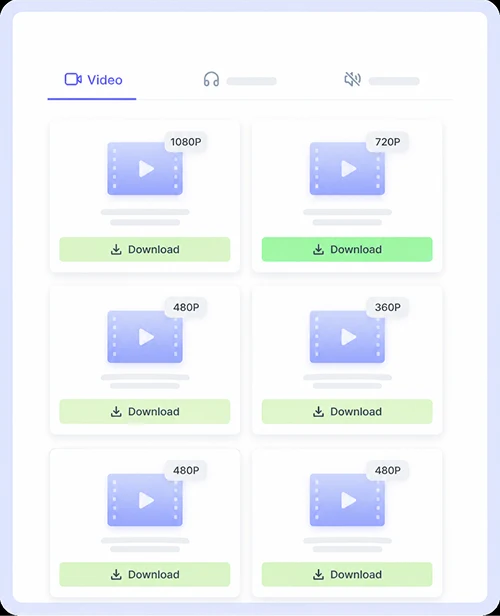
Step 2.
Tap the Download button next to your preferred format for each video in the list.
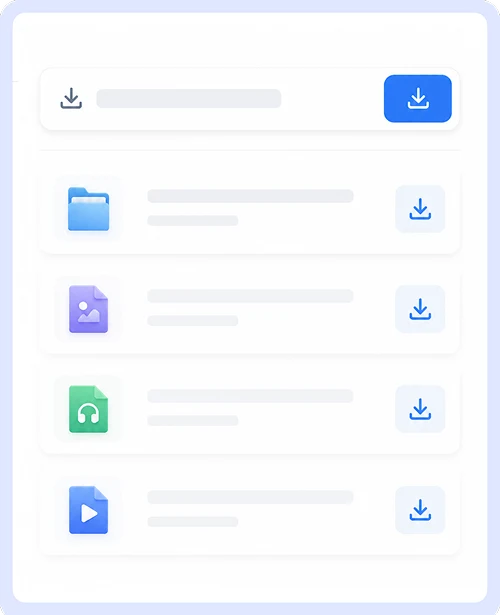
Step 3.
In the pop-up that appears, tap Download or tap the Save icon on screen to store the file.
Why Use Our YouTube Playlist Downloader
Saving entire playlists should be simple, safe, and accessible to everyone. Our tool is built to handle bulk downloads efficiently while keeping your experience clean and straightforward across every device.

Free & Unlimited Downloads
Convert as many playlists as you need without ever hitting a paywall or daily limit. There are no premium tiers, hidden fees, or mandatory signups required to access the full functionality of this service. You can download complete collections whenever you want at absolutely zero cost.

No Ads or Redirects
Enjoy a distraction-free experience with no intrusive pop-ups, fake download buttons, or malicious redirects. Every click takes you exactly where you expect to go so you can save your content safely without worrying about security risks or annoying interruptions during the conversion process.

Both Video & Audio Download
Extract MP4 videos or convert tracks to audio from any playlist in just a few clicks. This flexibility lets you save visual content for offline viewing or pull out music and podcasts for listening on the go without needing separate tools for each format.
Support Over 1,000 Sites
Download playlists from YouTube plus more than a thousand other platforms, including Instagram, Facebook, and Twitter. You can manage all your saved media in one place instead of juggling multiple downloaders for different social networks and video hosting services.
YouTube Playlist Download FAQs
Got questions about saving playlists? Here are straightforward answers to the most common things people ask before using our downloader.
Can I download private or unlisted playlists?
No, this tool only works with public playlists that anyone can view without signing in. Private and unlisted playlists require authentication that we cannot access for security and privacy reasons.
Do I need to install any software or browser extensions?
Everything runs directly in your web browser with no installations required. Just paste the playlist link and start downloading on any device, whether you are using Windows, Mac, iOS, or Android.
What formats and quality are available for playlist downloads?
You can choose between MP4 for video or M4A for audio extraction. These options provide reliable playback and manageable file sizes across all devices without requiring additional conversion tools.
Will downloading playlists affect my YouTube account?
Our downloader operates independently and never asks for your login credentials or channel access. Your account remains completely untouched since the tool only processes publicly available content through standard web requests.
Important Notice: This tool is intended for personal use only. Downloading copyrighted material is strictly forbidden. By using this tool, you agree to our Terms and Conditions and are solely responsible for any copyright violations or misuse.