
Free YouTube to MP4 Downloader
Download and convert YouTube videos to MP4 online for free. No ads or redirections, just smooth and secure YouTube video downloads.

Downloading copyrighted material without permission is strictly prohibited. Please read our Terms and Conditions for details.

Convert Multiple YouTube Videos to MP4 in 8K, 4K, and More
While SurSnap gives you convenient online downloads, SurFast Video Downloader is our full-featured desktop application designed for serious users.
✓ Download videos up to 8K quality
✓ Batch download full playlists and channels
✓ Clip and download video or audio segments
✓ Export to 15+ formats (MP4, MP3, GIF, etc.)
✓ Optional Chrome Extension — Download instantly via right-click

SurFast Video Downloader
By Nabla Mind
How to Convert YouTube to MP4 Online
Turn any YouTube link into a high-quality MP4 file in seconds, completely free and without annoying ads. Whether you are on a computer or mobile device, the process is instant and secure.
Convert YouTube to MP4 on PC or Mac
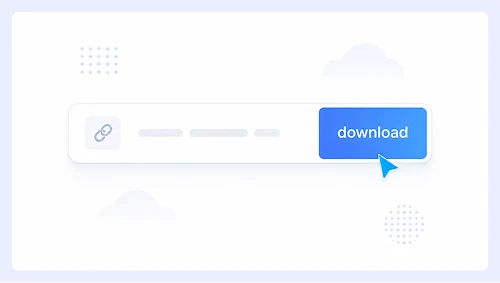
Step 1.
Paste the YouTube video URL into the input field above and click Download.
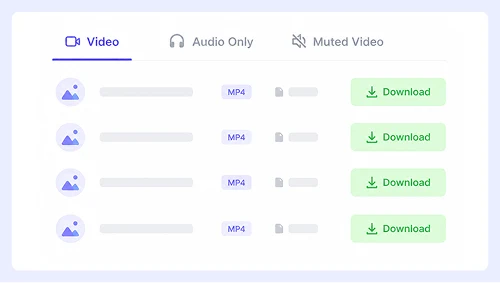
Step 2.
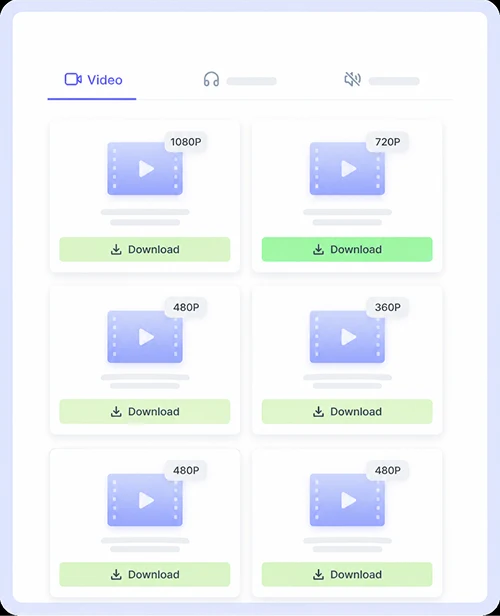
Select MP4 from the format list, pick your desired resolution, and hit Download.
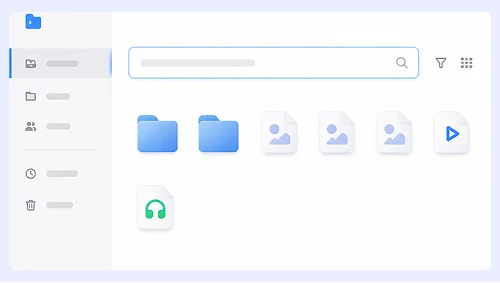
Step 3.
The MP4 file will generate instantly. Simply click the download link to save it directly to your computer with no extra tabs or redirects.
Save YouTube Videos as MP4 on iPhone or Android
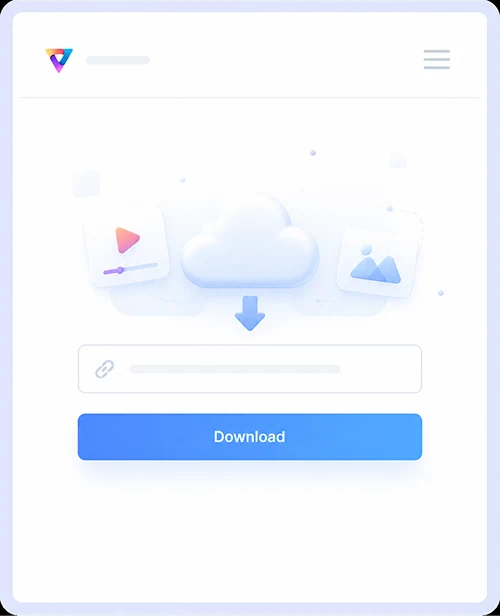
Step 1.
Copy the video link from the YouTube app, paste it here, and tap Download.
Step 2.
Choose MP4 and your preferred quality, then tap the corresponding Download button.
Step 3.
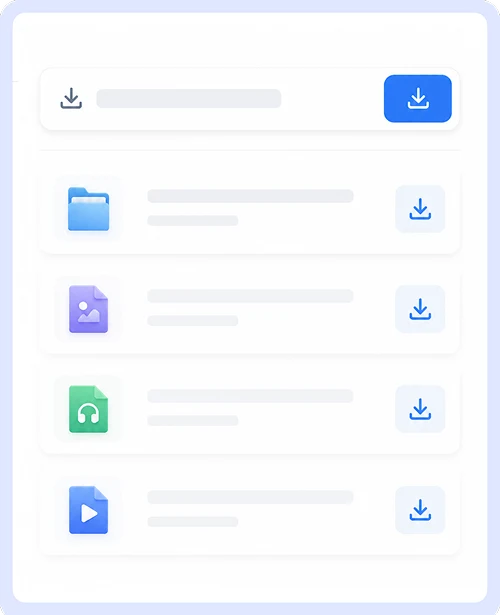
Confirm the download prompt to save the MP4 straight to your device’s gallery or files folder.
Fast & Reliable YouTube to MP4 Converter
Save your favorite YouTube videos as MP4 files with zero hassle. No software downloads, no account creation, and no hidden restrictions. Simply paste the link and get your video in seconds.
Completely Free MP4 Downloads
Convert unlimited YouTube videos to MP4 without any cost or registration. There are no daily caps, no premium upgrades, and no trial periods. This service is free for everyone forever.

Clean & Secure Conversion Process
Download MP4 files without encountering pop-ups, fake buttons, or malicious redirects. Every interaction is safe and straightforward so you can focus on getting your video without security risks or interruptions.
Optimized 360p Quality for All Devices
360p MP4 files offer the perfect balance of clarity and file size for mobile viewing and sharing. Videos load quickly, consume minimal storage, and play smoothly on phones, tablets, and computers without buffering issues.
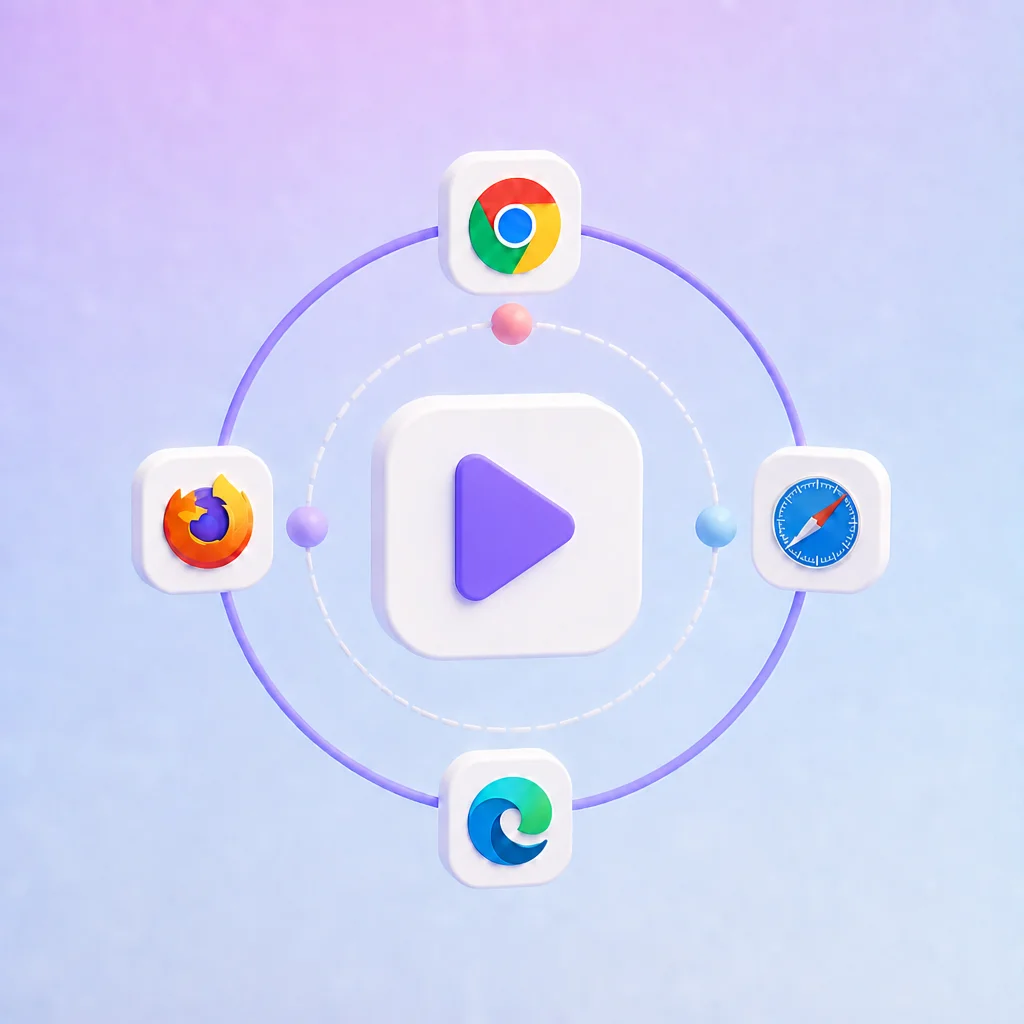
Universal Browser Compatibility
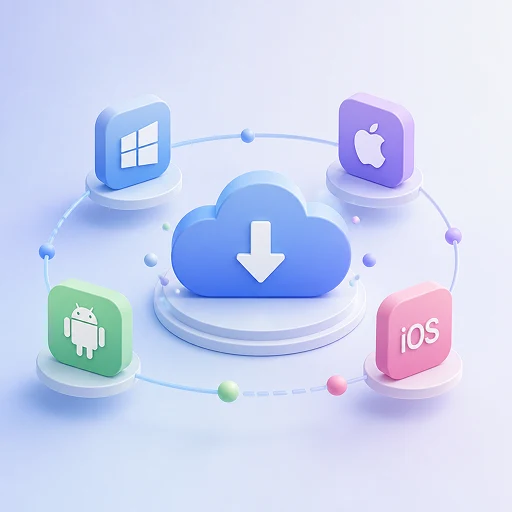
Convert YouTube to MP4 directly in Chrome, Safari, Firefox, or Edge on any device. No extensions, plugins, or app installations are required since the entire process runs instantly in your browser across Windows, Mac, iOS, and Android.
YouTube to MP4 FAQs
Get clear answers to common questions about saving YouTube videos as MP4 files.
Is this YouTube to MP4 converter truly free?
Yes, it is 100% free with no hidden fees or premium tiers. You can convert unlimited videos without signing up, entering credit card details, or hitting any daily limits.
Do I need to install software or browser extensions?
No installation is required at all. The entire conversion process runs directly in your web browser on any device, so you can start downloading immediately without adding extra tools or plugins.
Is it safe to download MP4 files here?
Yes, the site is completely safe and clean. There are no pop-ups, fake buttons, or malicious redirects, and every file is generated securely to protect your device from malware or unwanted software.
Which devices and browsers are supported?
This converter works on Windows, Mac, iPhone, and Android through Chrome, Safari, Firefox, or Edge. No matter what device you use, you can paste a link and download your MP4 instantly without compatibility issues.
Important Notice: This tool is intended for personal use only. Downloading copyrighted material is strictly forbidden. By using this tool, you agree to our Terms and Conditions and are solely responsible for any copyright violations or misuse.