
Free HD Facebook to MP4 Downloader
Download Facebook videos and Reels to MP4 in HD for free, no app needed.

Downloading copyrighted material without permission is strictly prohibited. Please read our Terms and Conditions for details.

Convert Facebook Videos to MP4 in Bulk
While SurSnap gives you convenient online downloads, SurFast Video Downloader is our full-featured desktop application designed for serious users.
✓ Download videos up to 8K quality
✓ Batch download full playlists and channels
✓ Clip and download video or audio segments
✓ Export to 15+ formats (MP4, MP3, GIF, etc.)
✓ Optional Chrome Extension — Download instantly via right-click

SurFast Video Downloader
By Nabla Mind
How to Download Facebook Videos to MP4
Saving Facebook videos and Reels to MP4 is fast and hassle-free. Just follow these quick steps to get your content in seconds.
Convert FB to MP4 on PC or Mac
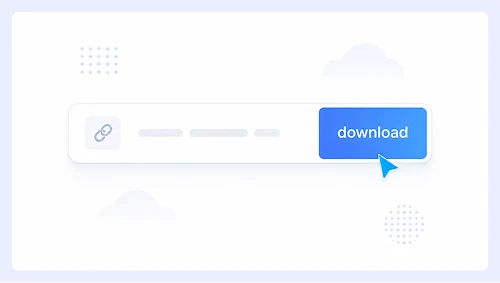
Step 1.
Paste the Facebook video link into the input box and click Download.
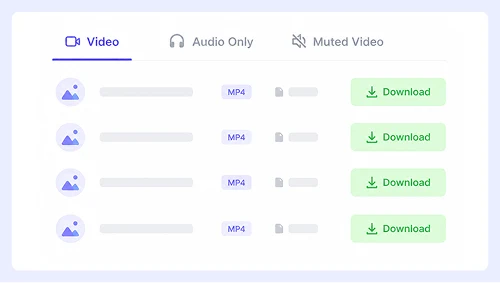
Step 2.
Click Download next to the option you prefer.
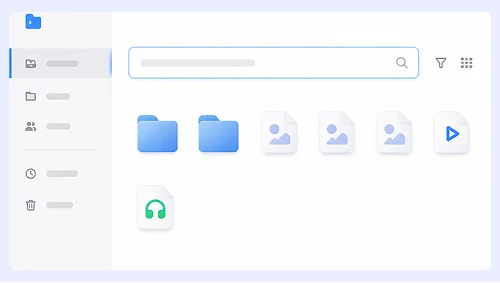
Step 3.
Right-click the video or click the three-dot menu to download the video to your computer.
Save Facebook Reels on iPhone or Android
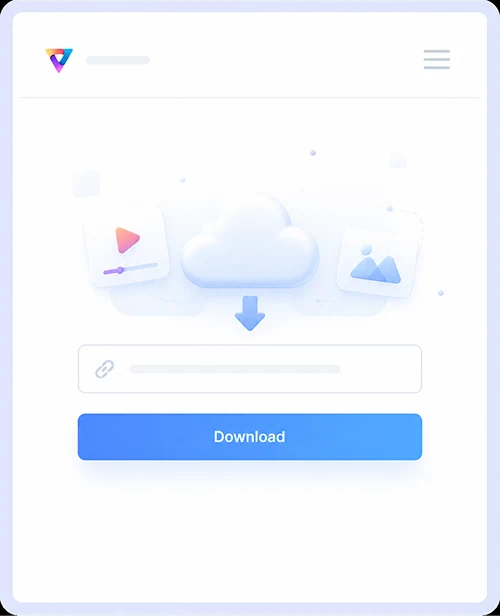
Step 1.
Tap Share on the Facebook post and copy the link. Paste it into our website and tap Download.
Step 2.
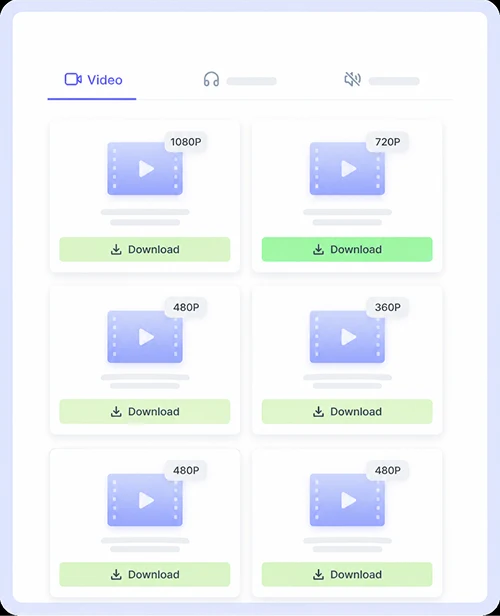
Select your desired quality, then tap Download.
Step 3.
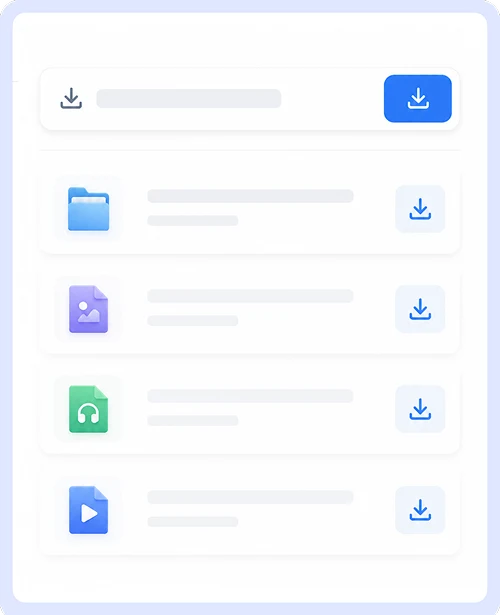
Save the video directly to your phone.
Why Choose Our Facebook to MP4 Converter
Get a fast, reliable way to save Facebook videos with a tool built for quality, safety, and everyday convenience.
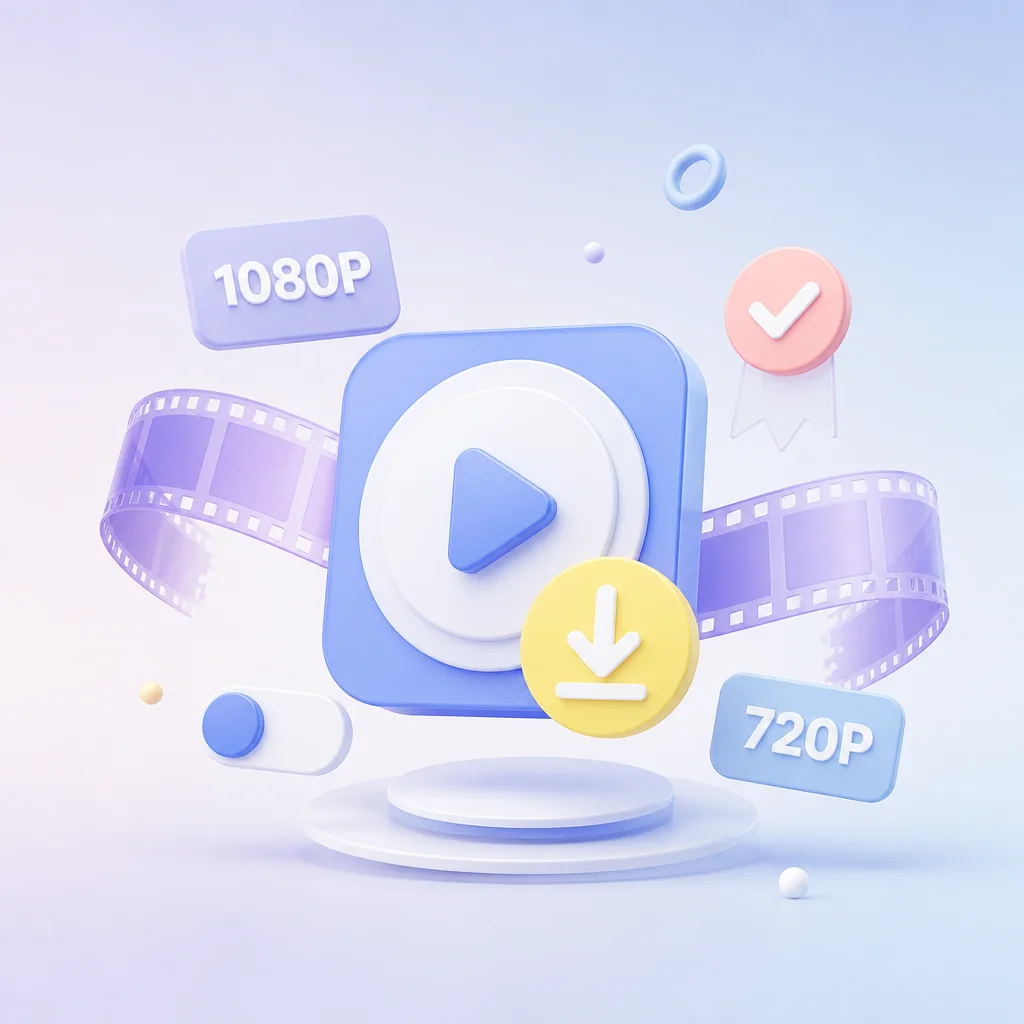
HD Video Downloads
Save Facebook videos and Reels in crisp 1080p or 720p MP4 format exactly as they were posted. We keep the original clarity intact so your saved content looks sharp on any screen without compression artifacts or blurry playback.
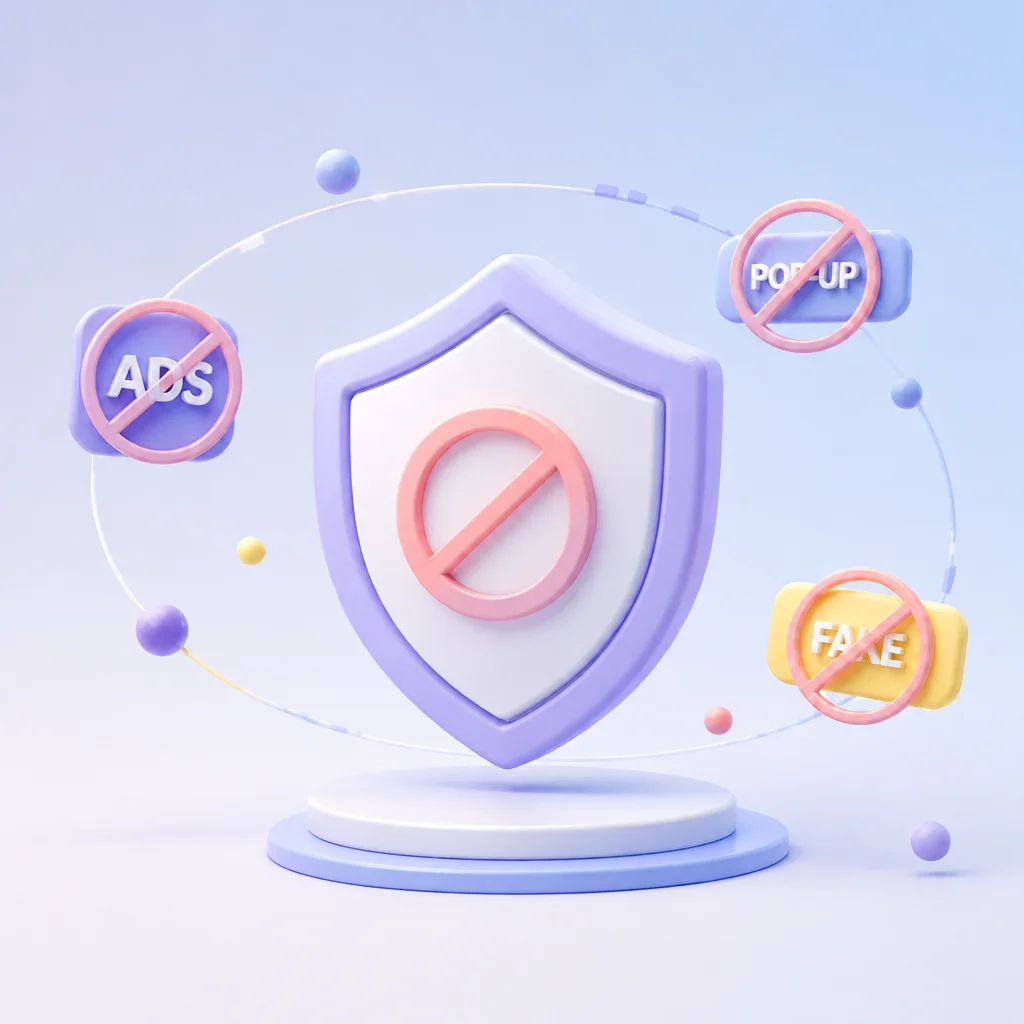
Free, Unlimited, Safe
Download as many videos as you want without signing up, paying, or dealing with hidden costs. Every link is processed securely in your browser so you never have to worry about malware, annoying pop-ups, or data tracking while saving your favorite posts.
Works on Desktop & Mobile
Save videos from any device without installing apps or extensions. Whether you are on a Windows PC, Mac, iPhone, or Android phone, our tool works directly in your browser with the same simple interface and fast performance everywhere.
Supports Multiple Platforms
Grab content from Facebook plus hundreds of other platforms like YouTube, Instagram, X, and SoundCloud all in one place. Skip bookmarking multiple downloaders and use a single tool that handles virtually every major social media site you love.
Facebook MP4 Downloads FAQs
Got questions about saving Facebook videos? Here are straightforward answers to the most common things people ask before they start downloading.
Is this Facebook video downloader really free?
Yes, completely free. You can download as many MP4 videos as you want without creating an account, paying a subscription, or hitting a daily limit. There are no hidden fees or premium upsells.
What quality can I expect for the downloaded MP4?
You will get the same resolution that was originally uploaded to Facebook. Most videos are available in 1080p or 720p HD. If the source video is lower quality, the download will match that exact resolution since we never upscale or compress the file.
Can I save Facebook videos on my phone?
Absolutely. The tool works directly in your mobile browser on both iPhone and Android. Just copy the link from the Facebook app, paste it here, and tap download. The saved MP4 will appear in your phone’s gallery or camera roll like any other video.
Do I need to install any software or extensions?
No installation required. Everything happens right in your web browser whether you are on a laptop, tablet, or phone. You do not need to add browser extensions, download desktop apps, or grant any special permissions.
Is it safe to use this converter?
Yes. We process links securely in your browser and never store your personal data or the videos you download. There is no malware, no tracking, and no annoying pop-ups. Your privacy stays protected every time you convert a video.
Why isn’t my Facebook video downloading?
First, make sure the post is public. Private videos cannot be accessed by our tool. Also, double-check that you copied the full URL correctly and that the video has not been deleted or restricted by the uploader. If everything looks right but it still fails, try refreshing the page and pasting the link again.
Important Notice: This tool is intended for personal use only. Downloading copyrighted material is strictly forbidden. By using this tool, you agree to our Terms and Conditions and are solely responsible for any copyright violations or misuse.