
Free HD Facebook Video Downloader
Save your favorite Facebook videos directly to any device for free in just a few seconds.

Downloading copyrighted material without permission is strictly prohibited. Please read our Terms and Conditions for details.

Download Facebook Videos, Reels, Audio in Bulk
While SurSnap gives you convenient online downloads, SurFast Video Downloader is our full-featured desktop application designed for serious users.
✓ Download videos up to 8K quality
✓ Batch download full playlists and channels
✓ Clip and download video or audio segments
✓ Export to 15+ formats (MP4, MP3, GIF, etc.)
✓ Optional Chrome Extension — Download instantly via right-click

SurFast Video Downloader
By Nabla Mind
How to Save Facebook Videos
Saving Facebook videos takes just a few taps or clicks. Follow these quick steps to get the file on your device.
Save Facebook Videos on PC or Mac
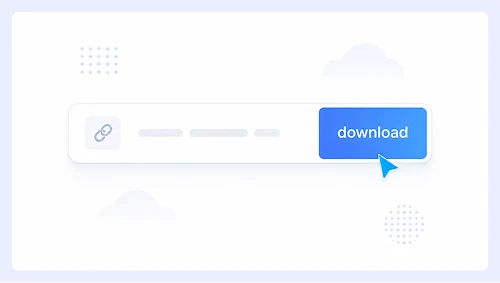
Step 1.
Click Share or the three dots on the Facebook video and select Copy link. Paste it above and hit Download.
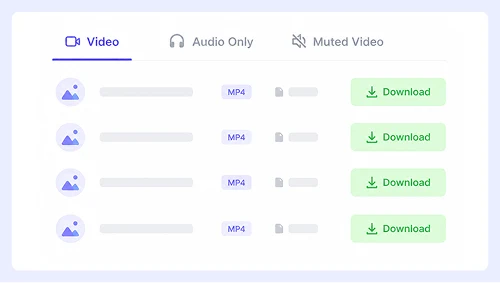
Step 2.
Choose your resolution, then click Download next to it.
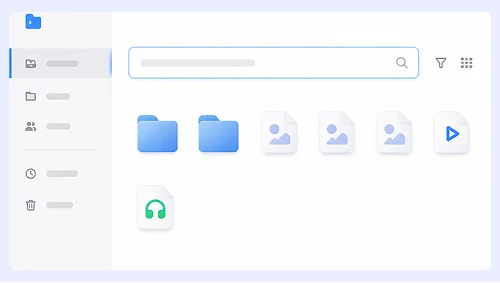
Step 3.
Right-click the video preview and select Save video as to store it on your computer.
Download Facebook Videos on iPhone or Android
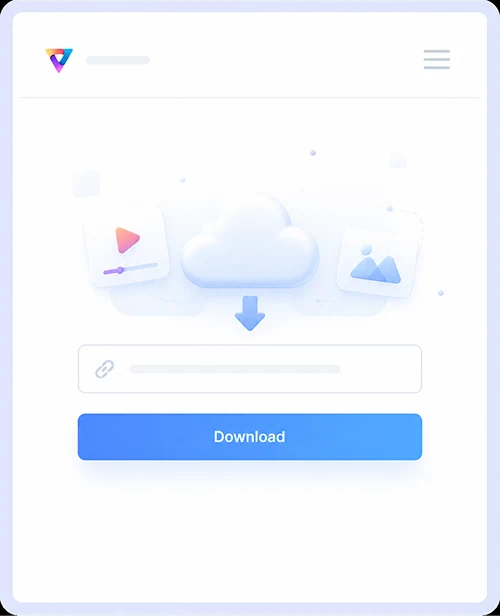
Step 1.
Tap Share on the Facebook video in the app, select Copy link, paste it into our site, and tap Download.
Step 2.
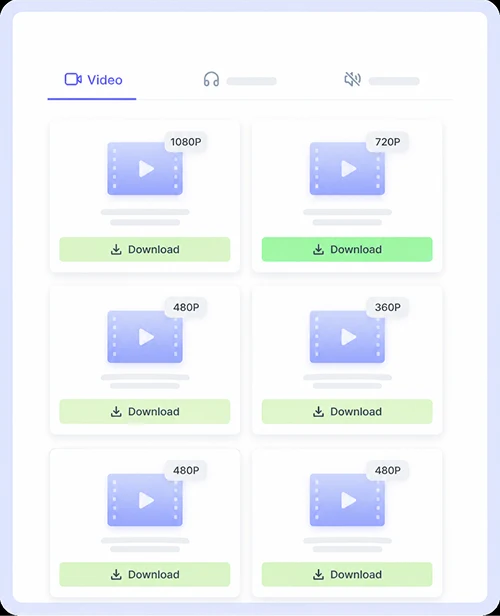
Choose the quality and format that suits you best, then tap Download again to begin processing.
Step 3.
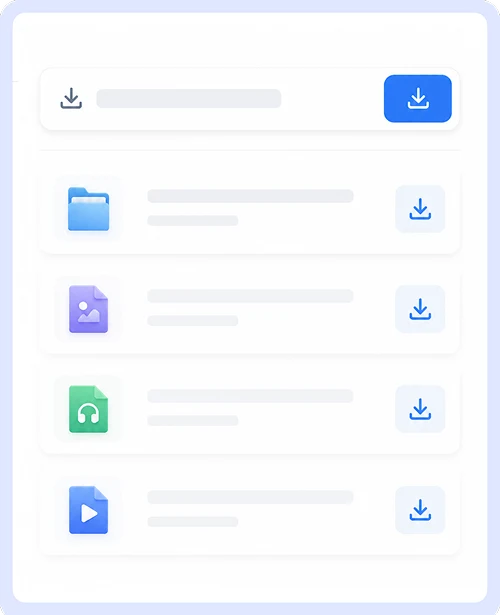
Once the video appears, long-press on it and select Save Video, or tap the save icon to add it directly to your phone.
Why Choose Our Facebook Downloader
Get a fast and dependable way to save your favorite Facebook content with a tool built for quality, ease of use, and everyday convenience.
Facebook to MP4
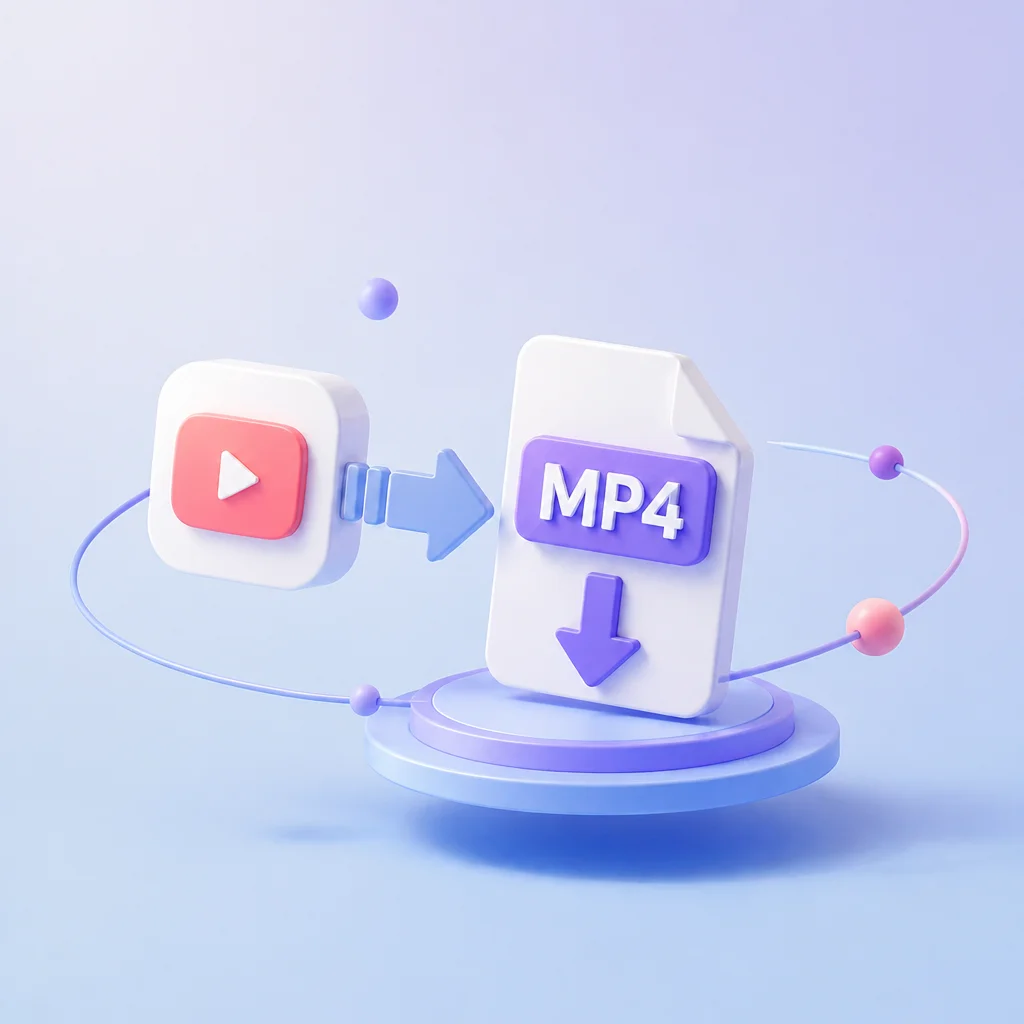
Convert any public Facebook video to MP4 in seconds. This universal format plays smoothly on all devices and works perfectly with video editors, media players, and cloud storage without codec issues or compatibility headaches.
HD FB Video Downloads
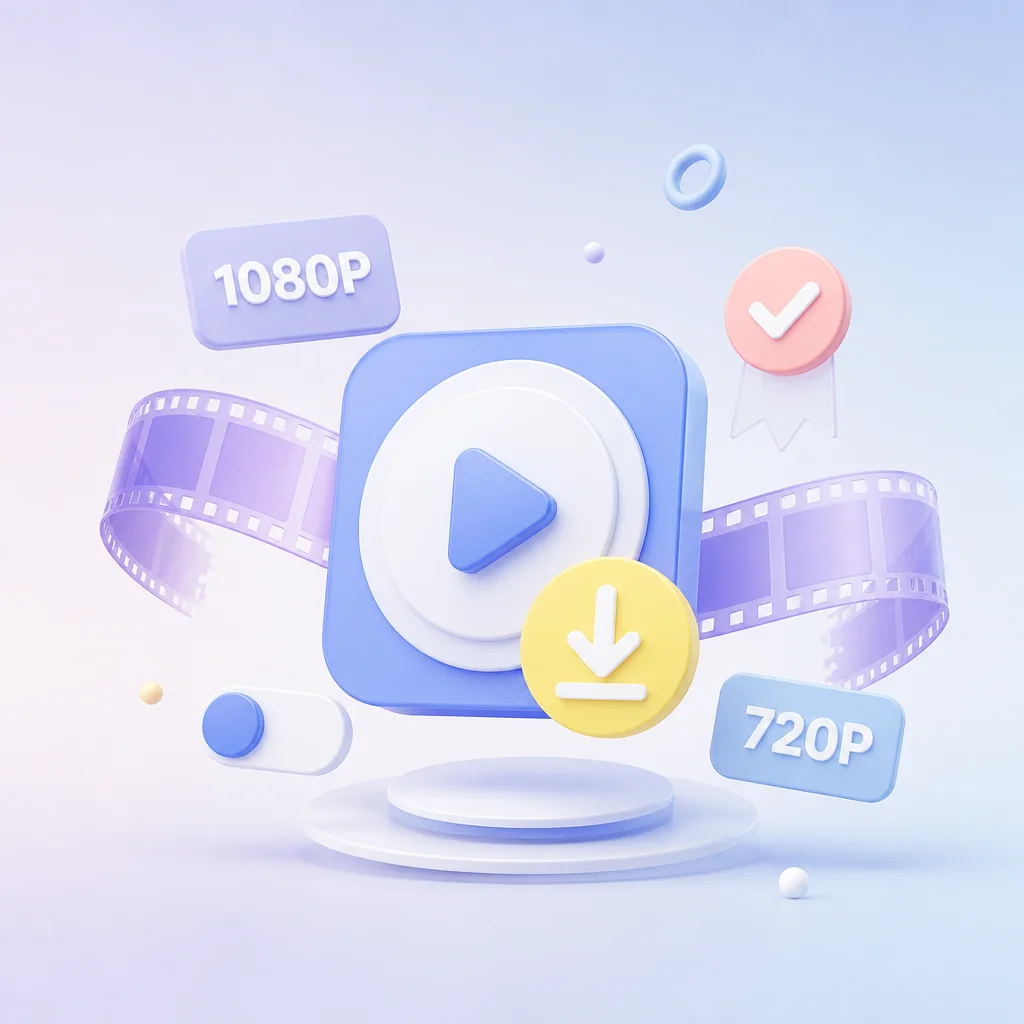
Save videos in full 1080p or 720p resolution exactly as they were uploaded. We preserve the original clarity so your saved files stay sharp and vibrant, whether you are watching on a phone screen or a large desktop monitor.
Works on Desktop & Mobile
Download videos from any device without installing apps or browser extensions. Whether you are on a Windows PC, Mac, iPhone, or Android phone, our tool runs directly in your browser with the same simple interface and fast performance everywhere.
Supports Multiple Platforms
Grab content from Facebook plus hundreds of other sites like YouTube, Instagram, X, TikTok, and SoundCloud all in one place. Skip bookmarking multiple downloaders and use a single tool that handles virtually every major social media platform you use daily.
Facebook Video Download FAQs
Here are quick answers to the most common questions about Facebook video downloads.
Is this Facebook video downloader free?
Yes, our tool is completely free to use with no hidden fees or premium plans. You can download as many public videos as you want without creating an account or providing any payment information.
Can I download private Facebook videos?
No, we only support public videos that are visible to everyone without logging in. Private content is protected by Facebook’s privacy settings and cannot be accessed or saved through any third-party downloader.
What video quality options are available?
We offer both HD 1080p and standard 720p resolutions whenever the original upload supports them. The available options depend entirely on how the creator uploaded the video, and we always preserve the highest quality provided by Facebook.
Does this work on iPhone and Android phones?
Absolutely. Our Facebook downloader runs directly in your mobile browser without requiring any app installations or extensions. Just copy the link from the Facebook app, paste it here, and save the video straight to your phone.
Is it safe to use this tool?
Yes, everything happens securely in your browser, and we never store your data or the videos you download. There are no malware risks, intrusive popups, or tracking scripts, so you can save content with complete peace of mind.
Why isn’t my Facebook video downloading?
Make sure the video is public, and the link you copied is correct. Some videos may be restricted by region, age, or copyright, which prevents third-party tools from accessing them. If the issue persists, try refreshing the page or using a different browser.
Important Notice: This tool is intended for personal use only. Downloading copyrighted material is strictly forbidden. By using this tool, you agree to our Terms and Conditions and are solely responsible for any copyright violations or misuse.