
Free Online YouTube Audio Downloader
Convert and extract high-quality audio from any YouTube video to MP3, M4A, or WebM instantly.

Downloading copyrighted material without permission is strictly prohibited. Please read our Terms and Conditions for details.

Batch Extract YouTube Audio with SurFast Video Downloader
While SurSnap gives you convenient online downloads, SurFast Video Downloader is our full-featured desktop application designed for serious users.
✓ Download videos up to 8K quality
✓ Batch download full playlists and channels
✓ Clip and download video or audio segments
✓ Export to 15+ formats (MP4, MP3, GIF, etc.)
✓ Optional Chrome Extension — Download instantly via right-click

SurFast Video Downloader
By Nabla Mind
How to Download Audio from YouTube
The steps to extract audio from YouTube vary slightly depending on your device.
Convert YouTube to Audio on Desktop
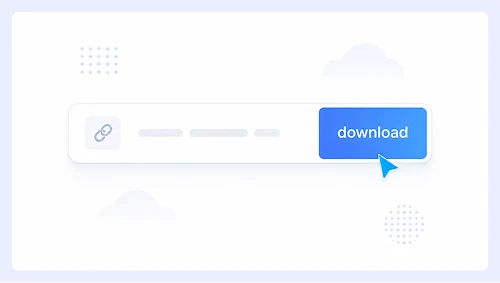
Step 1.
Paste the YouTube video link and click Download.
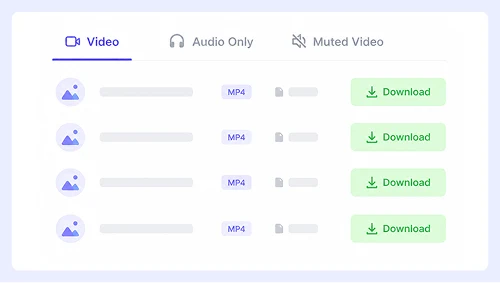
Step 2.
Select Audio Only, then click the download button next to your preferred format.
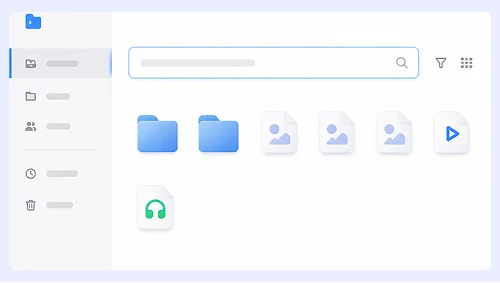
Step 3.
If needed, click the three-dot menu (⋮) and select Download to save the file.
Extract YouTube Audio on Mobile
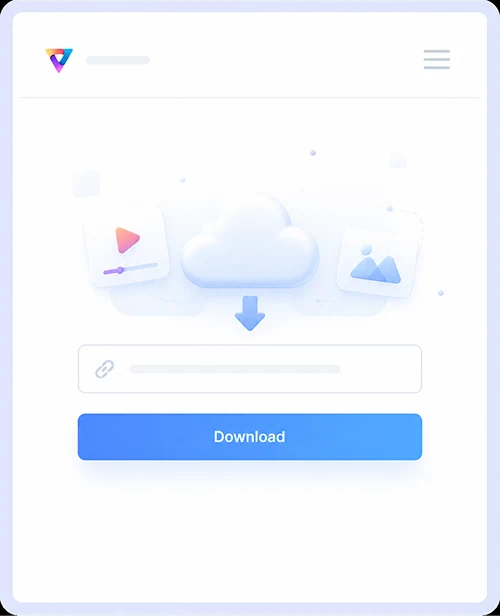
Step 1.
Paste the YouTube link and tap Download.
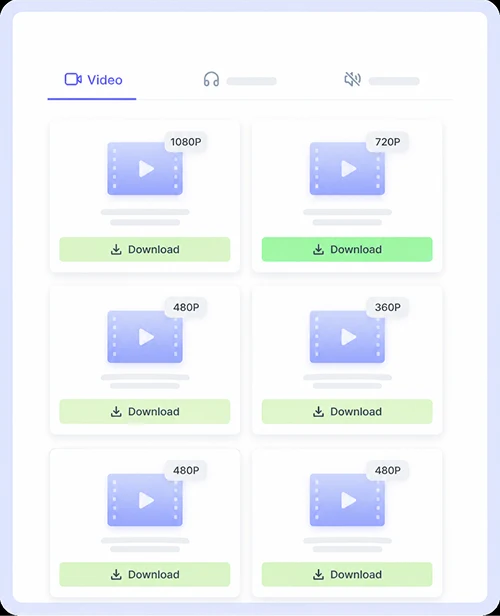
Step 2.
Tap Audio Only and choose the format you prefer.
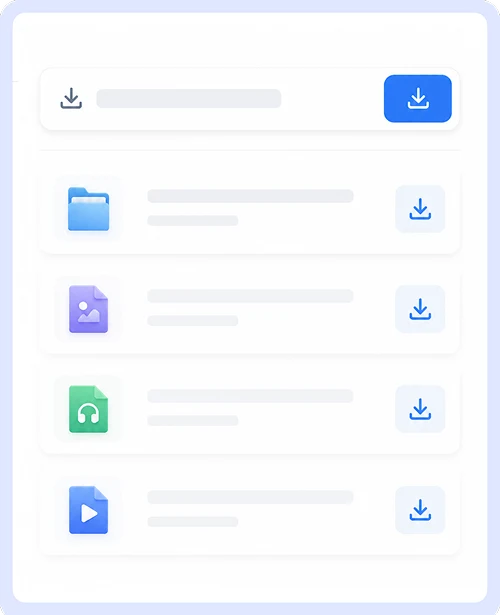
Step 3.
Tap or long-press the download icon to save the audio to your phone.
Why Choose Our YouTube Audio Downloader
Get a seamless media extraction experience with a tool built for versatility, safety, and unlimited access.

Free & Unlimited Downloads
Convert and download as many files as you need without ever hitting daily caps or paying a cent. There are no hidden fees, premium tiers, or registration walls. Our service remains completely free and unrestricted for every user.

Clean & Secure Experience
Download audio and video files without encountering pop-ups, malicious redirects, or bundled software. Every conversion is processed in a safe environment so you can focus on getting your media without worrying about malware or intrusive ads.

Audio & Video Download Support
Extract high-quality audio tracks or save full videos in their original resolution from a single interface. Whether you need a soundtrack or a video file, our tool handles both formats effortlessly without requiring separate converters.
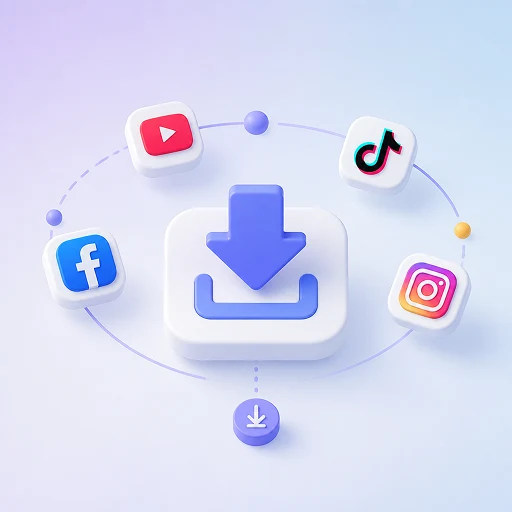
Multi-Platform Compatibility
Go beyond YouTube and extract content from hundreds of popular video and social media sites. One tool covers all your downloading needs across virtually every major platform.
YouTube Audio Download FAQs
Find quick answers to the most common questions about downloading audio from YouTube.
Is this YouTube audio downloader really free?
Yes, our service is completely free to use with no hidden costs or premium tiers. You can convert and download as many audio files as you want without creating an account or providing any payment information.
What audio formats are supported?
We support all major audio formats, including MP3, M4A, and WebM. Most users prefer MP3 for universal compatibility or M4A for higher quality at smaller file sizes, and you can select your preferred format before starting the conversion.
Can I download audio from private or age-restricted videos?
No, our tool only works with publicly available YouTube videos. Private videos, age-restricted content, and region-locked videos cannot be processed due to YouTube’s access restrictions and our commitment to respecting content creator rights.
Is it safe to download audio from this site?
Absolutely. Our platform is free from malware, pop-ups, and malicious redirects. All conversions happen in a secure environment, and we never ask you to install additional software or browser extensions to complete a download.
Does this work on mobile devices?
Yes, our converter is fully responsive and works seamlessly on iPhones, Android phones, and tablets through any modern web browser. The interface adapts to your screen size so you can paste links and download audio just as easily as on desktop.
Why is my download slower than expected?
Download speed depends on your internet connection, the length of the video, and current server load. Longer videos naturally take more time to process, but we optimize our servers to deliver the fastest possible conversion without compromising audio quality.
Important Notice: This tool is intended for personal use only. Downloading copyrighted material is strictly forbidden. By using this tool, you agree to our Terms and Conditions and are solely responsible for any copyright violations or misuse.