
Free YouTube to M4A Converter Online
Download YouTube audio and save it as M4A in its original quality without any re-encoding or compression loss.

Downloading copyrighted material without permission is strictly prohibited. Please read our Terms and Conditions for details.

Batch Download YouTube to M4A or Other Formats with SurFast Video Downloader
While SurSnap gives you convenient online downloads, SurFast Video Downloader is our full-featured desktop application designed for serious users.
✓ Download videos up to 8K quality
✓ Batch download full playlists and channels
✓ Clip and download video or audio segments
✓ Export to 15+ formats (MP4, MP3, GIF, etc.)
✓ Optional Chrome Extension — Download instantly via right-click

SurFast Video Downloader
By Nabla Mind
How to Convert YouTube Videos to M4A
Extracting audio from YouTube is quick on any device. Follow the steps below to convert videos to M4A in seconds, whether you are on a computer or mobile phone.
Convert YouTube to M4A on Windows & Mac
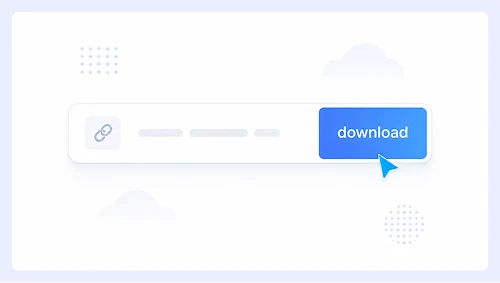
Step 1.
Paste the YouTube video link into the input box and click Download.
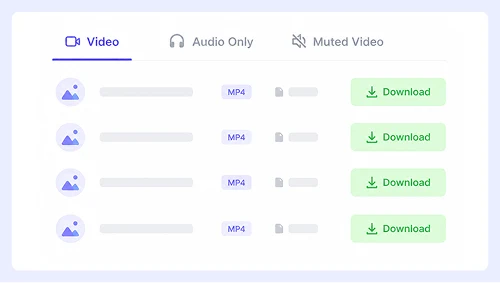
Step 2.
Switch to the Audio Only tab and select M4A as your output format.
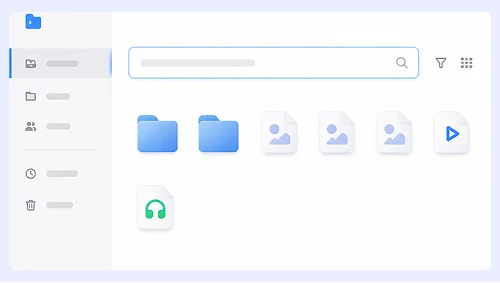
Step 3.
Click the three-dot menu next to the processed file and choose Download to save the original-quality M4A to your computer.
Download YouTube Music as M4A on iPhone & Android
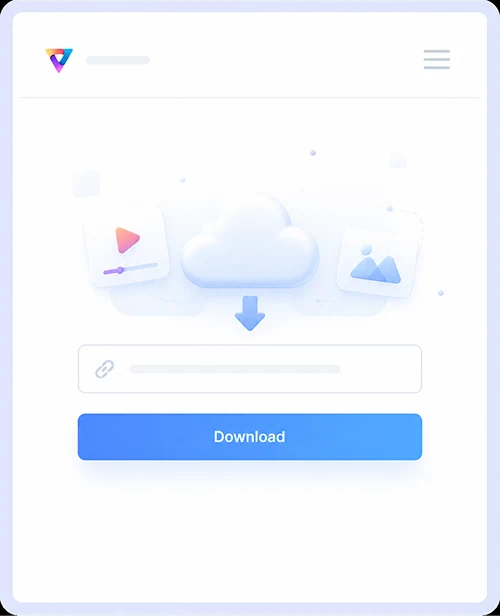
Step 1.
Copy the YouTube URL, paste it into the tool, and tap Download.
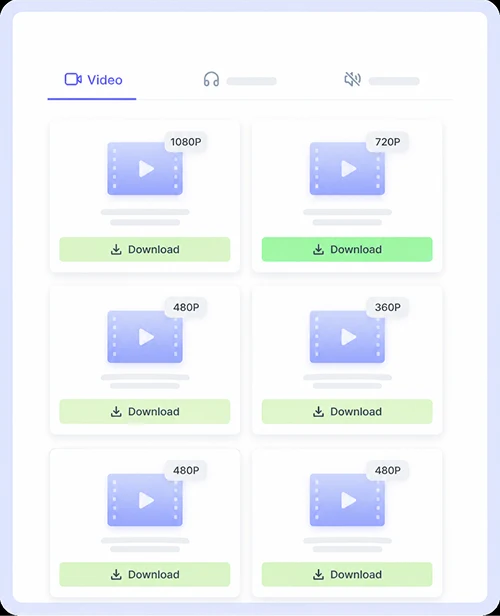
Step 2.
Tap the Audio Only tab, then pick M4A from the format list.
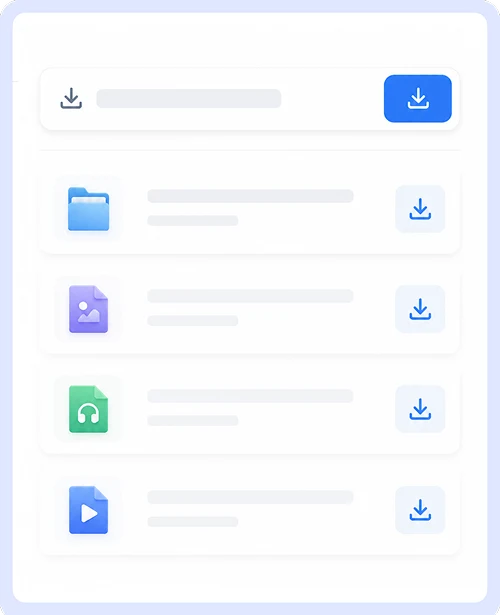
Step 3.
Tap the download icon to save the M4A audio file directly to your mobile device.
Why Choose Our YouTube to M4A Converter
Get the best audio extraction experience with a tool designed for simplicity and performance.

Free & No Signup Required
Convert as many YouTube videos to M4A as you want without ever paying or creating an account. There are no hidden fees, premium tiers, or registration walls because our service remains completely free and accessible to everyone.

Safe & Ad-Free Experience
Download M4A files without encountering pop-ups, malicious redirects, or bundled software. Every conversion is clean and secure so you can focus on getting your audio without worrying about malware or intrusive advertisements.

Unlimited Video & Audio Downloads
Process an endless number of YouTube links without hitting daily caps or speed limits. You can convert entire playlists or single tracks to M4A as often as you need since there are absolutely no restrictions on usage.
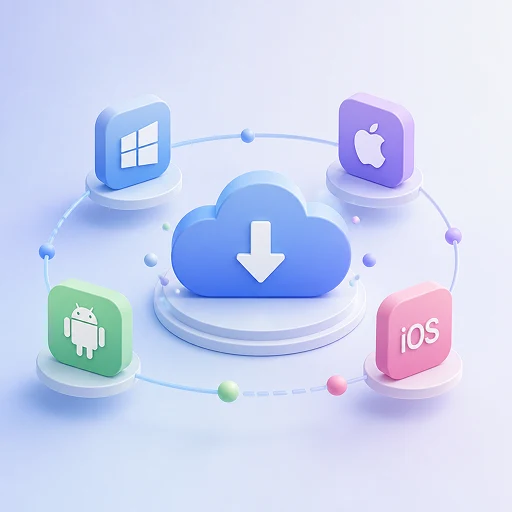
Works on Any Device
Access the converter from any PC, Mac, iPhone, or Android device using your preferred web browser. The interface adapts perfectly to every screen size and operating system so you get the same smooth M4A download experience everywhere.
YouTube M4A Download FAQs
Find quick answers to the most common questions about converting YouTube videos to M4A audio.
Is this YouTube to M4A converter really free?
Yes, our tool is completely free to use with no hidden costs or premium plans. You can convert and download as many M4A files as you want without ever being asked to pay or sign up for an account.
Do I need to install any software to download M4A files?
No installation is required since everything runs directly in your web browser. Simply paste the YouTube link and get your M4A file without downloading any extra programs or browser extensions to your device.
What audio quality will the M4A file be?
We always extract the highest quality audio stream available from the original YouTube video. The output M4A preserves the source fidelity, so you get clear and crisp sound without any artificial compression or quality loss.
Can I download M4A on my iPhone or Android phone?
Absolutely, our converter works perfectly on all mobile devices, including iPhones and Android phones. The interface is fully responsive and optimized for touchscreens, so you can save M4A files directly to your phone with just a few taps.
Is it safe to use this YouTube M4A downloader?
Your safety is our top priority, and we guarantee an ad-free experience with no pop-ups or malicious redirects. Every download is scanned and clean, so you never have to worry about malware or unwanted software bundled with your audio files.
Are there any limits on how many videos I can convert?
There are absolutely no limits on the number of conversions or downloads you can perform. Feel free to convert single videos or entire playlists to M4A as often as you like without worrying about daily caps or speed throttling.
Important Notice: This tool is intended for personal use only. Downloading copyrighted material is strictly forbidden. By using this tool, you agree to our Terms and Conditions and are solely responsible for any copyright violations or misuse.