
Download YouTube Music to MP3, M4A, WebM for Free
Extract audio from YouTube in MP3, M4A, and WebM formats online without any cost.

Downloading copyrighted material without permission is strictly prohibited. Please read our Terms and Conditions for details.

Download YouTube Music Playlist to MP3 & More with SurFast Video Downloader
While SurSnap gives you convenient online downloads, SurFast Video Downloader is our full-featured desktop application designed for serious users.
✓ Download videos up to 8K quality
✓ Batch download full playlists and channels
✓ Clip and download video or audio segments
✓ Export to 15+ formats (MP4, MP3, GIF, etc.)
✓ Optional Chrome Extension — Download instantly via right-click

SurFast Video Downloader
By Nabla Mind
How to Download YouTube Songs
Extracting audio from YouTube is quick and works seamlessly on any device. Follow the steps below to convert videos to your preferred audio format in seconds, whether you are on a computer or mobile phone.
Convert YouTube to Audio on Windows & Mac
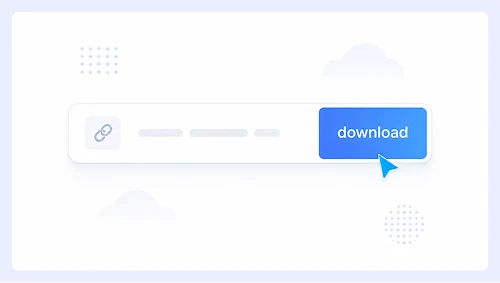
Step 1.
Paste the YouTube video link into the input box and click Download.
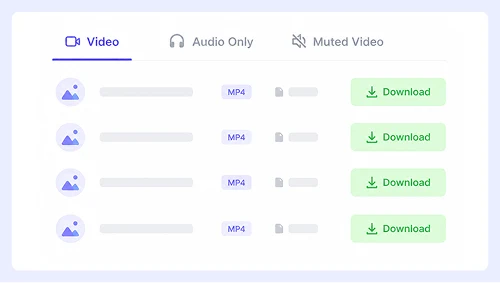
Step 2.
Switch to the Audio Only tab and select your desired format.
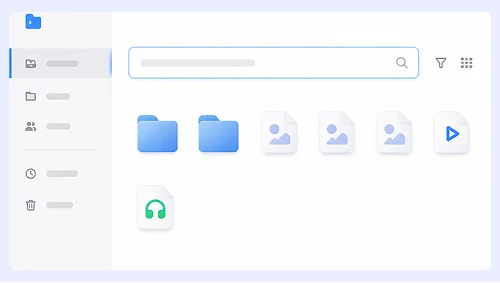
Step 3.
Click the three-dot menu next to the processed file and choose Download to save it to your computer.
Download YouTube Music on iPhone & Android
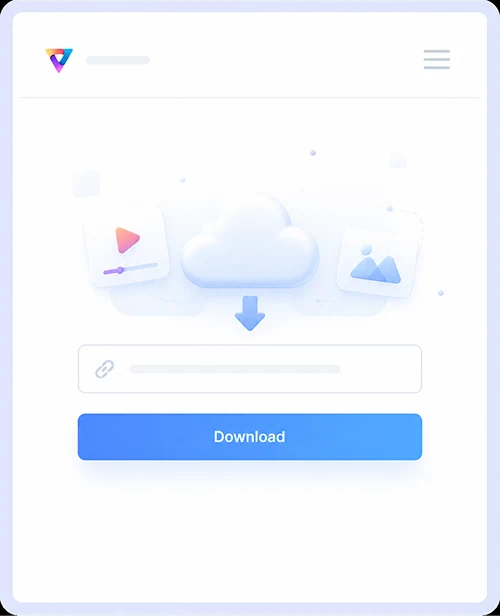
Step 1.
Copy the YouTube URL, paste it into the tool, and tap Download.
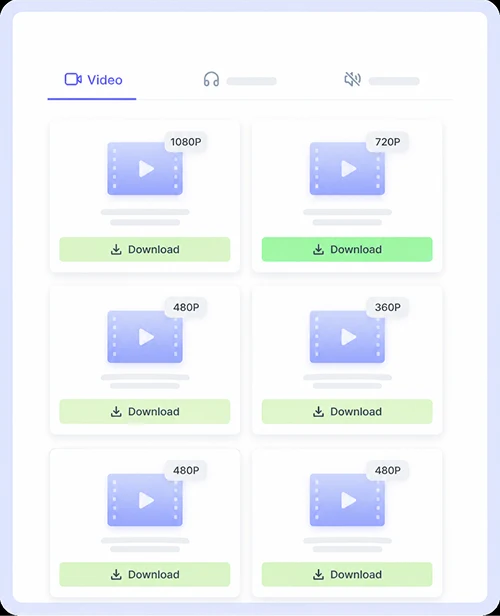
Step 2.
Tap the Audio Only tab, then pick your preferred output format.
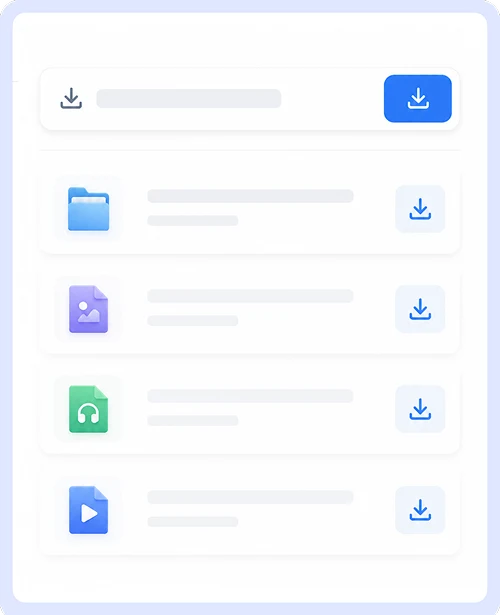
Step 3.
Tap the download icon to save the audio file directly to your mobile device.
Why Choose Our YouTube Music Downloader
Get the best audio extraction experience with a tool designed for simplicity and performance. We focus on delivering high-quality results without the frustrations found on other platforms, so you can enjoy your music without compromise.

Free & Unlimited Conversions
Convert as many YouTube videos to audio as you want without ever paying a cent. There are no daily caps, premium tiers, or trial periods to worry about because our service remains 100% free for everyone forever.

Safe & Ad-Free Experience
Download audio files without encountering pop-ups, malicious redirects, or bundled software. Every conversion is clean and secure, so you can focus on getting your music without worrying about malware or intrusive advertisements.

Works on All Devices
Access the downloader from any smartphone, tablet, or computer using your preferred web browser. The interface adapts perfectly to every screen size and operating system so you get the same smooth experience whether you are on iOS, Android, Windows, or Mac.
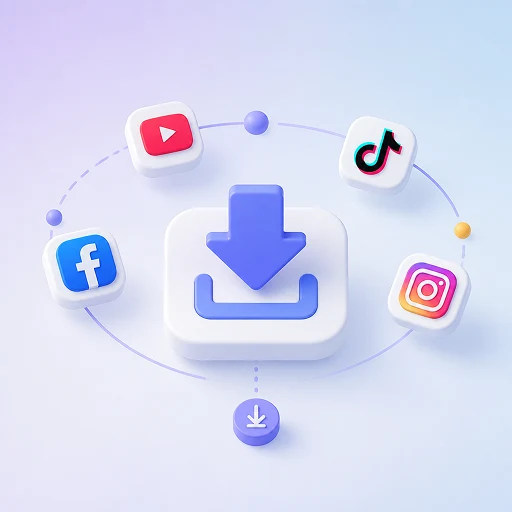
Supports Multiple Platforms
Extract audio from more than just YouTube videos. Our tool also works with content from Facebook, Instagram, Twitter, and dozens of other popular sites so you can build your offline music library from virtually any source.
YouTube Music Download FAQs
Find quick answers to the most common questions about saving audio from YouTube.
What audio formats can I download?
You can convert YouTube videos to MP3, M4A, or WebM directly in your browser. MP3 is the most universal choice for music players, M4A offers better quality at smaller file sizes for Apple devices, and WebM is ideal for web playback and open-source platforms.
Is this YouTube music downloader really free?
Yes, our service is completely free with no hidden costs or premium upgrades. You can convert unlimited videos to audio without creating an account, entering payment details, or dealing with trial periods.
Can I use this on my phone or tablet?
Absolutely. The tool works seamlessly on iOS and Android devices through any modern mobile browser. Simply paste the YouTube link, select your preferred audio format, and save the file directly to your device without installing any apps or extensions.
Is it safe to download audio from this site?
Yes, we prioritize your security by eliminating all pop-ups, fake download buttons, and malicious redirects. Every conversion happens in a clean environment without bundled software or tracking scripts, so you can get your music without exposing your device to malware or privacy risks.
Why does my downloaded audio sound low quality?
Audio quality depends entirely on the original YouTube video source. If the uploader compressed the audio or used a low bitrate recording, the extracted file will reflect that limitation. We always preserve the highest available quality from the source but cannot enhance audio beyond what was originally uploaded.
Important Notice: This tool is intended for personal use only. Downloading copyrighted material is strictly forbidden. By using this tool, you agree to our Terms and Conditions and are solely responsible for any copyright violations or misuse.